Some deliveries may take a little longer than usual due to regional shipping conditions.

Descargar la aplicación


Servicios al cliente
Sobre nosotros
Copyright © 2025 Desertcart Holdings Limited
Descargar la aplicación
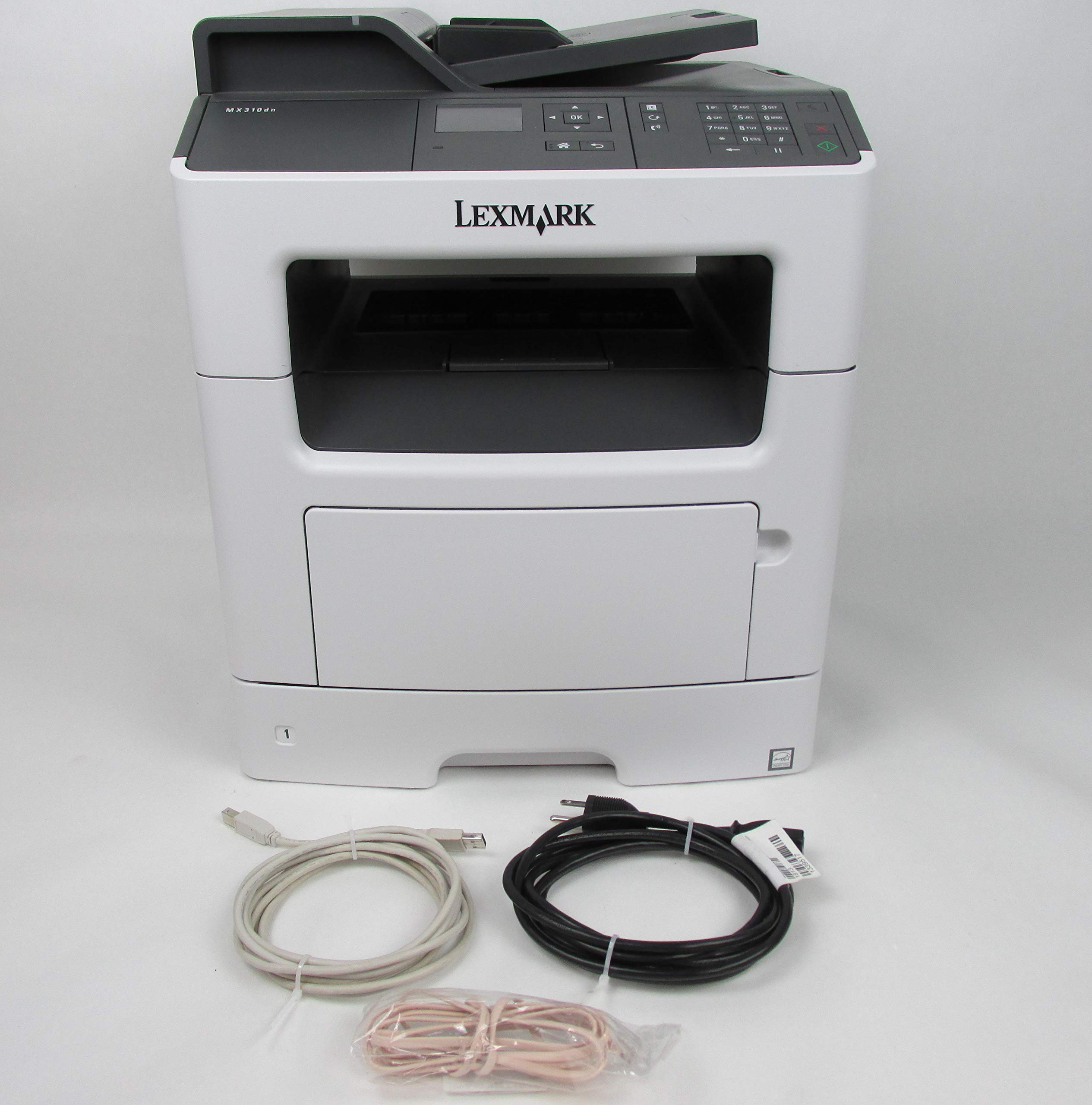
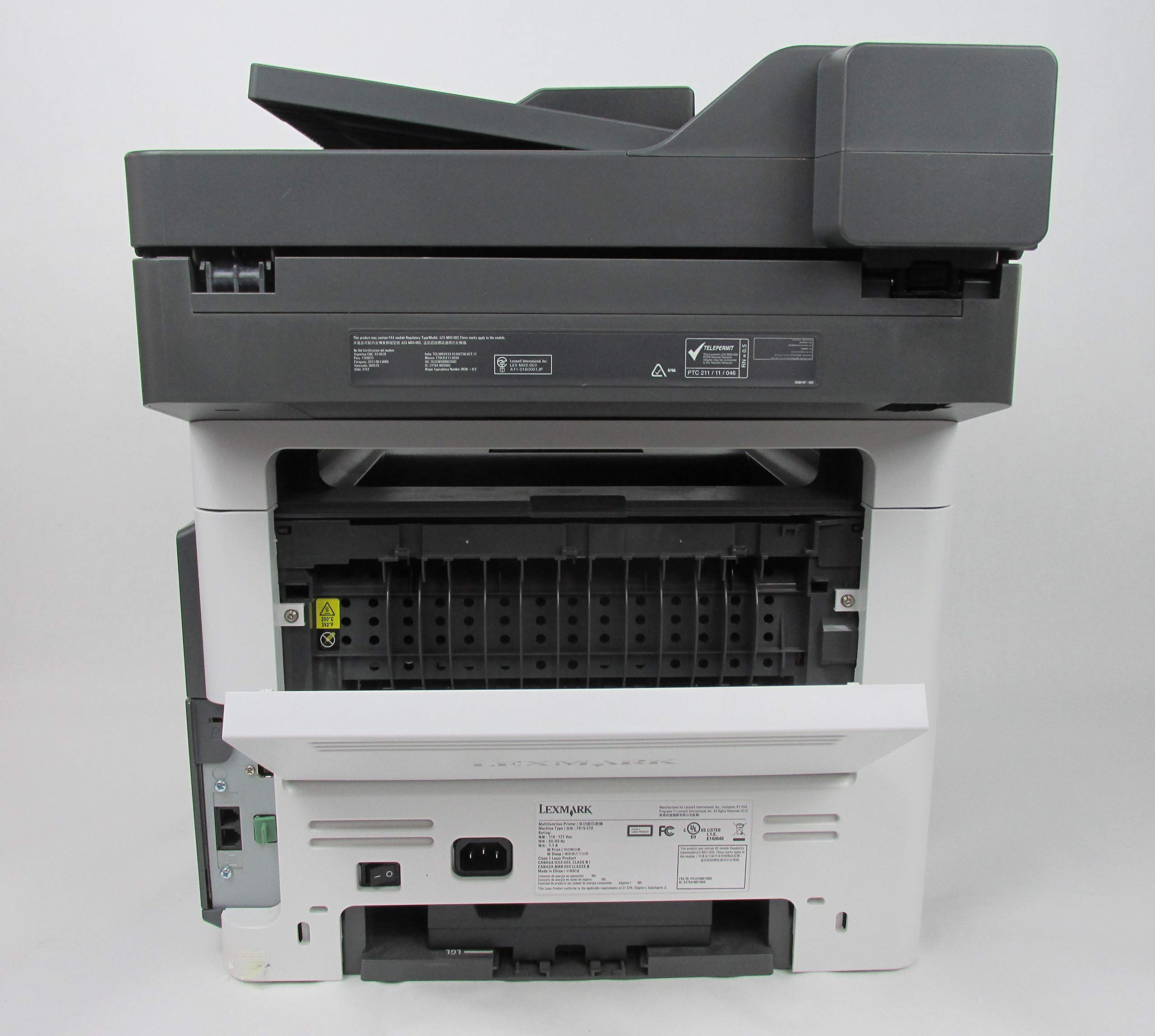
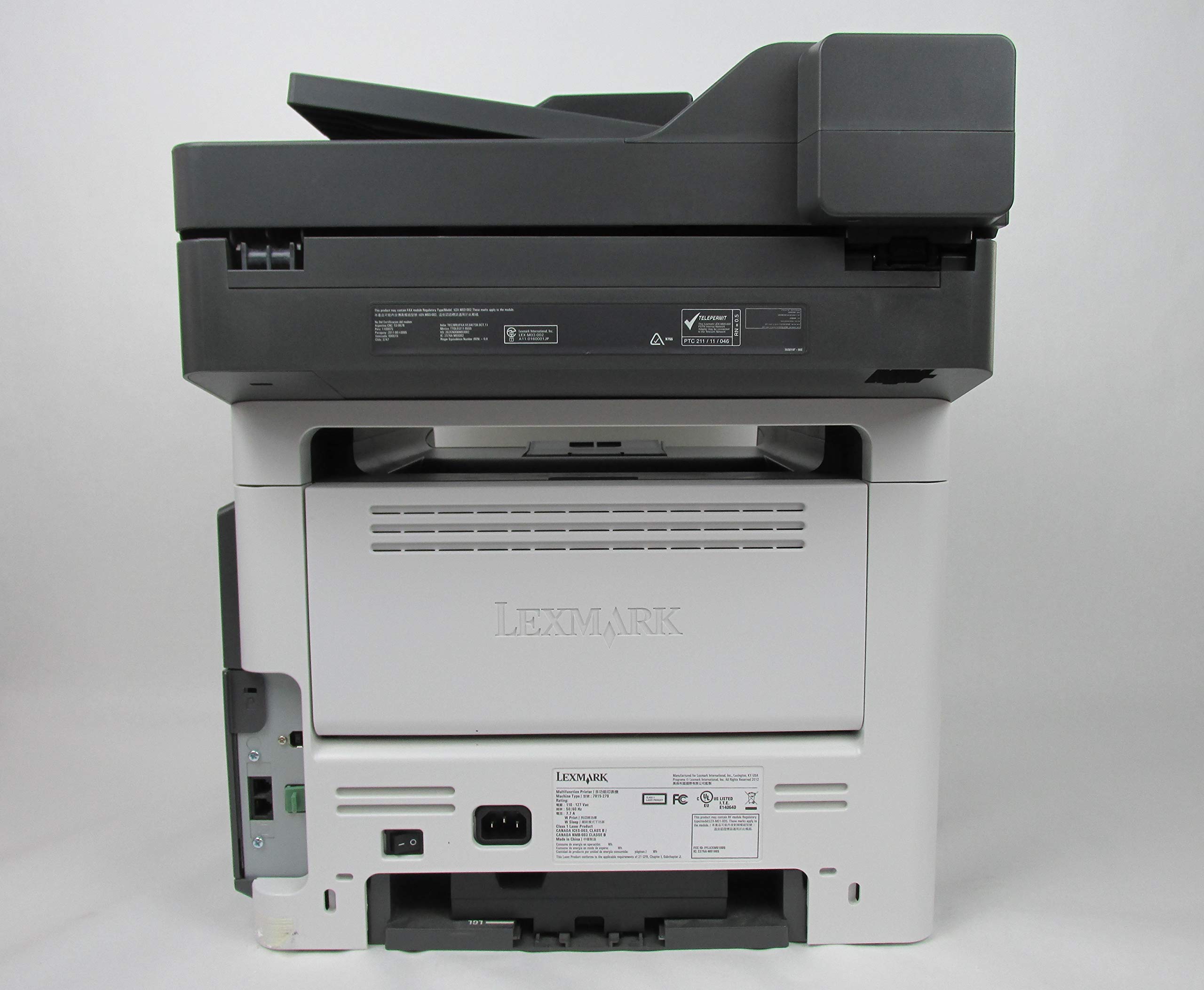
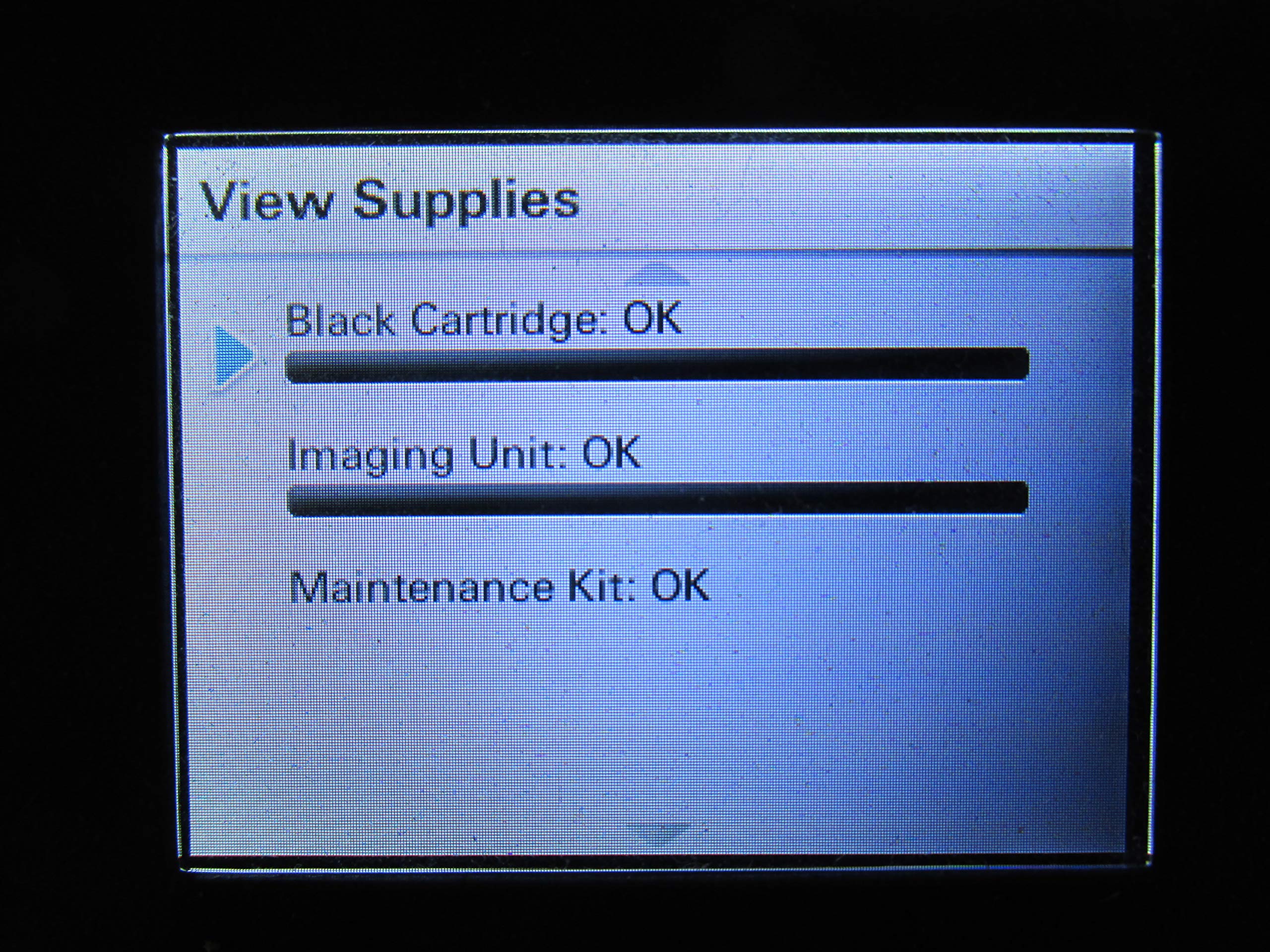
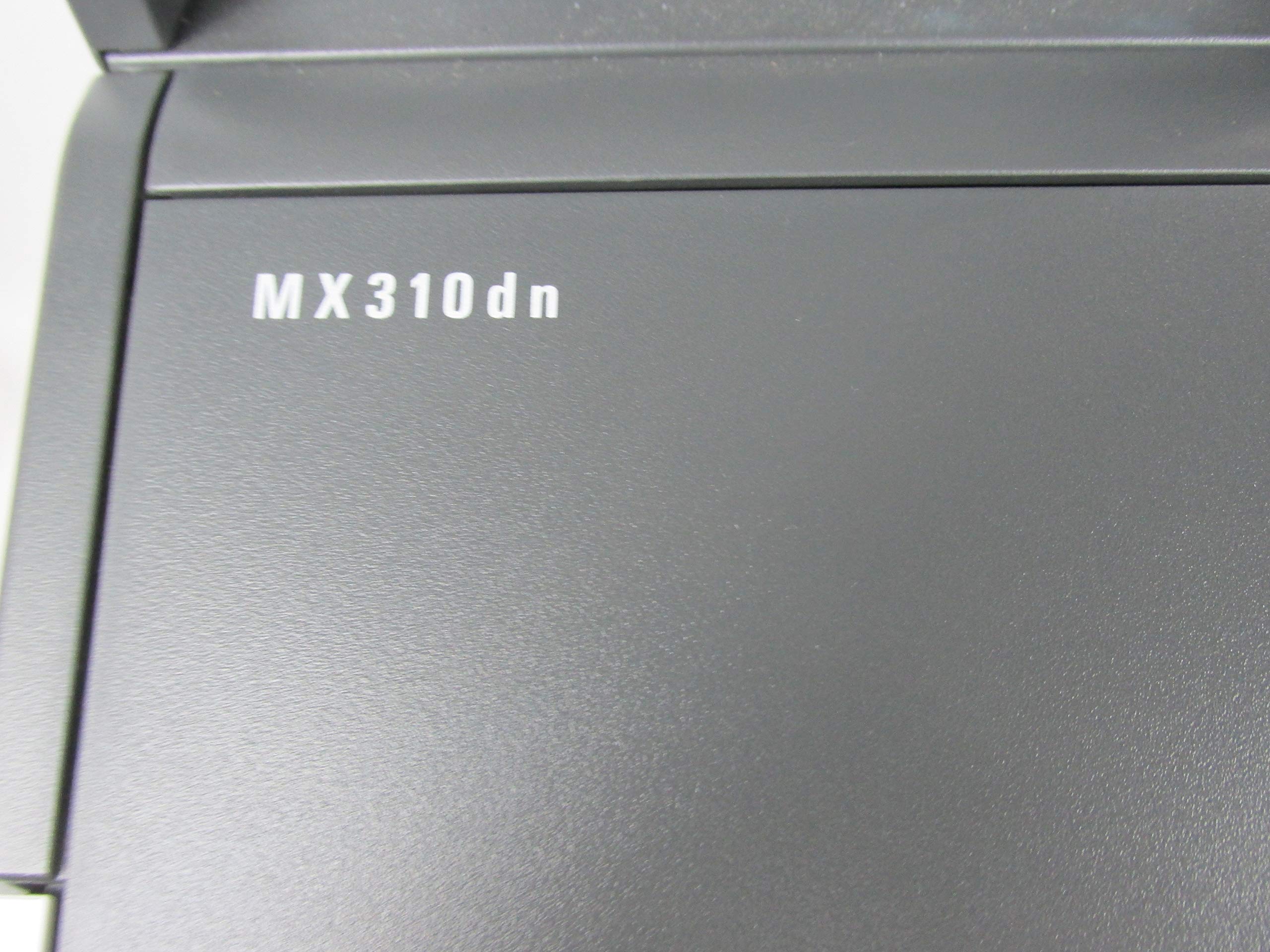
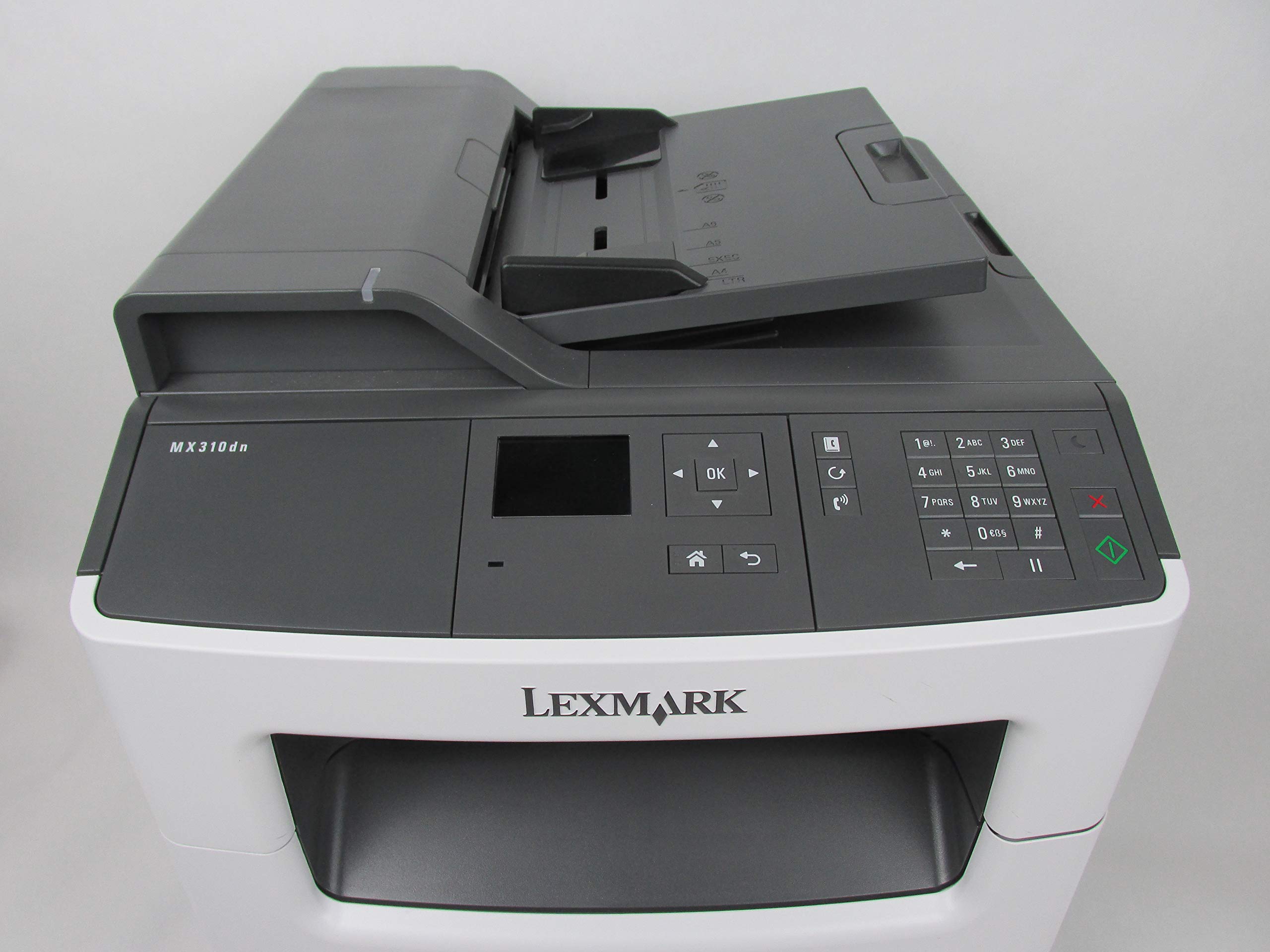
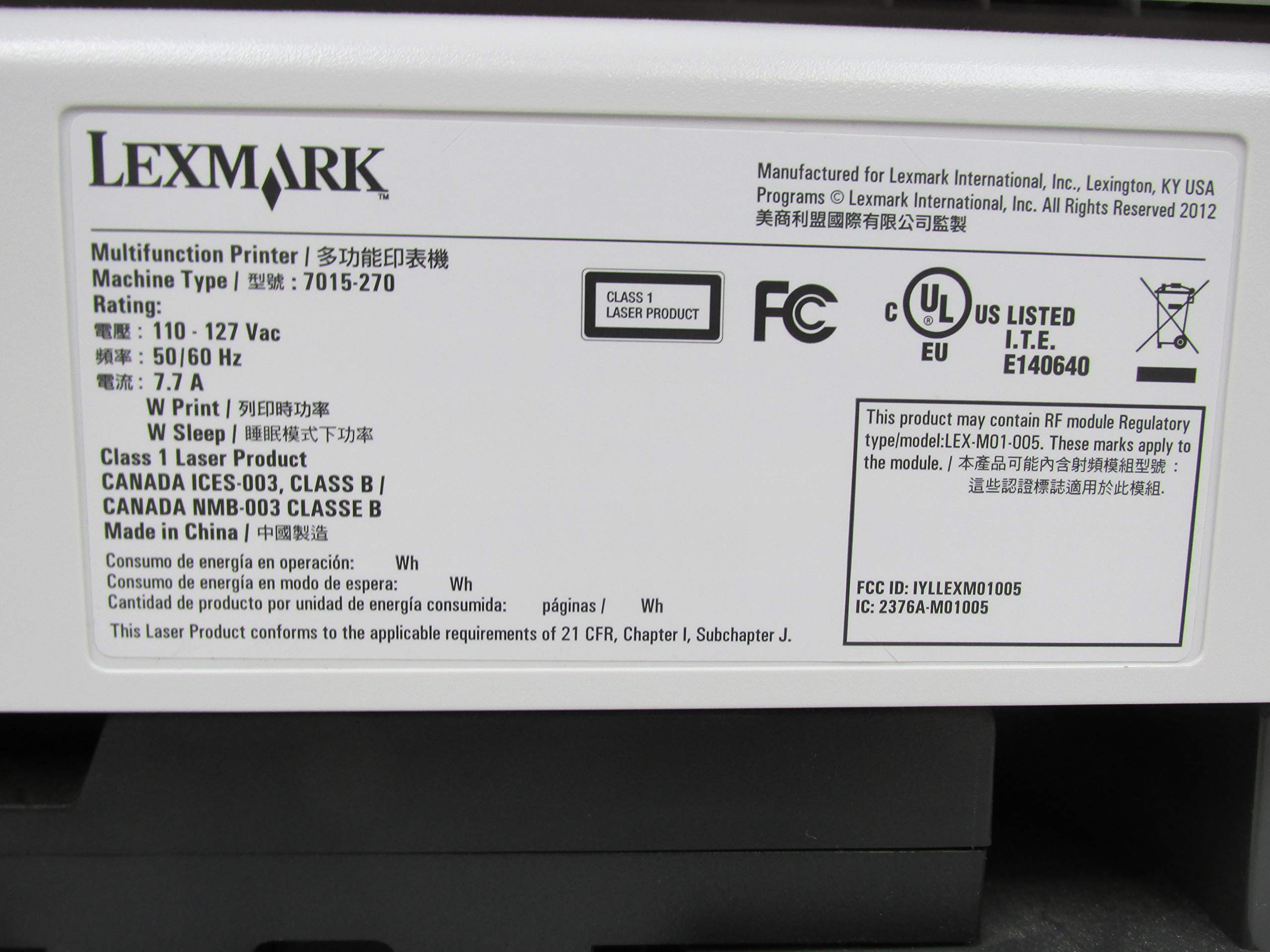
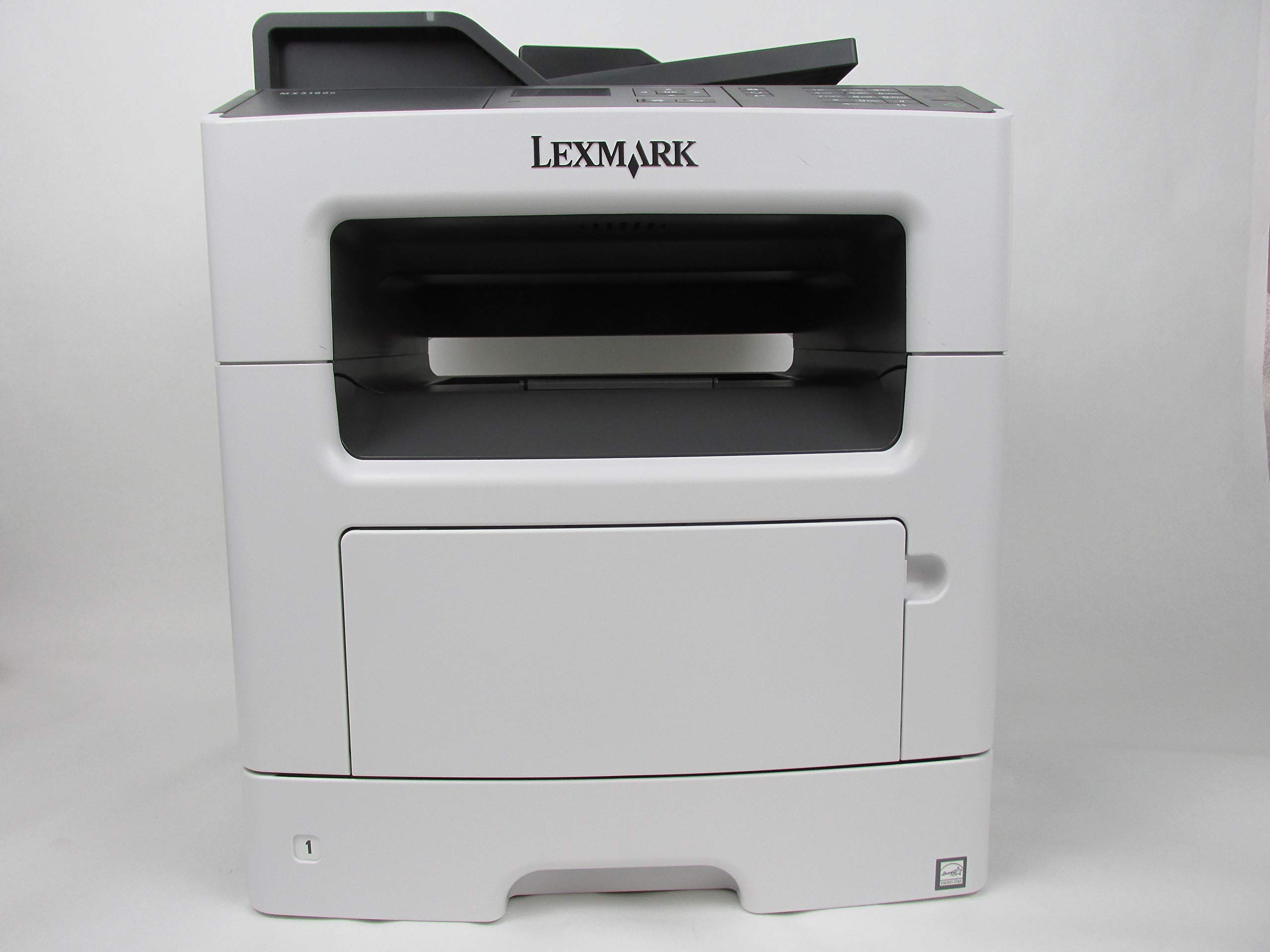
🖨️ Work smarter, print faster, and never run out of steam!
The Lexmark MX310dn is a compact monochrome laser all-in-one printer designed for busy professionals. Featuring a powerful 800 MHz dual-core processor and 256MB memory, it delivers fast print, scan, and copy speeds up to 35 ppm. With an 850-sheet input capacity and high-yield toner, it supports heavy monthly volumes up to 6000 pages. Network-ready with duplex printing and multifunction capabilities, it’s built to streamline office productivity while reducing maintenance downtime.
| ASIN | B009SM8FBW |
| Additional Printer functions | Copy, Fax, Scan |
| Best Sellers Rank | #292,471 in Office Products ( See Top 100 in Office Products ) #397 in Laser Computer Printers |
| Color Depth | 1 bpp |
| Compatible Devices | PC, Smartphones |
| Control Method | Remote |
| Controller Type | Android |
| Customer Reviews | 3.2 3.2 out of 5 stars (74) |
| Date First Available | March 30, 2011 |
| Dual-sided printing | Yes |
| Duplex | Yes |
| Global Trade Identification Number | 00734646351584 |
| Hardware Interface | USB 2.0 |
| Included Components | Inkjet Multifunction Office Machine |
| Initial page print time | 6.5 Seconds |
| Ink Color | Black |
| Is Discontinued By Manufacturer | No |
| Item Weight | 50.1 pounds |
| Item model number | MX310DN |
| Language | English |
| Manufacturer | Lexmark |
| Max Copy Speed (Black & White) | 35 ppm |
| Max Input Sheet Capacity | 850 |
| Max copy resolution black-white | 1200 dpi |
| Maximum Black and White Print Resolution | 1200 dpi |
| Maximum Color Print Resolution | 1200 x 1200 dpi |
| Maximum Media Size | 8.5 x 14 inch |
| Memory Storage Capacity | 256 MB |
| Model Series | MX310 |
| Number of Trays | 2 |
| Number of USB 2 Ports | 1 |
| Power Consumption | 540 Watts |
| Print media | Card stock, Envelopes, Labels, Paper (plain), Transparencies |
| Printer Ink Type | Laser Toner |
| Processor Count | 2 |
| Product Dimensions | 22.4 x 21.7 x 19.1 inches |
| Scanner Type | Automatic Document Feeder (ADF) |
| Sheet Size | 8.5 inches |
| Specific Uses For Product | Office |
| Supported Media Sizes | Legal (8.5 x 14 inches) |
| Total Ethernet Ports | 1 |
| Total USB Ports | 1 |
| UPC | 734646351584 779184001423 |
| Warranty Type | Limited Warranty |
| Wattage | 540 watts |
V**E
I like the features on the printer
The printer works quite well most of the time, but it says that I have not set up the SMPT Server and I am not quite sure where to go to fix that issue. Occasionally, the printer will just not work until I shut down both the printer and the computer. I suspect I have something set up incorrectly, but I'm not sure what. I like the features on the printer. I like that I can easily do two-sided copies and printing. I do not use it to fax at this time, but I have used the scanner and it works well. It just took me a while to figure out where to go to accomplish that task. Mostly, I like the printer and will up the rating if I can figure out why it will sometimes not print.
T**T
Fantastic, but haunted.
I ordered this for myself at work because my company is so cheap that I was sick of having to deal with their crappy printers. I had gone through three "all-in-one" printers in the last two months once my original one died. As I said, the company I work for is so cheap that they got the cheapest ones they could find, and they couldn't do the very basic thing that I needed the printer to do: print through the bipass feeder... or whatever you call it: the front part of the printer that pulls down so you can print on a piece of paper that you just laid there, instead of having to open the paper tray each time you want to print on a different type of paper. Whatever that's called, that's the ONE function I need. All of the other printers CLAIMED it had a 10-page capacity, but none of them would even print one page straight. Long rant short, it works just as I need it to. I forgot to mention the added features that make this thing worth every penny and supersede every negative aspect: the copying, faxing and scanning abilities. Fast, fast, fast - and right from my chair! The scanning function is what I use the most and it's the most convenient and quickest scanner I've ever had the pleasure of dealing with. Not only that, but the ability to scan and read a document and put it into Word format? SICK! That saves me hours every week, and I don't think that's an exaggeration. One issue: it's haunted. I turn off my computer at the end of the day. When I walk back into my office the next morning, before I even turn on my computer, the printer sometimes wakes back up from sleep itself, and prints off the last thing that I printed the day before. I shizz you not. I'm not crazy. Another minor issue that I fixed after the first day was the incessant beeping. Every time the printer did anything, had an error, etc., it would beep four or five times. There are a few options you have to select to turn the beeping off, but it's silent now.
A**U
Downgraded this to JUNK status
UPDATE Dec 2015: Ready for the bone yard!! Well it's the end of 2015 and the printer is sending me the "blue screen of death" which requires a reboot of the printer several times a day. Printer was good for about one year. Now it's a piece of junk waiting for recycle. DO NOT BUY THIS UNIT!!!!! I WAS WRONG ABOUT HOW GREAT THIS WAS. ---------------------------------- This printer is also very quiet! The printer comes "alive" for a few seconds every hour or so. Be aware because it might startle you. Below are some hints for an easy setup. I'm using Windows 7.0. Helpful hints!!! GENERAL SETUP ISSUES 1. I first selected to install all functions which was a big mistake. I quickly realized I won't be using SMTP or the FAX right away and there is no way to turn the functions off. You will have constant errors/ and or lights flashing. You have to re-initialize the printer all over again selecting from the home menu: SETTINGS; SETTINGS; GENERAL SETTINGS; RUN INITIAL SETUP and then check again what you really want installed. 2. I loaded a few sheets to try the copy function out but it did not pull any paper from the tray. Customer support said to clean the rollers in the paper tray area with alcohol. This did the trick! SCANNING ISSUES 1. I wish the printer had a USB port to scan to. It doesn't so you have to setup to scan back to your computer which is ok but sometimes not practical. Here's where the problems start. Read the directions carefully before you try to set this function up. You have to install JAVA which unfortunately this printer doesn't like the current version. The workaround is: after you install JAVA, you must go into the JAVA Control Panel (from the Windows start menu), select CONFIGURE JAVA, select SECURIUTY TAB, then select EXCEPTION SITE LIST, then edit, then add, http://xx.xx.xx.xx IP address of the printer (see step 2). 2. To find the IP address of the printer, do the following (Windows 7): From START MENU, select DEVICES AND PRINTERS, then right click PRINTER PROPERTIES, then select PORTS, then select CONFIGURE PORTS. You will see the printer IP address. Write it down or do the "copy and paste thing" . You will need this address back in Step 3. Remember to proceed the address with the http:// 3. It might also be a good idea to save the printer menu to your menu bar in case you need to change some settings quickly. To do this: type the printer IP address (see above procedure)in your browser and olah! the printer page ops up. From here just save it as a favorite to to the menu bar. You will need this page open when scanning back to your computer! FAX- The directions (downloaded pdf setup file) are very clear in setting up the fax. I used a dedicated line to avoid issues. SCAN TO E-MAIL: tba (to be addressed later) I had to call customer support which was very helpful. There was no wait time. I will post more as I dive deeper into this machine. I'm not a "power user" as some so I will only deal with the simple aggravations. I like this printer but it is NOT for the truly simple minded. It takes some work to set it up to use all the functions.
L**Y
Great small office or personal all-in-one lazer printer/copier/scanner/fax/email
The documentation was a little difficult to manage. The printer is easy to set up once the documentation is conquered. I tried to use the manual but ended up using the supplied CD web based installation/setup program. The documentation doesn't make it clear how to use all of the capability of this printer. I still have not figured out how to email from it directly. Once I figure something out then I kind of get an Oh feeling and it seems simple. Tried to set it up from the little printer control panel and it was too confusing. For some reason, when it goes to sleep, it doesn't wake up when I send it something to print. I have to walk over to the printer and touch the menu button. As soon as I do it awakens, warms up and prints. The monitor program is too aggressive. I have another Lexmark and it also grabbed the control of that printer and decided the new 310dn should be the default printer. Trouble is I didn't want the new one to be the default on every computer I installed the software on. I finally solved the problem by leaving the print driver installed but I deleted the monitor program from that computer. Even so, I think this is a great printer and well worth the effort to set up. You may need more expertise than a typical HP inkjet takes to set it up though.
T**A
As expected arrived quickly
A**O
Gran ayuda al trabajo de oficina...
A**A
Love this printer!
Trustpilot
Hace 1 mes
Hace 5 días