

Desert Online General Trading LLC
Dubai, United Arab Emirates
Desert Online General Trading LLC
Dubai, United Arab Emirates




🎉 Elevate Your Display Game with Ease!
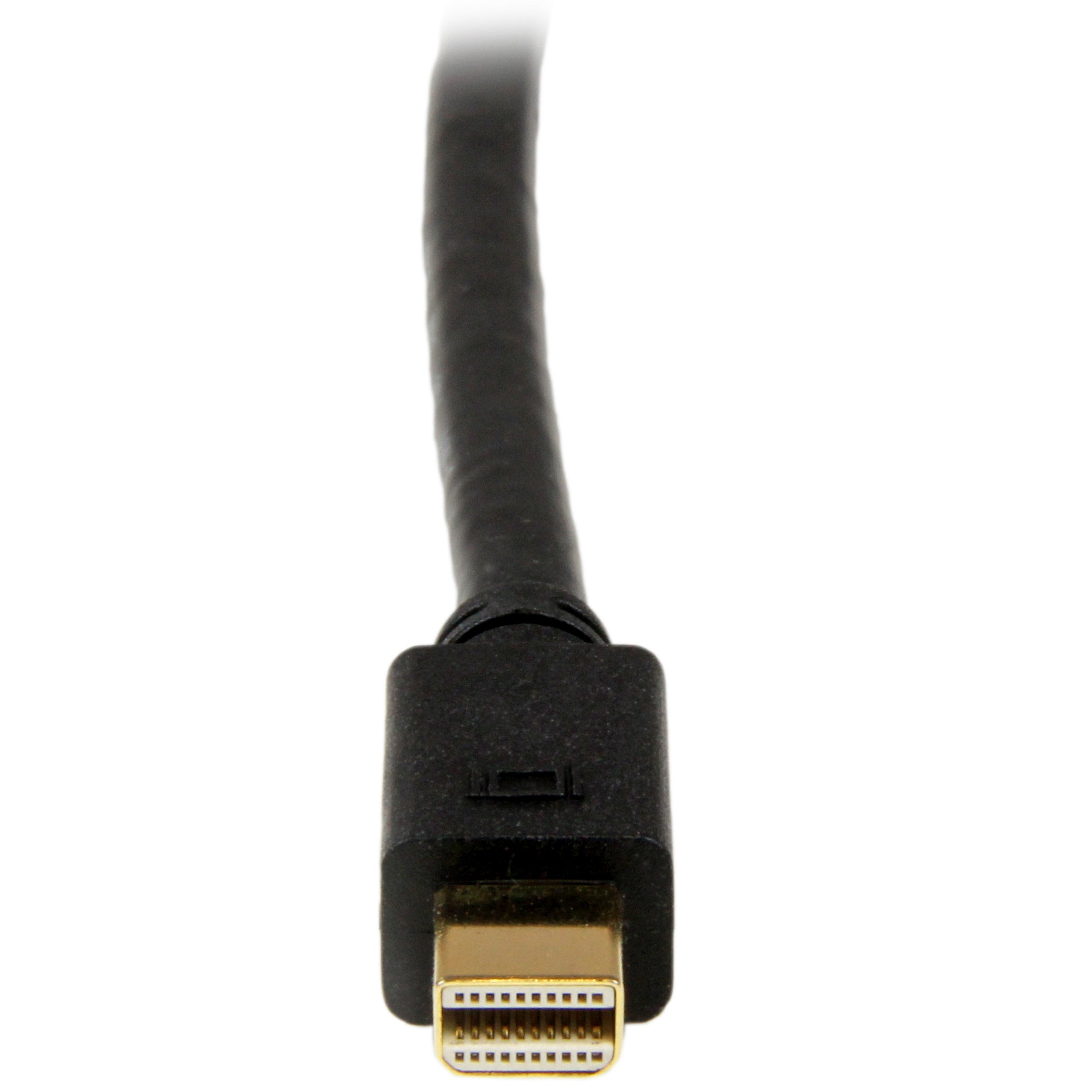
The StarTech.com 6ft Mini DisplayPort to DVI Cable is a versatile solution for connecting DVI displays to Mini DisplayPort-equipped devices, delivering stunning 1080p video quality while maintaining a tidy workspace. Compatible with a range of devices, this cable eliminates the need for costly monitor upgrades, making it a smart choice for both professionals and tech enthusiasts.


D**E
Works great, causes wifi interference and major packet loss
I purchased two of these adapters for use at home and in the office. It's been working fine but a problem I have been having is when I am on my wifi network and using my second DVI display via this adapter, the network experiences major packet loss. This happens both on my home linksys wrt54g router (with dd-wrt) and in the office using my android wifi hotspot. I think this might be a compatibility issue with OS X Mavericks as I don't recall having this issue with OS X Lion. Happens with my wife's macbook air also so must be an OS X or hardware problem. Startech support says "works for us."If you're considering buying and want to use wifi be warned. What I do to work around this is use their Gigabit ethernet USB adapter and that works flawlessly. Video quality is great, no issues otherwise but the wifi issue is a hassle.UPDATE: Ok so after I post this review I finally manage to find a fix. Turns out it was the wifi channel in my router. Set to channel 1 and works perfectly now on wifi. Changing my rating to five stars! :) Here's a post with more information on the issue - [...]
W**I
Better than HDMI or VGA
Maybe it's just my monitor, but getting a digital signal through DVI is better than the VGA or and HDMI for my 24" 1920x1200 monitor. Although, HDMI does provide sound through the same cable. This is just an adaptor, so you'd need a DVI cable to connect this and your monitor. But, boy the difference between this and the HDMI or VGA signal is night and day difference. It's crisp, and accurate colors. HDMI is perhaps the least among the 3 for me. Then comes VGA that I've been using for years to connect my notebook computer to this monitor. The DVI so far has been best for me for the last few computers I've used.I also bought a Mini Display port to DVI adaptor 6' that goes directly to the monitor. However, the DVI side head is longer than the space my monitor provided for the connection. So, this is the best alternative for me.
M**S
It's only 3 feet !
Bought a HP Z4 G4 refurb PC. Amazing fast but comes with a high performance Nvida card with 4 outputs and mini display port. I have an adapter for the mini display port to a display port and DVD input on the other end to the monitor. NOPE. It works on one monitor, but not on two others ? ?This mini display port to DVI (with the pin) works, but I had to put the monitor right next to the PC (which is on the floor). Finally the monitor works with this PC. But the PC is on the floor DOH !Have to look for a longer cable or extension of DVI (with pin).The 3 feet is quite short even if you have it on the desktop as many PCs are pretty long. Just a warning !
T**E
Works perfectly!
These work perfectly after a log of trial and error with other setups. I previously had the 27in Thunderbolt Display from Apple for about a year and a half and couldn't take the glare of the monitor (I could see reflection in movies and videos, very annoying!). Ended up selling it and got two Dell monitors.I have the following setup:- Macbook Pro 2012 Retina Display with two Thunderbolt ports- Two Dell UltraSharp U2412HM monitorsI took advantage of the two thunderbolt ports on the Macbook and initially used a VGA to DVI video adapter but the color quality wasn't there. I used different software color setups and it still looked terrible. Did hours of research and found these StarTech adaptors and they worked PERFECTLY. After hours and hours of researching and fiddling around, I have a setup I'm really happy about. 5 Stars!
T**Y
works
This does exactly what I needed it to do. I got a new monitor and wanted my old monitor to still be used. Unfortunately my video card has one DVI slot and the rest of the display slots are all the mini display ports. So I needed a reasonably priced display port to DVI converter for a single monitor. This works perfectly for that. From what I understand this is a passive adapter, if you want to hook up several monitors to a single port you need an active adapter, which is a bit more expensive. No complaints here. I'll add to this if the adapter kicks the bucket.
A**N
Well worth the few extra bucks
This adapter works well and is much better made than the less expensive versions from Syba. I bought two Syba adapters and threw them away within a few months of light duty. Both gave me problems right away and then quit completely.I haven't had the StarTech adapter for very long but can already tell that its a superior product. The build quality is immediately evident. And not once has it lost the signal, had to be reinserted, or otherwise jiggled to make it work. I've already bought a second one for my briefcase.Don't go cheap. Get this one that actually works as advertised.
W**0
Excellent Converter
I used to use a MiniDP to HDMI converter to connect my MacBook to a LCD monitor. From one month ago, it starts showing flickering or color dots. I thought it is the LCD showing age, and thinking buying a new monitor. Then I bought this to connect to DVI port, then it works perfectly. I am very happy with this purchase - save me $200 for an unnecessary monitor purchase. I still cannot figure out HDMI port issue - whether converter, or running at too high pixel frequency with PC display than HDTV, which is what HDMI designed for. But, this works perfectly for me.
P**W
DVI-D
The device has a DVI-I female connector, but it only does DVI-D. Startech labeled it clearly as DVI-D on the packaging, but for some reason Amazon doesn't put that information in the specifications. DVI works fine, but it won't work with a DVI/VGA adapter.
Trustpilot
Hace 1 mes
Hace 3 semanas