We remain fully operational. Our teams are working around the clock to ensure your deliveries continue safely.

Descargar la aplicación


Servicios al cliente
Sobre nosotros
Copyright © 2025 Desertcart Holdings Limited
Descargar la aplicación
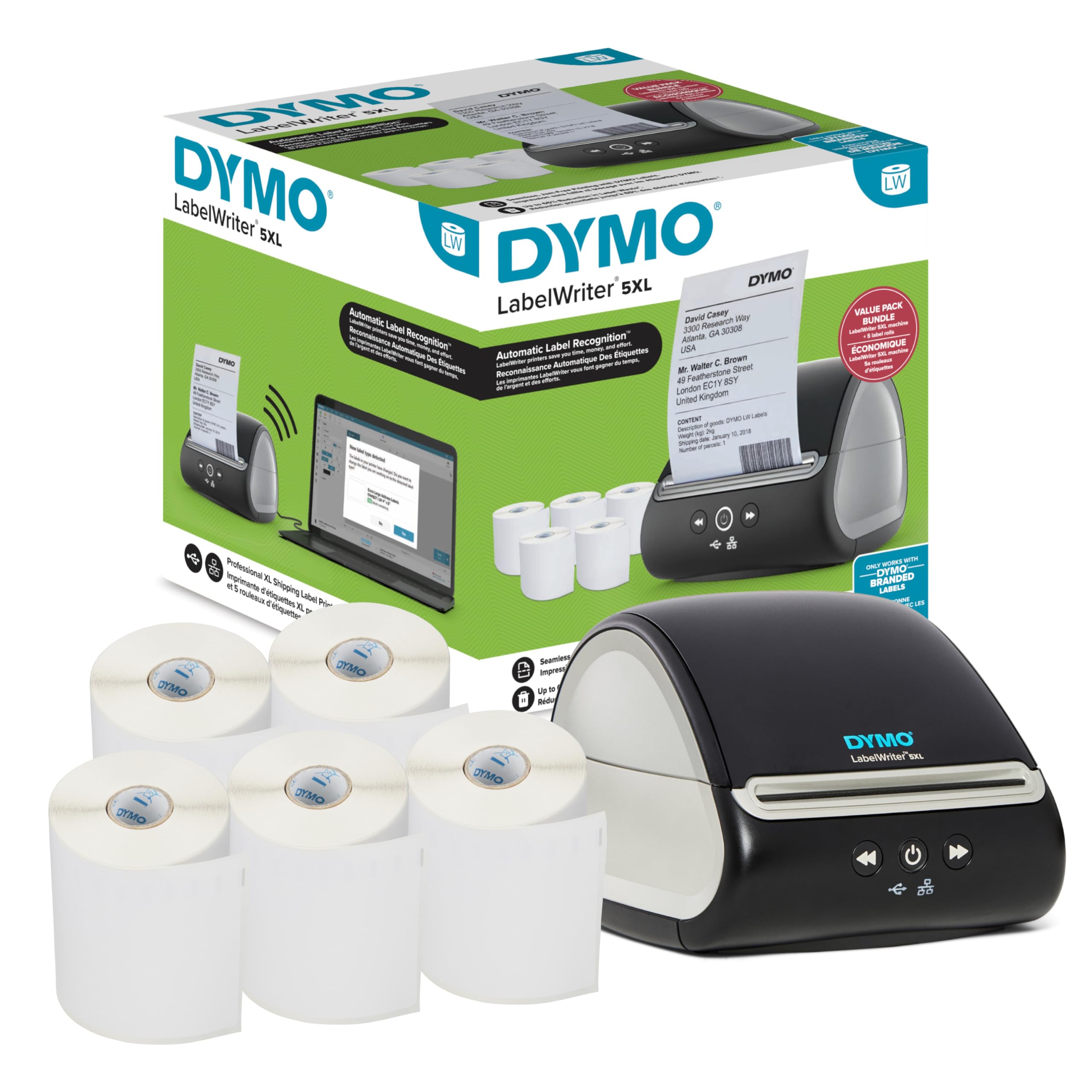
🚀 Ship Smarter, Faster & Flawlessly with DYMO 5XL!
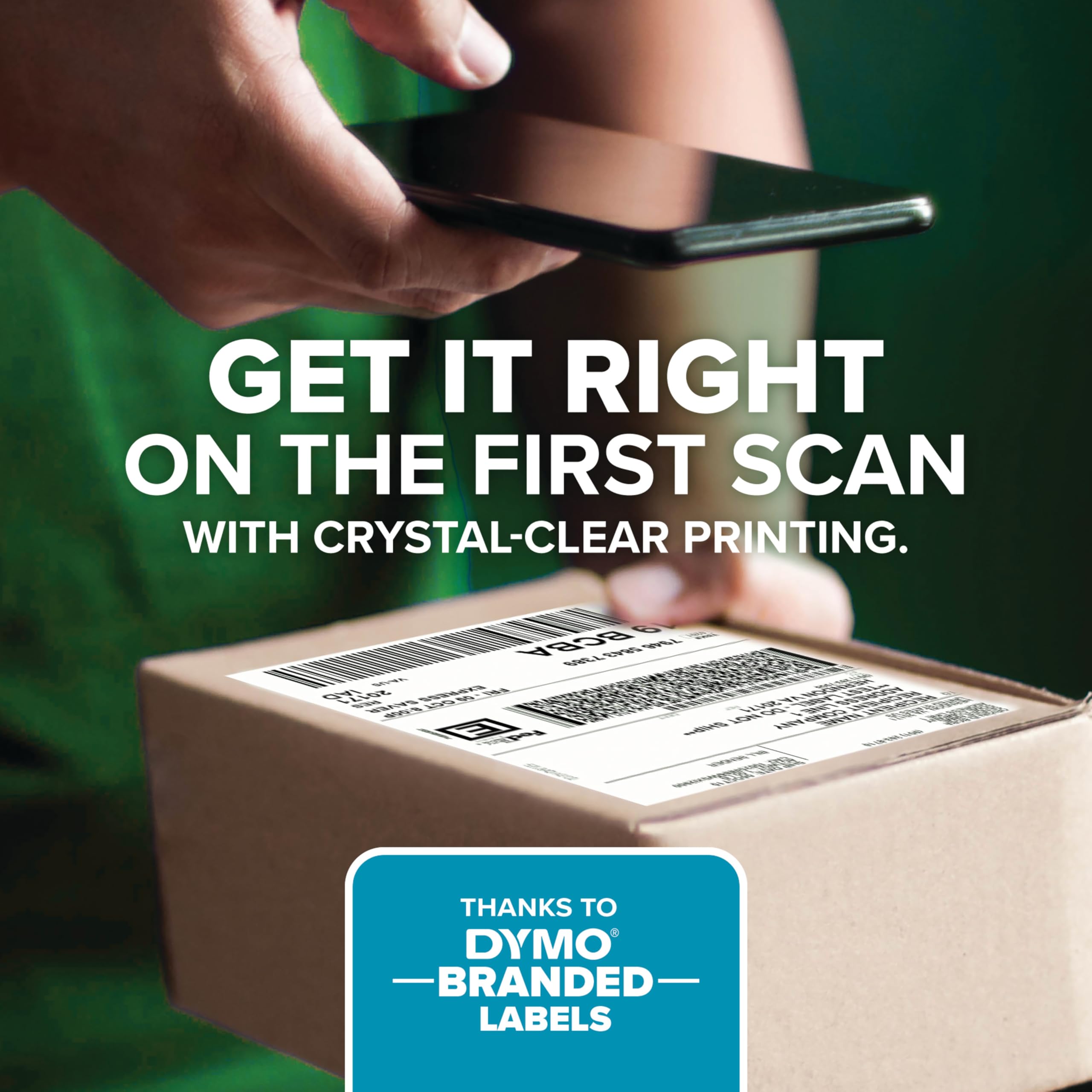
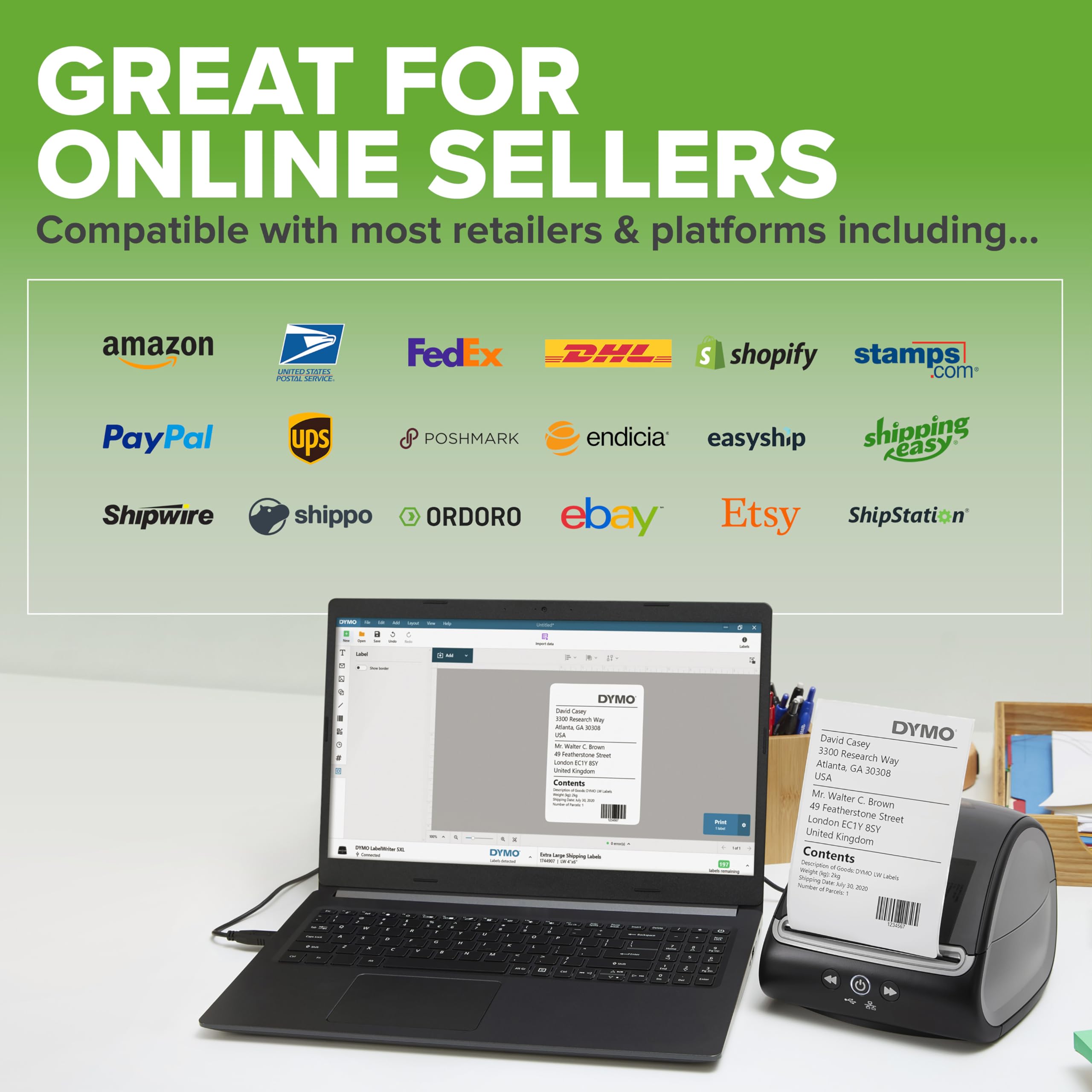
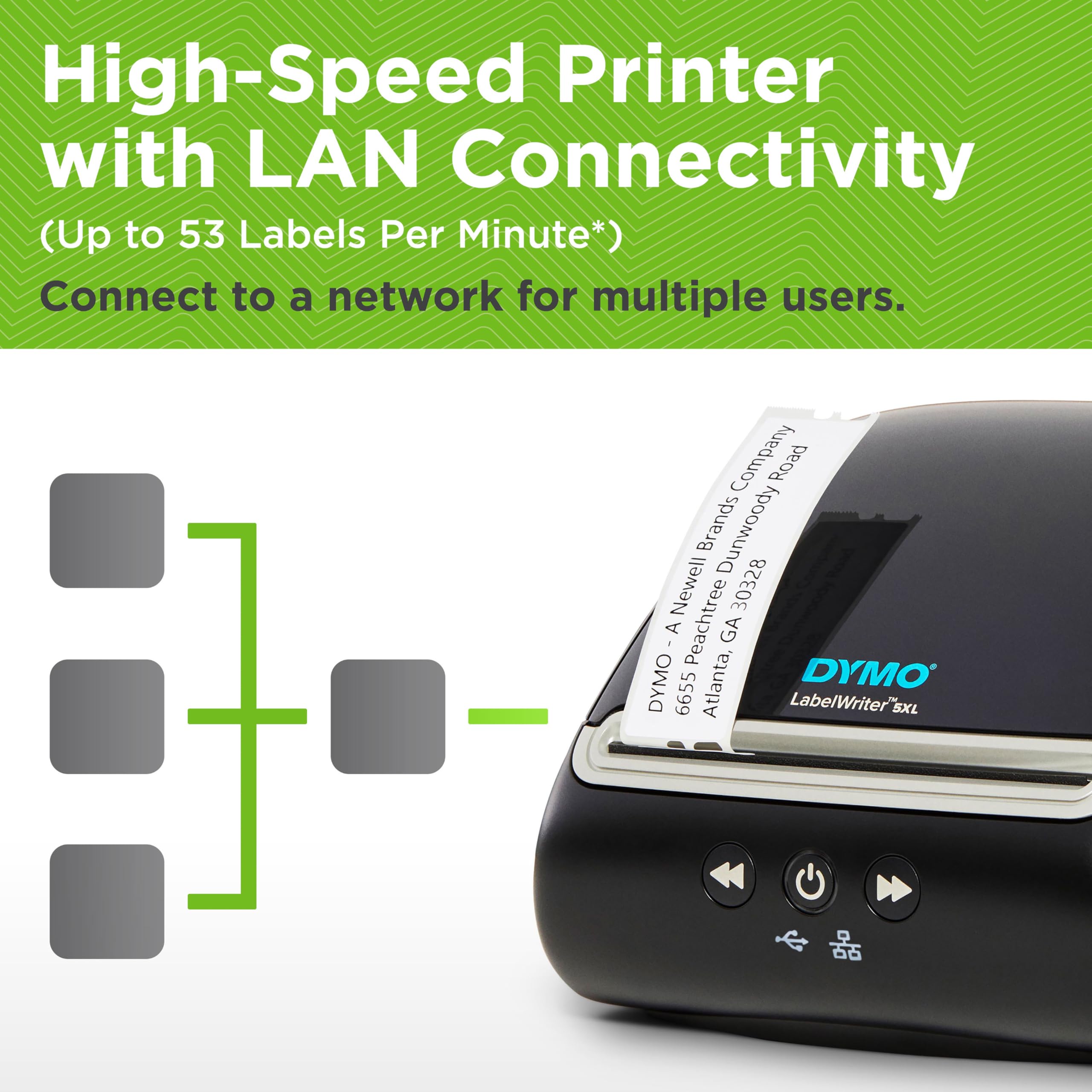
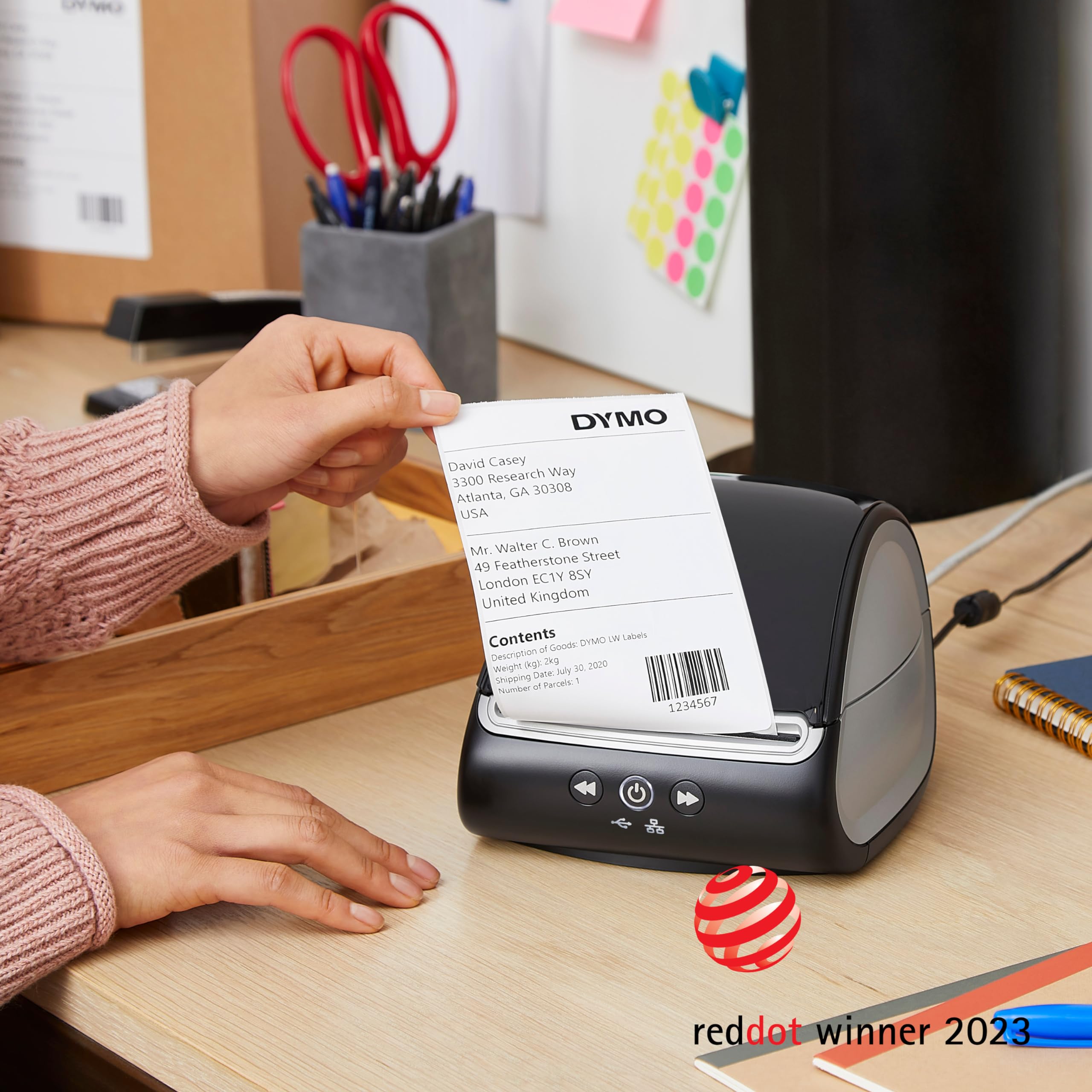
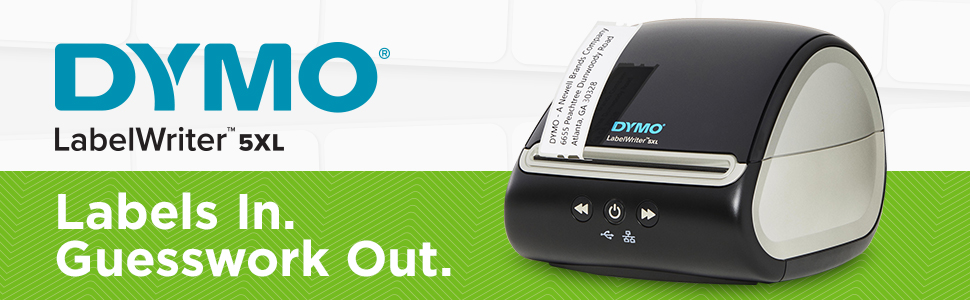
The DYMO LabelWriter 5XL is a professional-grade thermal label printer designed for eCommerce sellers and busy shipping stations. It prints large 4x6 inch shipping labels compatible with UPS, USPS, FedEx, and other carriers, using patented Automatic Label Recognition for jam-free operation. The printer requires no ink or toner, leveraging fast direct thermal printing technology. Included in the bundle are five extra-large label rolls totaling approximately 1,100 labels, plus USB connectivity for easy setup. Compatible with popular shipping software and online marketplaces, it streamlines order fulfillment while reducing label waste by up to 65%.



| ASIN | B08TM4PWWZ |
| Additional Printer functions | Print Only |
| Best Sellers Rank | #47,971 in Office Products ( See Top 100 in Office Products ) #523 in Laser & Inkjet Printer Labels |
| Color Depth | 24 bpp |
| Compatible Devices | PC |
| Control Method | App |
| Controller Type | iOS |
| Customer Reviews | 3.7 3.7 out of 5 stars (250) |
| Date First Available | October 20, 2022 |
| Dual-sided printing | No |
| Duplex | Automatic |
| Global Trade Identification Number | 00071701063533 |
| Hardware Interface | USB |
| Included Components | printer |
| Ink Color | black |
| Item Weight | 9.88 pounds |
| Item model number | 2150615 |
| Manufacturer | DYMO |
| Max Copy Speed (Black & White) | 20 ppm |
| Max Input Sheet Capacity | 100 |
| Max copy resolution black-white | 300 dpi |
| Max copy resolution color | 300 dpi |
| Maximum Black and White Print Resolution | 300 dpi |
| Maximum Color Print Resolution | 300 x 300 |
| Maximum Media Size | 3 x 5 inch |
| Memory Storage Capacity | 8 MB |
| Model Series | 5XL |
| Number of Trays | 1 |
| Number of USB 2 Ports | 1 |
| Output sheet capacity | 100 |
| Print media | Labels |
| Printer Ink Type | Thermal |
| Product Dimensions | 10.24 x 9.84 x 9.84 inches |
| Scanner Type | ADF |
| Sheet Size | 4 inch x 6 Inches |
| Specific Uses For Product | Office |
| Supported Media Sizes | 4 x 6 inches |
| Total USB Ports | 1 |
| UPC | 071701063533 |
| Warranty Type | Limited Warranty |
P**R
Versatke
Easy to use once you get the hang of it.
F**R
Most Unreliable Hardware I Own
How this company stays in business I don't know. They have a long list of software that decides it must install itself on your machine. From Word and Excel to their own label software. Curiously, it's all so glitchy and frustrating it boggles the mind WHY they keep going broad with the software when it all barely works. And by barely works, I mean the most basic tasks are never a sure thing. Use it one day to print dozens of labels, and the next day you plug the printer in and Windows sees it (and will try to print a demo page if you ask) but the app does not. The Dymo V8 label software is like you stepped back into a time warp. The UX is like nothing you've seen. It's their own home grown idea of how software should work. And it works very poorly. I keep track of how much time I spend with customer support. In 2024, Dymo was #1 on my list. Sucks for me, but it also sucks for them. How they stay in business I don't know. Seriously, keep looking. This printer will frustrate the heck out of you. Its software will worm its way into your system. it install not one but TWO apps that will start every time you boot. Dymo has such an overinflated view of itself that it installs a giant BUTTON on the ribbon of Word. Microsoft requires you to go a few menu items deep to print. Not DYMO. They think the very next thing you are going to do in Word is print a label. Every minute of every day you need to be one click away from printing a label. And so there is their giant button, right next to the syle buttons. But the funny thing is, if you click the Dymo print button, it's broken. It sits there forever telling you to "please wait while load Print to a DYMO label..." And i"m pretty sure Dymo never asked if I wanted my Office Suite infected with their apps. I surely would have said "no!" but here we are. Every office app has a giant button that doesn't work.
A**.
Finally I can print professional looking shipping labels
I was printing out shipping labels on 8x11 paper and it looked like a child had made the package. Now with this printer I have a perfect 6x4 print on labels and my packages look like any other retailers. Interestingly enough I am keeping my older printer that can only do address labels because I need to still do those. Note: DYMO Connect software you have to create a NEW label manually to change the landscape/portrait settings. Too me a long time to figure that out. Sometimes I need a portrait print sometimes landscape.
M**I
Love buying these for the office - This is a great price and quality!!
Love buying these for the office - This is a great price and quality!! This is our 2nd purchase and we will be purchasing again!! Thank you for making a great quality product!
P**E
Works great - OEM labels only makes it expensive
I like the print quality and ease of use. I do not like the proprietary labels that must be used.. They are more expensive. Work around - buy the cheap labels of the same size. When the OEM labels are empty, replace the spool core of the generic labels with the OEM core. This will register as being OEM.
D**Z
Great unit even as refurb/return. Love it.
Better than the two 450’s I have had for nearly 10 years. Easier to load (use the arrow buttons to pull through). So far, flawless. And this was a refurb unit. Love it.
J**J
Dymo is Missing the Labeling Boat
The Dymo thermal labeler is, in theory, a great product. And then they messed it up. The thermal printer makes the need for wet ink go away. YAY! But then they mess it up and make proprietary printing software so you HAVE TO BUY their labels or your printer won't work. Yes, I said that. WILL NOT WORK UNLESS YOU PURCHASE DYMO LABELS. (There are work around hacks on YouTube but a $350 printer should not need that...) This printer also is not wireless even though it has a little light showing it could print wirelessly and it seems like I read that in the description. But it does not, you need to plug it into your computer. I was surprised that it is so clunky. A roll of labels was missing from the box so my labeler was imperfect to start with. I am returning this for all of these reasons. I bought an off brand thermal printer (smaller, easier set up, cheaper) and it works better than this one did. I'm returning this for a refund.
G**A
Speed up Your Monthly Bills
Write my checks and go to computer and zip out address. Job done!
Trustpilot
Hace 2 semanas
Hace 2 semanas