We remain fully operational. Our teams are working around the clock to ensure your deliveries continue safely.

Descargar la aplicación


Servicios al cliente
Sobre nosotros
Copyright © 2025 Desertcart Holdings Limited
Descargar la aplicación
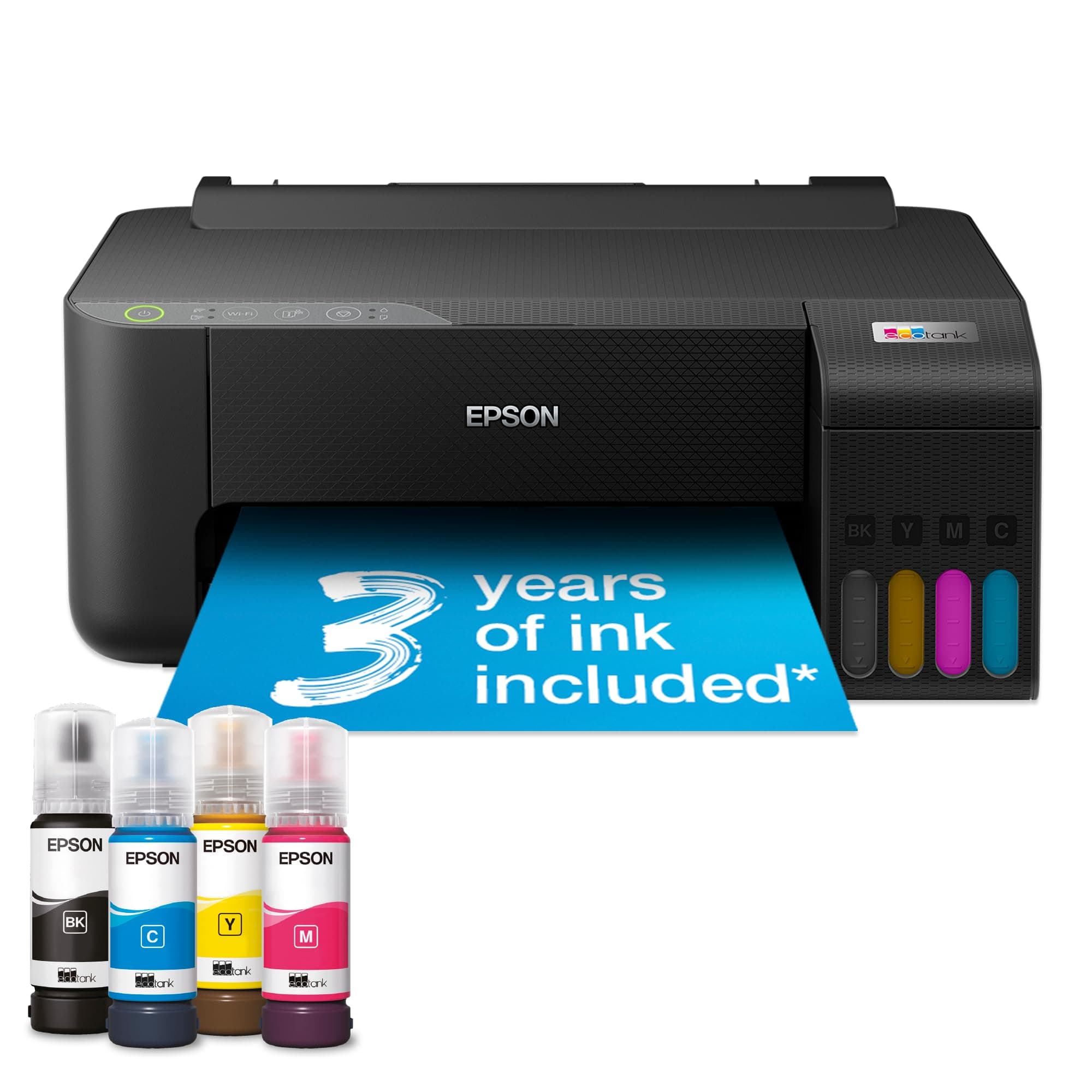

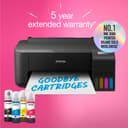

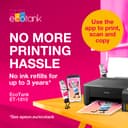

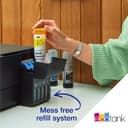

🖨️ Print smart, save big, and stay effortlessly connected.
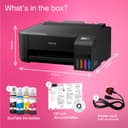
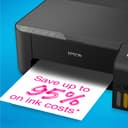
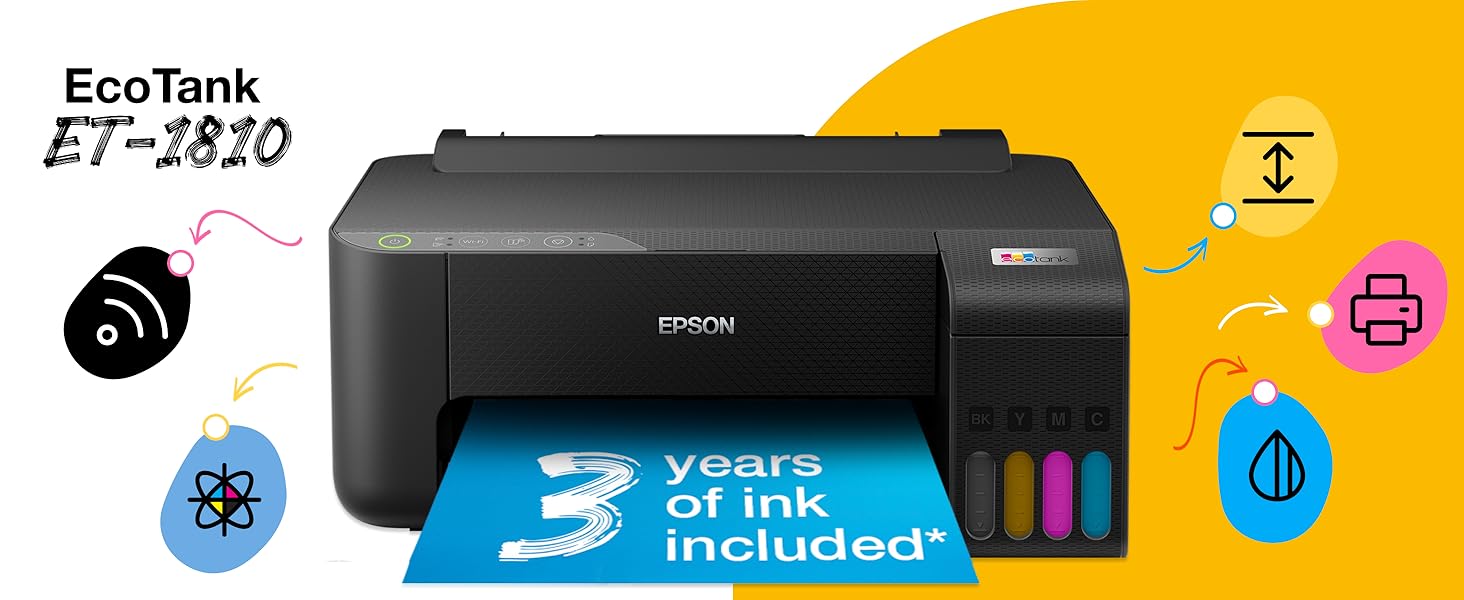
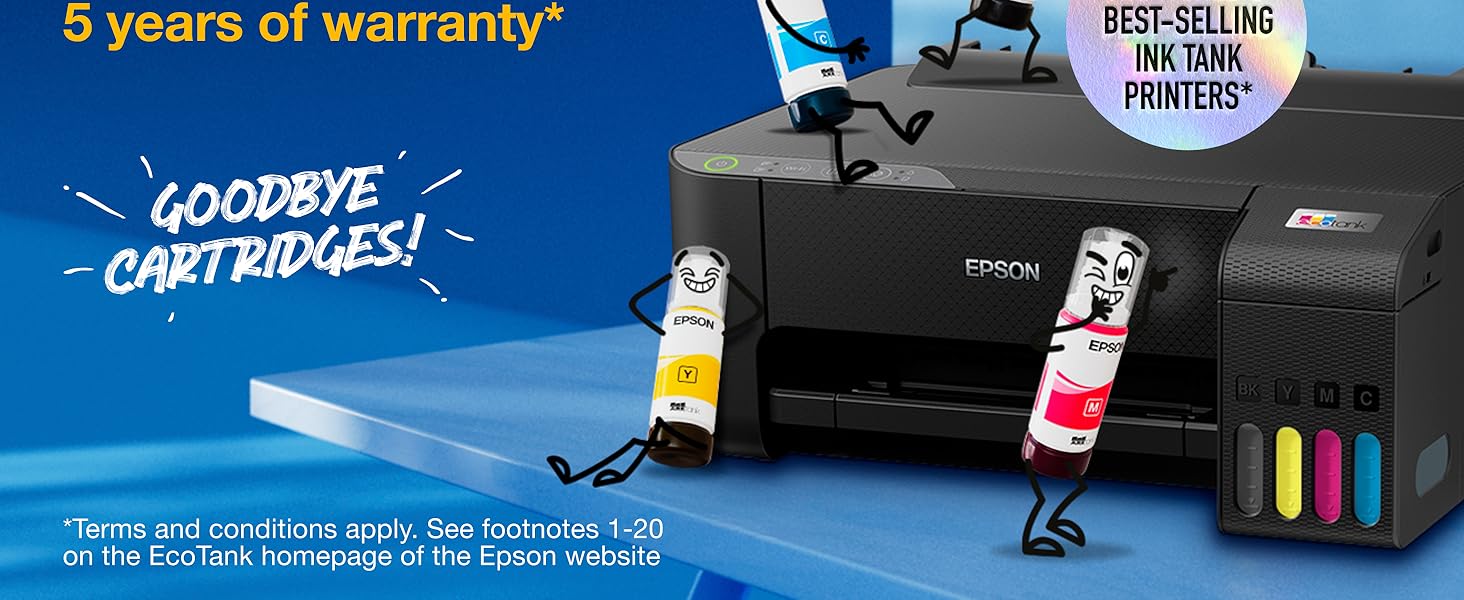
The Epson EcoTank ET-1810 is a compact, Wi-Fi-enabled A4 inkjet printer featuring refillable ink tanks with up to 3 years of ink included. It delivers high-resolution color prints at 5 ppm and black-and-white prints at 10 ppm, controlled easily via a smartphone app. Designed for home and small office use, it offers cost-effective, eco-friendly printing with minimal interruptions.


| ASIN | B0C6B8Z1VD |
| Additional Printer Functions | Print Only |
| B&W Pages per Minute | 10 ppm |
| Best Sellers Rank | 27,898 in Computers & Accessories ( See Top 100 in Computers & Accessories ) 16 in Ink Tank Printers |
| Box Contents | User Guide |
| Brand Name | Epson |
| Color Depth | 24 bpp |
| Color Pages per Minute | 5 ppm |
| Colour | Black |
| Compatible Devices | Smartphones |
| Control Method | App |
| Controller Type | Android |
| Customer Reviews | 4.0 4.0 out of 5 stars (156) |
| Display Type | LCD |
| Dual-sided printing | No |
| Duplex | Manual |
| Hardware Interface | PictBridge |
| Ink Colour | Black, cyan, magenta, Yellow |
| Item Dimensions D x W x H | 37.5D x 16.9W x 34.7H centimetres |
| Item Type Name | Inkjet Printer |
| Item Weight | 2.9 Kilograms |
| Manufacturer | Epson |
| Maximum Copies Per Run | 100 |
| Maximum Copy Resolution Black and White | 5760 dpi |
| Maximum Copy Resolution Color | 5760 x 1440 dpi |
| Maximum Copy Speed Black and White | 10 ppm |
| Maximum Print Resolution Black and White | 600 dpi |
| Maximum Sheet Capacity | 100 |
| Maximum Supported Paper Size | A4 |
| Maximum print Resolution Color | 5760 x 1440 dpi |
| Model Name | EcoTank ET 1810 |
| Model Number | C11CJ71401CA |
| Model Series | EcoTank |
| Network Connectivity Technology | Wi-Fi |
| Number of Drivers | 1 |
| Number of Trays | 1 |
| Other Special Features of the Product | Refillable Ink Tank |
| Output sheet capacity | 100 |
| Paper Size | A4 |
| Print media | Envelopes, Glossy photo paper, Paper (plain) |
| Printer Output Type | Colour |
| Printer Type | Inkjet |
| Processor Count | 1 |
| Product Warranty | 12 month |
| Resolution | 5760 x 1440 |
| Scanner Type | Photo |
| Series Number | 1800 |
| Specific Uses For Product | Home |
| Unit Count | 1.0 count |
| Warranty Type | extended warranty |
A**Z
Excellent
I have tried pretty much every printer brand over the years, Ink Costs were always a pain, and I Already had an Epson Printer / Scanner, and had needed a second one, I use this one with Sublimation Ink, and my earlier one with regular ink, the ink tank idea is brilliant, not only do you not have to discard usable ink in those expensive ink cartridges, especially the tri-colour ones, you can top up the level of the tank at anytime, and see the amount of ink you have, and while I used to burn through those tiny cartridges, I have had my first Epson Eco-Tank printer a year and still on the first fill, and have hardly made an impact on the sublimation ink levels in this one either, and not having to worry about how much ink is potentially still in the cartridges, or when the next cartridges will arrive, this Eco-Tank frees you up, to be more creative, safe in the knowledge you aren’t going to run out of ink on a project, fairly easy interface, quick and high quality printing, and with eco-tanks, excellent value for money with regular or sublimation inks.
H**Y
A great printer
Fantastic printer. Ink lasts forever and easy to replace.
G**R
Disappointing!!
Disappointing!! The printer cannot print a normal document without getting stuck and restarting and getting into an unstoppable loop !! Upgraded to the EcoTank ET-1810 from a HP Deskjet due to increased printer usage and hoping this would be more economical. Problems started after 1st week with the printer struggling to print a normal text document in portrait or landscape mode. It gets stuck printing a paper, sends out an incomplete print and restarts printing the document from the begenning and gets stuck again. Wasted a lot of prints and finally gave up. Also the connectivity is bad. It doesn't connect to the network after few days of inactivity. I have had to delete the printer and add it again many times to make it work. Never faced any of these issues in the 3 years I had my HP desk jet. Returning this and going back to HP.
B**S
Good price
At £140 I think this is a good price for this printer. I was going to replace my old one like for like but then realised I don't use the scan and copy features enough to warrant the extra expense. This is my first ecotank type of printer and I have to say that I'm really rather impressed. Let's get the negative out of the way to begin with. I found it impossible to set up for wifi. After fiddling with the computer, phone and printer for around 30 minutes, I gave up and just used the cable from my old one to connect to the computer and I was up and away in mere seconds. I love the fact that from now on, I'm not going to waste cartridges either because I've bought in bulk and they have dried up before I get around to using them all, or that they just don't get recognised by the printer. This was the obvious way to go...and Usain Bolt didn't factor into my purchase...honest!!! Filling the tank was easy...once I'd managed to get the lid open. I think it was a bit stiff being new. I love the fact that you just have to connect the ink bottle and it automatically stops when the tank is full, so no overflow anywhere. I have had Epson printer in the past so I know that they are reliable, so I am a very happy buyer.
M**T
What a revelation!
This is the first ink-tank printer I've used and what a great idea it is!! I don't use my home printer much and get very frustrated when the printheads dry up and give you stripy or discoloured results - always when you're in a hurry and REALLY need that printout. This printer, so far (3 months), doesn't seem to suffer from that. Whether that's just it's a better brand than others I've used (HP / Canon) or if it's down to the ink tank system I don't know. And how good is it that it isn't trying to be all those devices I never used!? I don't need a scanner or a fax machine - just a printer. Maybe keeping it simple is why this printer seems to start quickly too? No more waiting five minutes while the printer seems to be trying to come alive by moving every motor and flashing every light. The only thing I miss from my other printers is duplex printing. But, if that's the price to pay for reliability, I'll take it!
G**E
Quality and price
Excellent so far
D**S
Printer
Very good
E**T
When it works, it's great. But it has more issues than I'd expected.
The inks last a long time, the print quality is beautiful and it can take card which is the main reason I bought it for my art business. But I've had too many issues with this printer and it's extremely frustrating. The print heads get dirty very quickly, so when it pulls in card it sometimes leaves ink streaks at the bottom, making the card unusable. That's when it actually pulls in the paper - so many times it doesn't grab the paper and it just starts printing on nothing, it's really annoying. It also has several issues with alignment, it can never get the prints central which has wasted a lot of card for my art business. After contacting Epson it turns out it's a compatibility problem with Mac iOS, which should've been mentioned on their website at least. It also took ages to set up and connect on the app, asking me to register the device multiple times when I already had.
Trustpilot
Hace 1 semana
Hace 3 días