
Descargar la aplicación


Servicios al cliente
Sobre nosotros
Copyright © 2025 Desertcart Holdings Limited
Descargar la aplicación
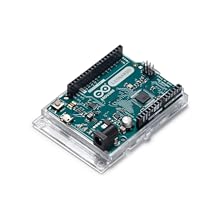
![Arduino Leonardo with Headers [A000057] - ATmega32U4 Microcontroller, 16MHz, 20 Digital I/O Pins, 7 PWM, USB HID Support, Built-in USB Communication, Compatible with Arduino IDE for Custom Projects](https://m.media-amazon.com/images/I/61m5cm47weL.jpg)
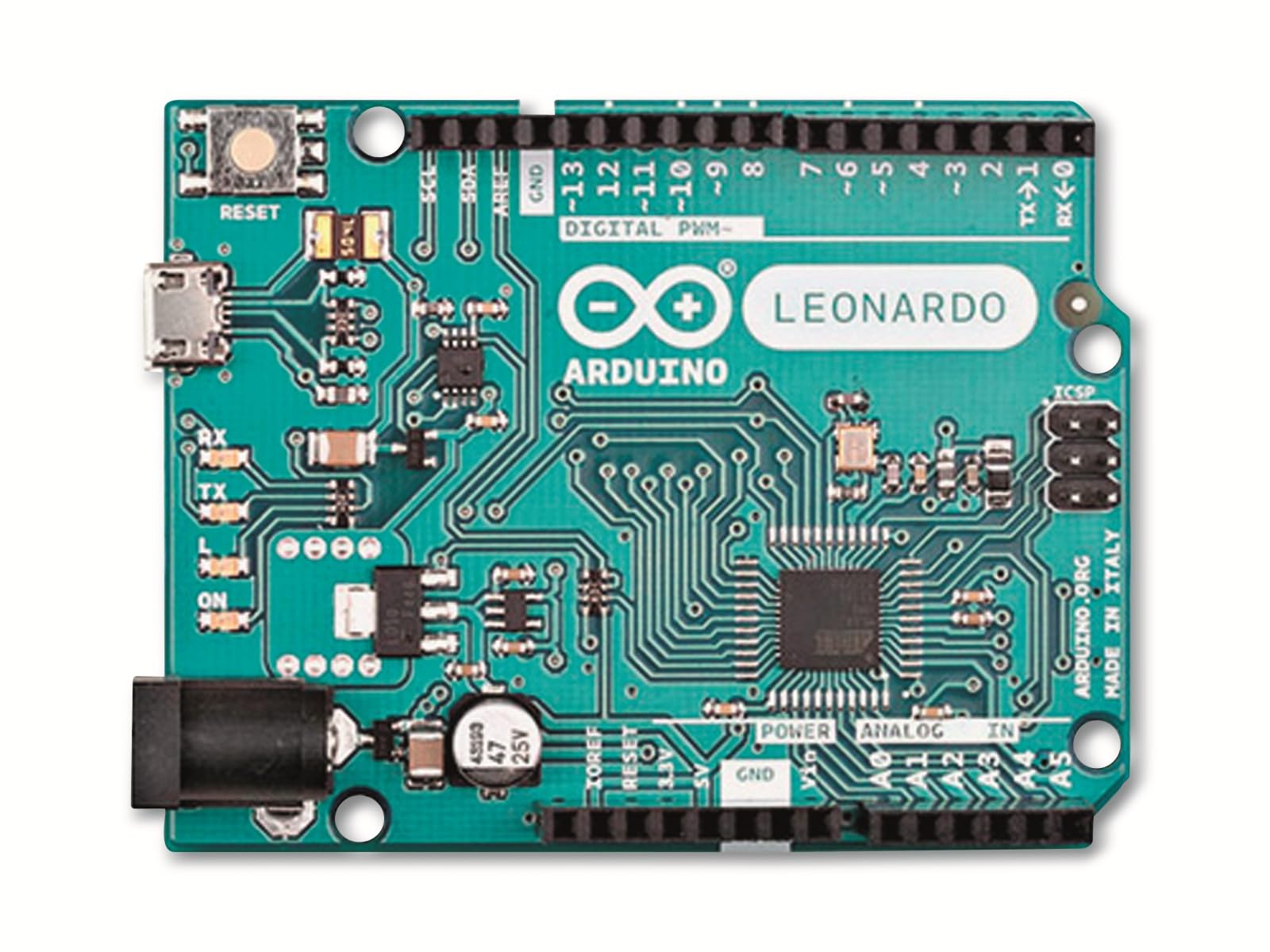
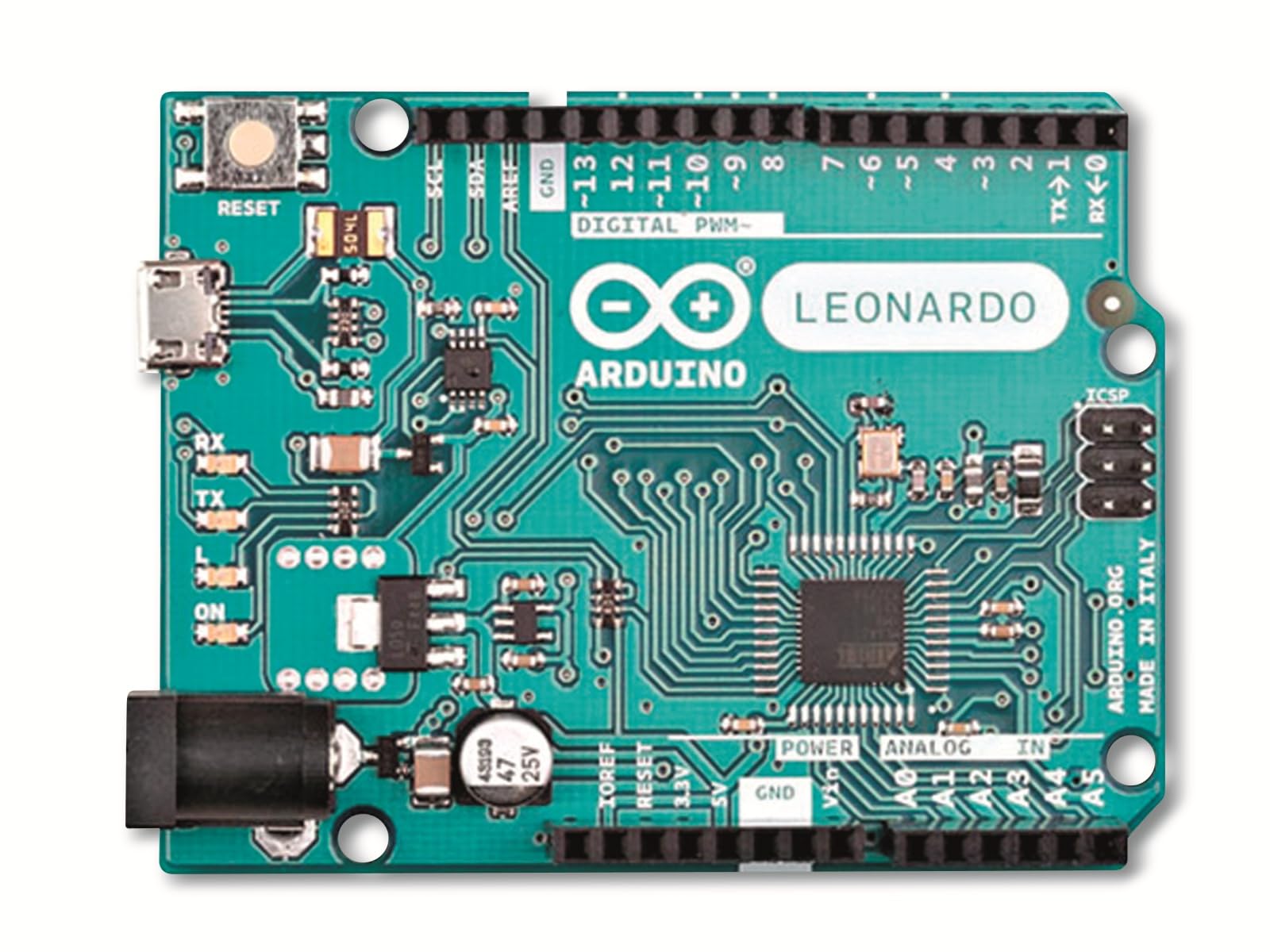
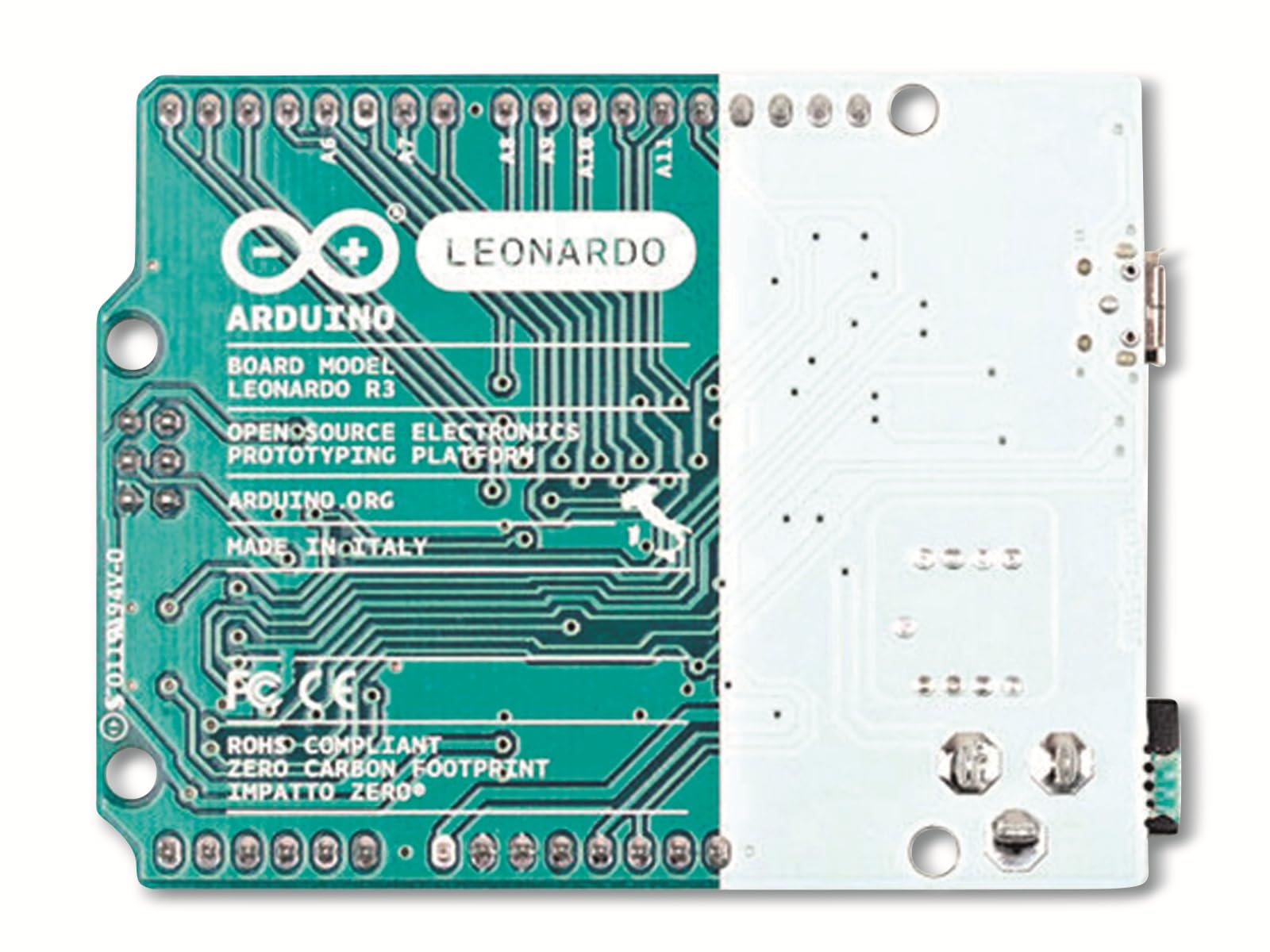
🚀 Unlock your DIY genius with the Arduino Leonardo — where creativity meets USB magic!
The Arduino Leonardo is a compact, 16 MHz microcontroller board powered by the ATmega32U4 chip, featuring 20 digital I/O pins (7 PWM), 12 analog inputs, and built-in USB HID support. Its unique native USB communication enables it to emulate keyboards, mice, and other USB devices without extra hardware. Fully compatible with the Arduino IDE, it offers a versatile platform for prototyping custom electronics and human interface devices, making it a favorite among makers and professionals seeking innovative embedded solutions.




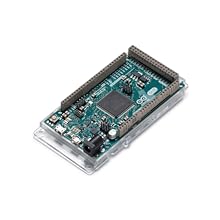

| ASIN | B008A36R2Y |
| Are Batteries Included | No |
| Best Sellers Rank | 26,718 in Computers & Accessories ( See Top 100 in Computers & Accessories ) 185 in Motherboards |
| Brand | Arduino |
| Computer Memory Type | SRAM |
| Customer Reviews | 4.6 4.6 out of 5 stars (802) |
| Date First Available | 29 Jun. 2012 |
| Guaranteed software updates until | unknown |
| Item Weight | 25 g |
| Item model number | A000057 |
| Manufacturer | Arduino |
| Memory Clock Speed | 16 MHz |
| Memory Technology | DDR |
| Number of Lithium Metal Cells | 1 |
| Processor Brand | Arduino |
| Processor Count | 1 |
| Processor Socket | DIP |
| Processor Speed | 16 MHz |
| Processor Type | None |
| Product Dimensions | 7.62 x 2.54 x 5.08 cm; 25 g |
| RAM Size | 2560 Bytes |
| Series | Leonardo |
| Voltage | 5 Volts |
| Wireless Type | 802.11b |
S**R
This is the baby Arduino
Probably you want to try playing around with a microcontroller if you are reading this, and you don't know whether to buy this board, the Arduino Uno, or maybe a Raspberry Pi. Possibly you don't know what it is at all. If you are in the last category, all of these can be an embedded computer, or the works of something bigger. For around 20 quid and a LOT of playing around you can build all sorts of interesting things and some quite pointless ones as well. If you would like to try piddling around with these tiny computers here's some suggestions in a nutshell, based in the fact we have around a dozen of these things at home. If it's your first Arduino, the Uno is a better one to start to experiment with. It's not quite as powerful as this one and it's built differently from the Leonardo here. You can do lots of things with it - and importantly for the absolute beginner, just about everything you can find to build around/run on an Arduino will work on a Uno and the illustrations will match. If you want to try something slightly different and possibly a bit cheaper, then try the Leonardo. Mostly it works the same, but with one important difference - unlike the Uno, the Leonardo has the USB interface on the same chip as the processor which means the host computer can 'see' the Arduino (My Mac says it's a keyboard) this opens new possibilities. Lastly, the Raspberry Pi is a more powerful computer, that can run an OS like Linux, can be hooked up to monitor, has a network connection - none of which you can do easily - or at all - with an out of the box Arduino. Whichever one you get, you'll need to download driver software from Arduino, install it and then start playing. The first simple program you do (Called a 'sketch') will probably flash a LED or two. Almost certainly you want to get a few LEDs, a breadboard and some other bits and bobs like switches and wires to give your controller something to do. It's not difficult to get a result, and the programming language is easy to understand, although capable of surprising results. I've had students who have given up on a Raspberry Pi, but taken to this like a fish to water. Perhaps it feels a little less arcane - maybe this is a better starting point and they will build back up to a Pi later. The Leonardo is a smart, well made interesting board to work with. The one I brought came with a USB lead, useful since it wasn't the standard USB lead, and the supplier delivered in 48 hours. It's fun and interesting bit of kit and I shall probably own another before the year is out.
A**.
GuR - Perfect for intended use
Dude, Genu1ne user ReVIewz - Perfect for intended use if that is storing your passwords on imbedded flash memory and hatting with an NFC shield to make it so you can login to your PC by waving your hand over your desk (disclaimer - must have over £100 NFC implant injected into your hand for PoC to work... or an NFC ring)
S**M
This has a real crystal oscillator for the main processor
Most Arduino e.g. the UNO, make do with a ceramic resonator. The crystal you see on a UNO is for the serial interface. The Leonardo has only one processor. Timing for serial and itself is "spot on" and from the only crystal on the board. The difference in accuracy is 20 sec month vs 5 hours. If your project needs accurate timing e.g. better than 16MHz +/- 0.5% then you really need a version with a crystal. If your project needs a Shield, a crystal, and a 5V operation then this is the only option. Code compatibility is solved if you are writing your own code and use the recommended constants e.g. A0 and not 0 for an analog port. IF you need extra I/O or timers then this has more of these. The official price is also less than an Arduino so it's a hidden gem IMHO.
A**N
Does what it says
Used as part of a 3D build to make an autopilot module for flight sim 2020
D**K
Not for beginners
If this is your first Arduino, don't buy the Leonardo. There is a vast amount of free software for the Arduino on the Internet, but almost all of it is for the Arduino Uno. The Leonardo works very well and has some distinct advantages, but its I/O layout is very different from Uno, and any program that does clever stuff with the I/O simply won't work. If you know what you are doing and you can read the data sheet for the AtMega32u4 then you should have no problems with this excellent product.
S**E
It arrived in perfect condition.
It arrived on time, and is a genuine Arduino product. I'm using it to make a control panel for a flight sim on my pc.
S**S
Great for development
Control a PC or Mac with one of these, replace your keyboard/mouse and watch all sorts of things happen. The smaller USB allows for standard cables to be used.
F**T
Great starter board..
Nice fast delivery, these are great little boards, add a bread board and your away prototyping in no time...
け**6
Arduino Leonardo は、ほとんどが Arduino Uno と同じ構成で使えて、さらにパソコンに接続した状態で、マウスやキーボードの代わりにもなる便利なボードです。つまり、他のスイッチやハードウェアをつけなくても単体で遊べる範囲が多いのが特徴です。 Arduino を紹介した多くのページでは、Arduino を USBに接続すると自動的にドライバの組み込みがされるように書かれてますが、2/12にダウンロードしたIDE環境「Arduino 1.0.5-R2」+ Windows 7 の場合は、そうではなかったので、少し補足しておきます。参考になる人がいれば幸いです。 1.Windows 7 でのドライバのセットアップ方法 1.1 「Arduino 1.0.5」を展開したフォルダの「drivers」フォルダにある「Old_Arduino_Drivers.zip」を展開して、中にある「Arduino Leonardo.inf」を「drivers」フォルダの中に書き出します。 1.2 Windows 7 が 32bit版なら、dpinst-x86.exe を実行し、ドライバをインストールします。 64bit版なら、dpinst-amd64.exe を実行します。 1.3 そののちに Arduino Leonardo を USBに接続すると「Arduino Leonardo」がきちんと認識されるようになります。 2.ボード単体で遊べるスケッチ (サンプルコード) 「01.Basics」>「Blink」「Fade」で、ボード上のLED点灯を試せます。 「04.Communifation」>「PhysicalPixel」は、IDEの「ツール」>「シリアルモニタ」を開いて、H, Lという文字を送信することで LEDのオフ・オンをコントロールするデモ。 「05.Keyboard」>「Keyboard」>「KeyboardMessage」も同様にシリアルモニタ上で入力した文字を書き換えるデモ。 プログラムコードはシンプルなので、プログラムに振れたことがある人なら、誰でも簡単に動きを理解することができるのではないでしょうか。
C**N
This board is an excellent choice for custom projects that need direct USB communication. The ATmega32U4 chip makes it stand out because it can act as a keyboard or mouse without extra libraries, which opens up a lot of creative possibilities. With 20 digital I/O pins, 7 PWM outputs, and multiple analog inputs, there is plenty of flexibility for sensors, LEDs, and control devices. The headers are sturdy and make prototyping easy on a breadboard or with jumper wires. Running at 16MHz, it is fast enough for most hobby and DIY applications. Setup with the Arduino IDE was seamless and sketches upload quickly over USB. The board has been reliable during testing, and the small size makes it easy to embed into projects. A great microcontroller for makers who want more functionality than a basic Uno while still keeping full compatibility with the Arduino ecosystem
S**.
Ho scelto il Leonardo come primo Arduino quasi per caso, dato che non avevo esperienza con la piattaforma ed alla fine si è rivelato adatto ai miei scopi, perfino più del "tradizionale" UNO. + seconda porta seriale a disposizione; + i piedini digitali non sono connessi in parallelo al connettore ISC quindi restano più piedini disponibili quando si usano gli shield; - usa il cavetto USB micro che non è molto diffuso; - la connessione USB è un po' instabile per le continue sconnnessioni e riconnessioni; - il chip è saldato sulla scheda per cui non si potrà usare per programmare un chip da montare poi su uno stampato standalone, che potrebbe risultare comodo per gli utenti avanzati; - ho avuto problemi nell'utilizzo di un ethernet shield w5100 non originale, devo ancora capire se dipende dal Leonardo o dallo shield difettoso.
F**N
Das Arduino Leonardo mit Headers bietet die gewohnt hohe Arduino-Qualität und ist ein sehr gutes Produkt, besonders für Projekte, die Tastatureingaben am Computer simulieren sollen. Ich nutze es genau für diesen Zweck, und die Umsetzung über das USB-Kabel ist unkompliziert und benutzerfreundlich. Dank der integrierten USB-Schnittstelle funktioniert das Board hervorragend, um Tastatureingaben, Mausbewegungen oder andere HID-Anwendungen zu steuern. Für alle, die an interaktiven Projekten arbeiten, bei denen der Computer direkt gesteuert werden soll, ist das Arduino Leonardo eine großartige Wahl!
C**N
el packaging un poco desastroso porque viene en un sobre apretado son protección excepto la caja del propio arduino, por lo demas genial.
Trustpilot
Hace 1 mes
Hace 4 días