We remain fully operational. Our teams are working around the clock to ensure your deliveries continue safely.

Descargar la aplicación


Servicios al cliente
Sobre nosotros
Copyright © 2025 Desertcart Holdings Limited
Descargar la aplicación
Buy anything from 5,000+ international stores. One checkout price. No surprise fees. Join 2M+ shoppers on Desertcart.
Desertcart purchases this item on your behalf and handles shipping, customs, and support to Panama.
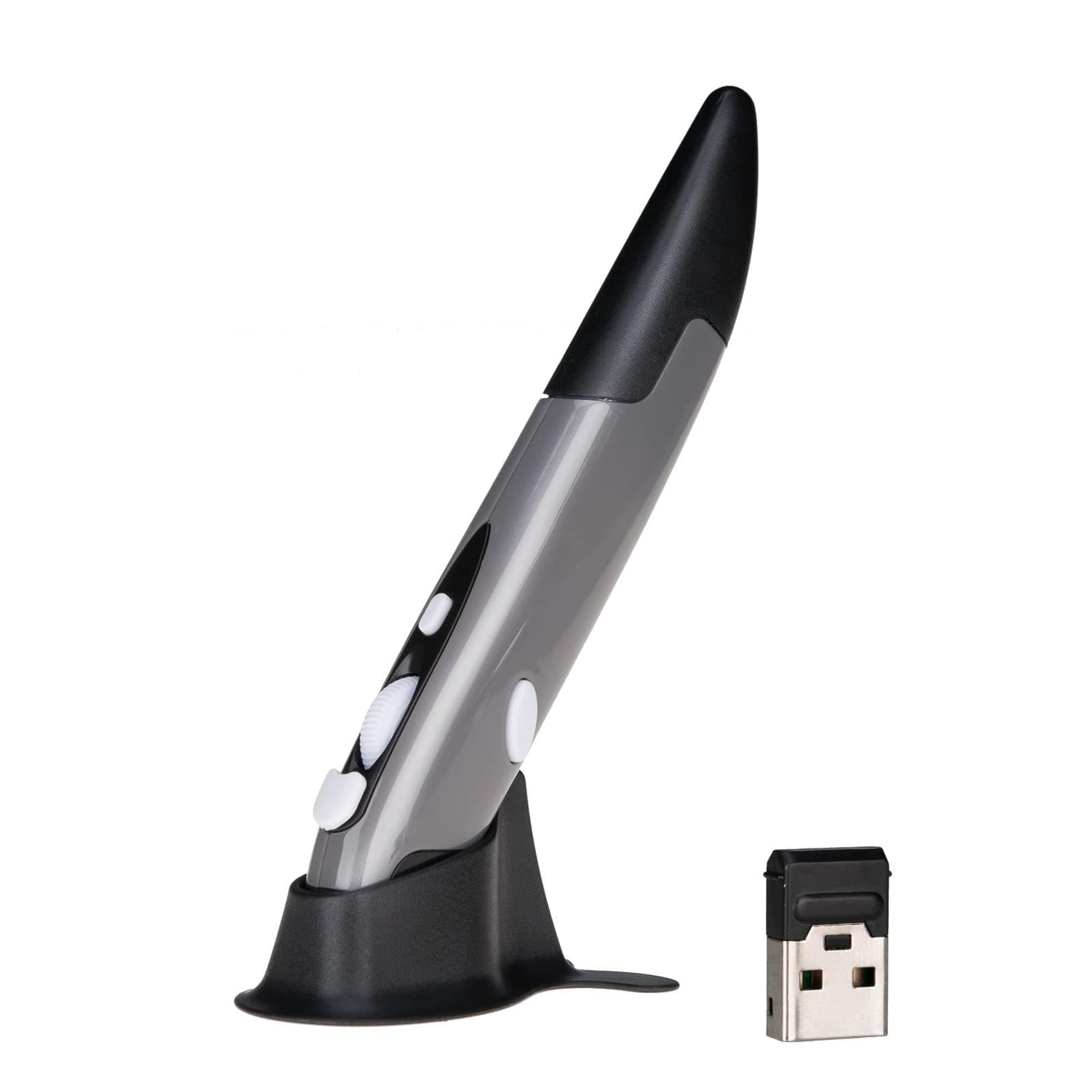
✒️ Elevate your workspace with the pen mouse that fits your hustle.
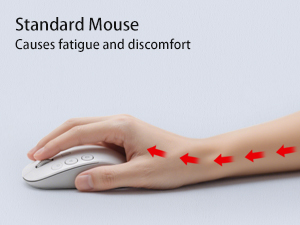
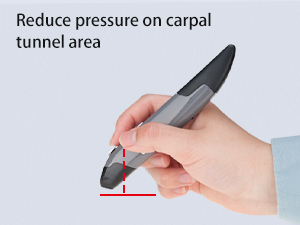
The lychee Wireless Optical Pocket Pen Mouse is a sleek, ultra-portable input device designed for professionals on the move. Featuring adjustable DPI settings (800/1200/1600), a 33-foot wireless range via 2.4GHz USB receiver, and an ergonomic pen-style design, it offers precise control and comfort. Compatible with Windows, Mac, and Android systems, it requires just one AAA battery (not included) and supports plug-and-play functionality with auto-sleep power saving.










| ASIN | B077GM4W11 |
| Additional Features | Wireless |
| Antenna Location | Laptop |
| Are Batteries Included | No |
| Are Batteries Required | Yes |
| Best Sellers Rank | #451 in Computer Mice |
| Brand | lychee |
| Built-In Media | 1 * Pen Mouse, 1 * USB 2.4GHz Receiver, 1 * Mount, 1 * English Manual |
| Button Quantity | 4 |
| Color | Grey |
| Compatible Devices | Laptop, Personal Computer, Tablet |
| Connectivity Technology | USB, Wireless |
| Customer Reviews | 3.8 out of 5 stars 2,538 Reviews |
| Enclosure Material | Plastic |
| Hand Orientation | Ambidextrous |
| Hardware Platform | Laptop, PC, Tablet |
| Item Dimensions L x W | 1"L x 0.6"W |
| Item Weight | 29 Grams |
| Manufacturer | Lycheers |
| Model Number | PR-A18 |
| Mouse Maximum Sensitivity | 1600 Dots per Inch |
| Movement Detection | Optical |
| Movement Detection Technology | Optical |
| Number of Batteries | 1 AAA batteries required. |
| Number of Buttons | 4 |
| Operating System | Windows 10 |
| Power Source | Battery Powered |
| Range | 33.0 feet |
| Special Feature | Wireless |
| Style Name | Modern |
| Unit Count | 1.0 Count |
S**K
I LOVE IT!
I absolutely love this pen and it works great. Better than the mouse that came with my HP Sprout computer even. The only thing that's is annoying is, I keep knocking it off my computer desk. I forget how tall it is and reach for (my regular computer mouse I've been using for years) and it goes flying off the desk. I knocked it off the desk at least 20 times in one day. I'm finally getting accustomed to it now. It even uses easy to find/replace AAA batteries. Great device. Takes time getting used to it but it's worth the effort. So easy to use. No more erratic/temperamental mouse for me. P.S. I must add it's very sturdy too. It's really has taken a lot of abuse from me, knocking it off the desk 20 or more times a day:)
V**R
Nice pen.
Works well but you must ajust the mouse speed.
D**N
it is great for copy past
i love it u like using it and for gaming it is great. Your faster with it i love love it
K**Y
Don't buy they don't stand behind their product.
This is not as expected. It took an extreame amount of effort to get the cover off put a battery in . Then it did not work. They did not give me a full refund on 2/3. No where did it say that
A**.
possibly too soon to tell
NB the documentation does not say this, but the pen actually works better if you use it in the stand. The device is very light. It feels flimsy, but maybe the light weigh is good as it may be easier on the hand I was interested in this, because the previous mouse I was using was irritating the arthritis in my right thumb. I am hoping this will be better, but it might be too soon to tell. In any case, it's generally better to switch up hand positions to relieve repetitive use injuries. It did not come with a battery. The battery cover was hard to remove. I had a friction sheet that I use for opening jars. That helped me open the battery cover. The battery was hard to get in, but eventually I did. At first the laptop did not recognize the clicks on this mouse -- but then it seemed to figure it out. Maybe there's a learning curve -- not sure. Otherwise it seems to work. I'll have to get back to this review after I see whether it helps my hand feel better One disadvantage is that I use the mouse on a pull out drawer, below the surface of my workstation. This device is too tall to stay on the drawer when I close it. ----------------- I've been using it for 2 days now. I've knocked it on the floor at least 20 times during that time. So far, it's still working, but I wonder how long it can survive like this. A lot of times I accidentally knock it on the floor when I'm trying to reach for it. Other times, it's because I forget it's there. It's very unstable.
M**I
Easy on the hand
Great alternative to typical mouse. I switch between a vertical mouse when my hand gets cramped. Connected easily, took only a few minutes to adapt.
T**Y
It’s a pen mouse
Nice and compact devices, useful in a to go bag, and will get you notice.
T**Y
Go ahead and skip this if you're looking for quality
I purchased this after seeing an embroidery digitizer use it in a video online. One of the well-known digitizing software companies even recommends it on its site. While the reviews online seem to vary, I figured at this price it was worth a shot. It arrived quickly. The packaging is okay, though if it had been included in a box with something heavy, I would have concerns about it being protected well enough. The instructions it came with were insufficient at best. They basically say to insert a battery, plug in the dongle to your computer, and the pen will automatically connect as it was paired at the factory. There are no markings on the inside of the pen or in the instructions to tell you which direction to insert the battery. Despite our technical knowledge, neither my husband nor I were able to get this pen to connect to any computer in our household. The wireless mouse I purchased the same day worked just fine though, so that leads me to believe it was a problem with the pen. Holding the pen felt unnatural to me. It's oddly shaped, probably for ergonomics, but it fails in this way. Perhaps others have had better luck, but this is going back and I'll have to do further research on a digital pen.
Trustpilot
Hace 2 semanas
Hace 3 semanas