Desert Online General Trading LLC
Dubai, United Arab Emirates
Desert Online General Trading LLC
Dubai, United Arab Emirates
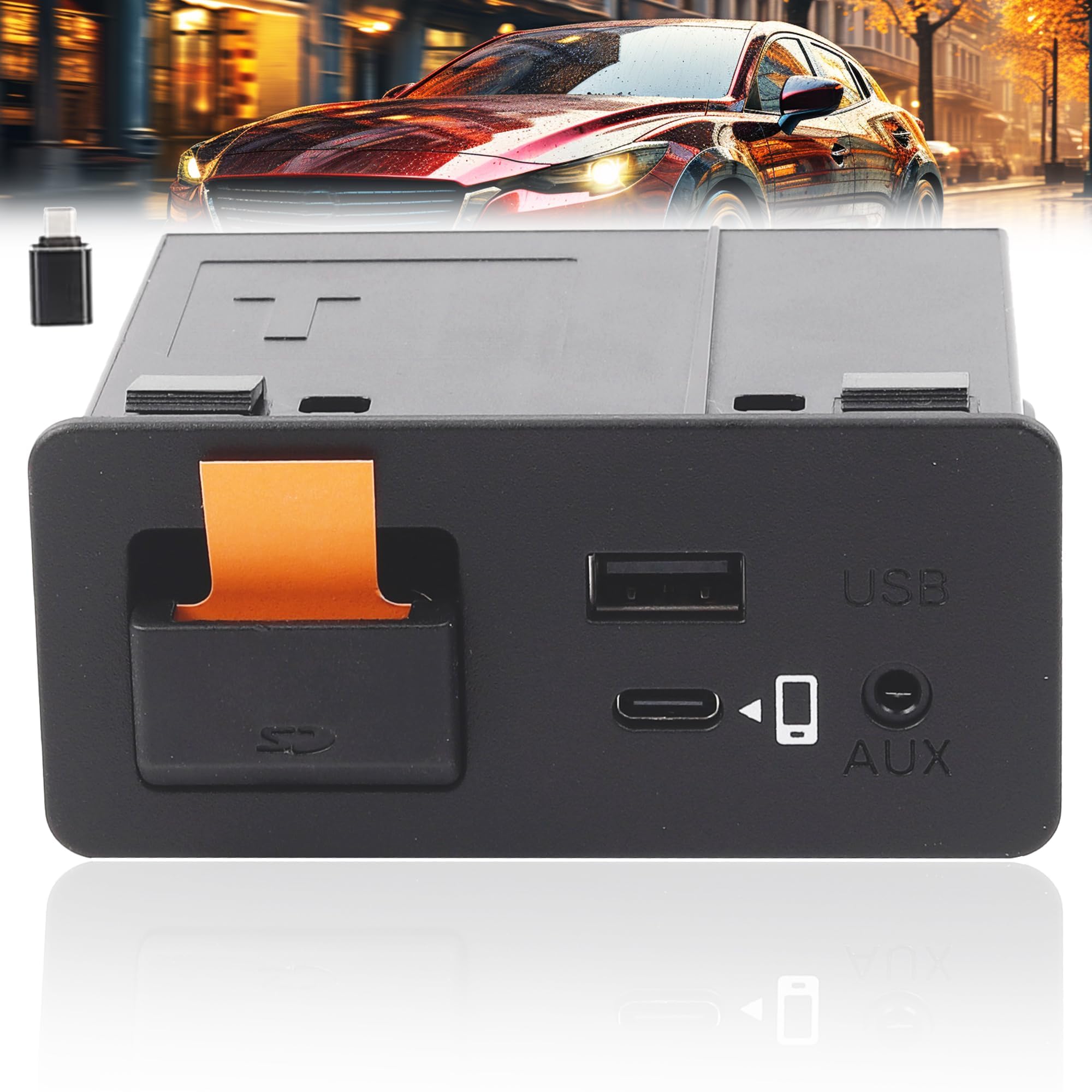


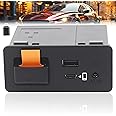
🚀 Elevate Your Commute with Smart Connectivity!
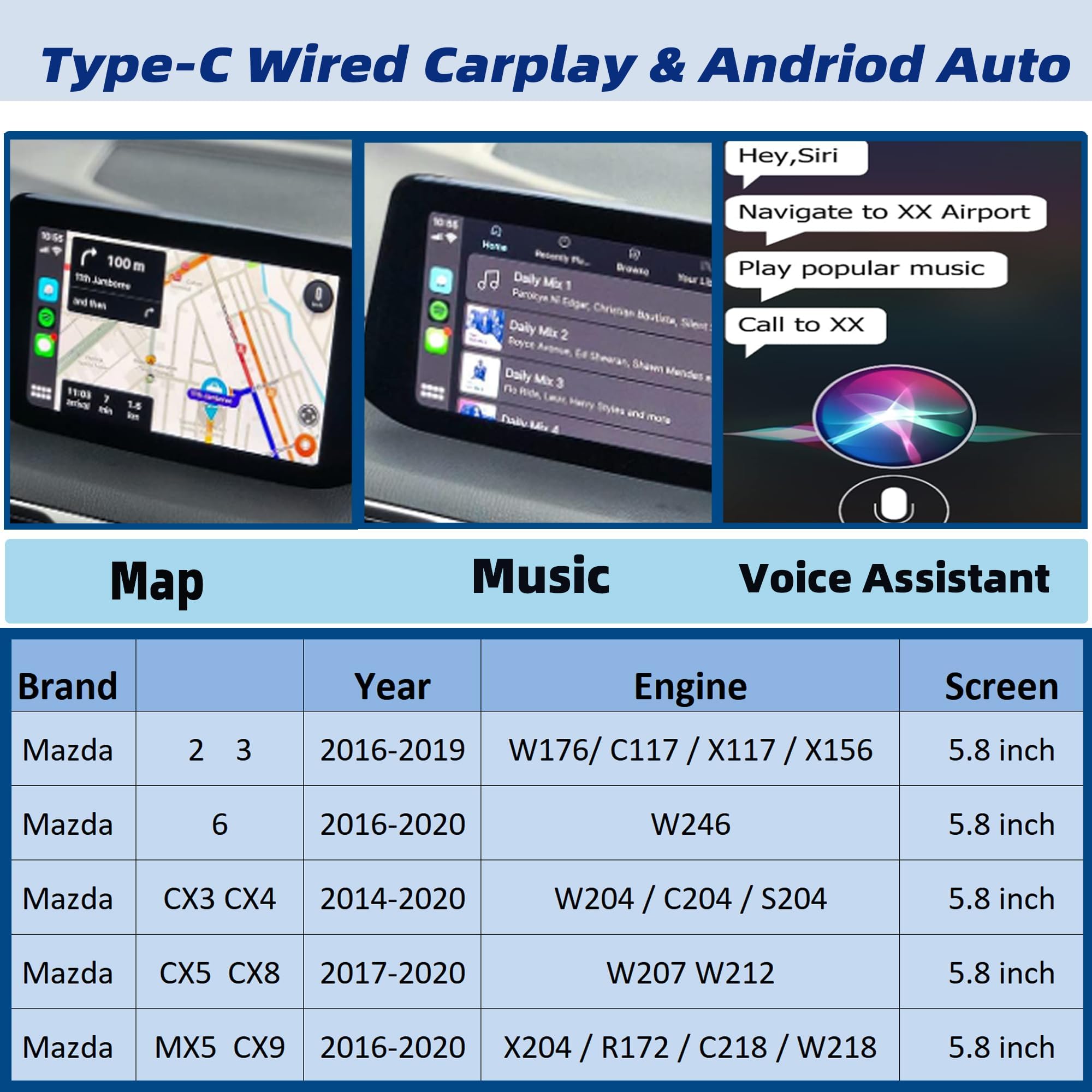
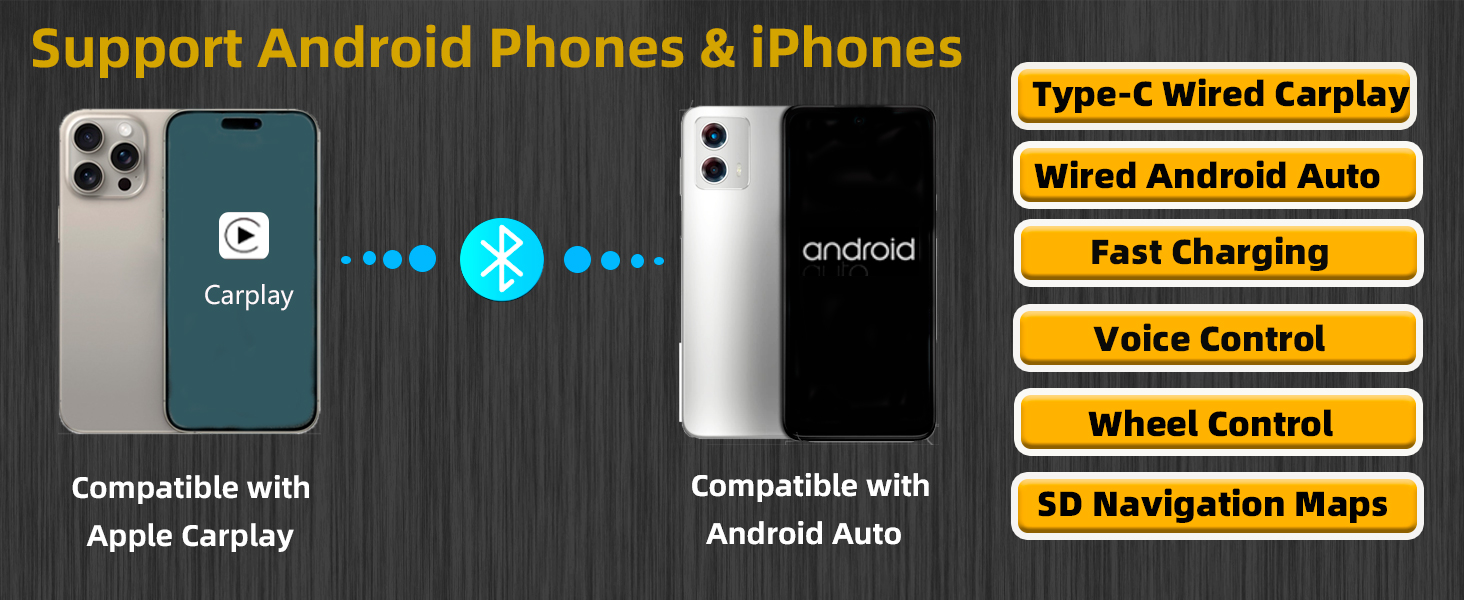
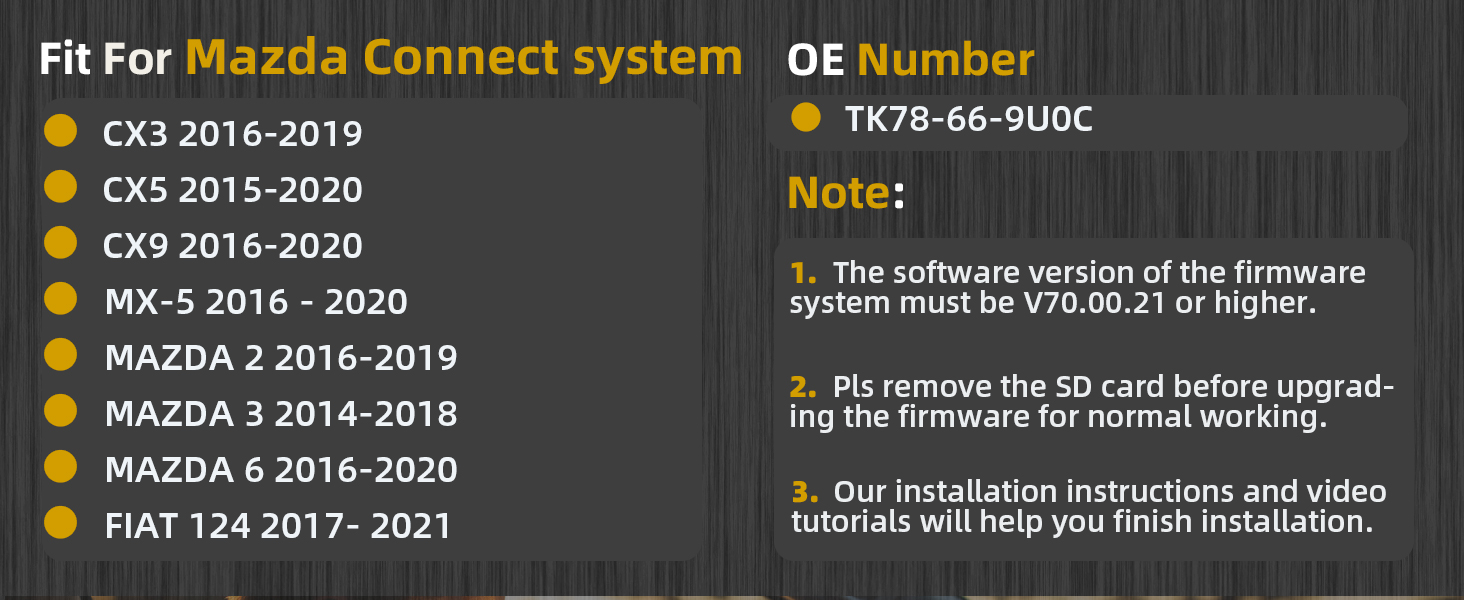
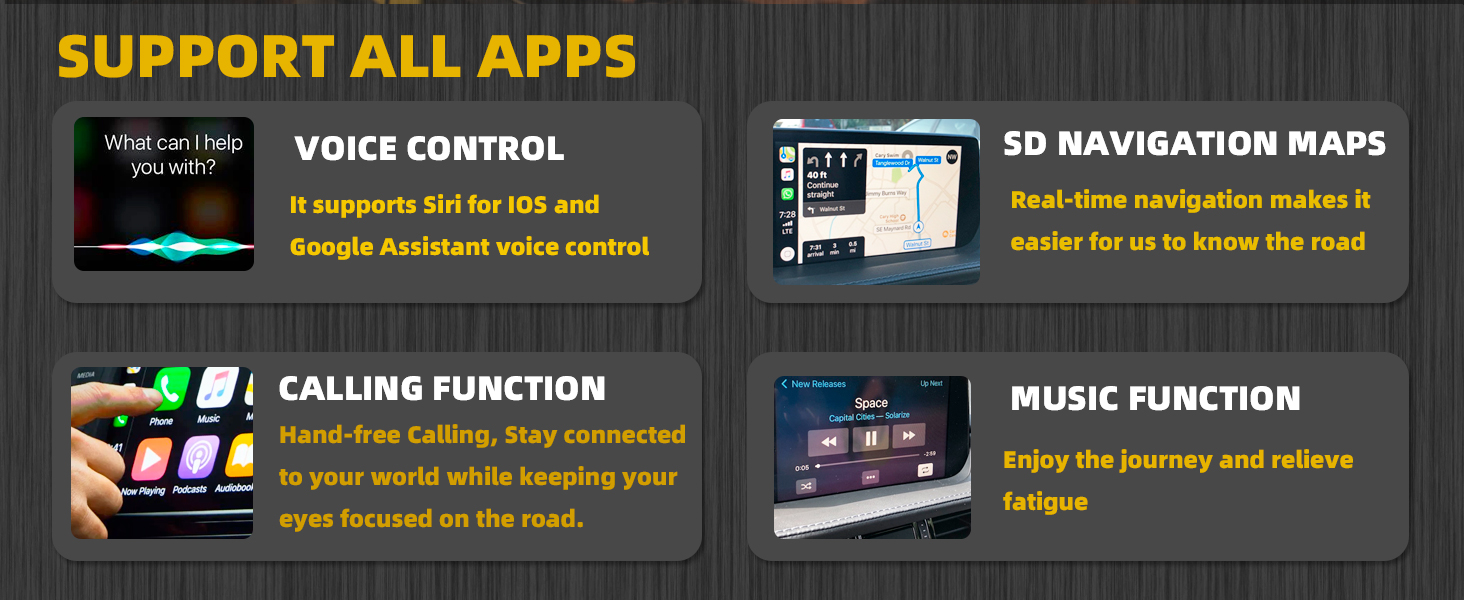
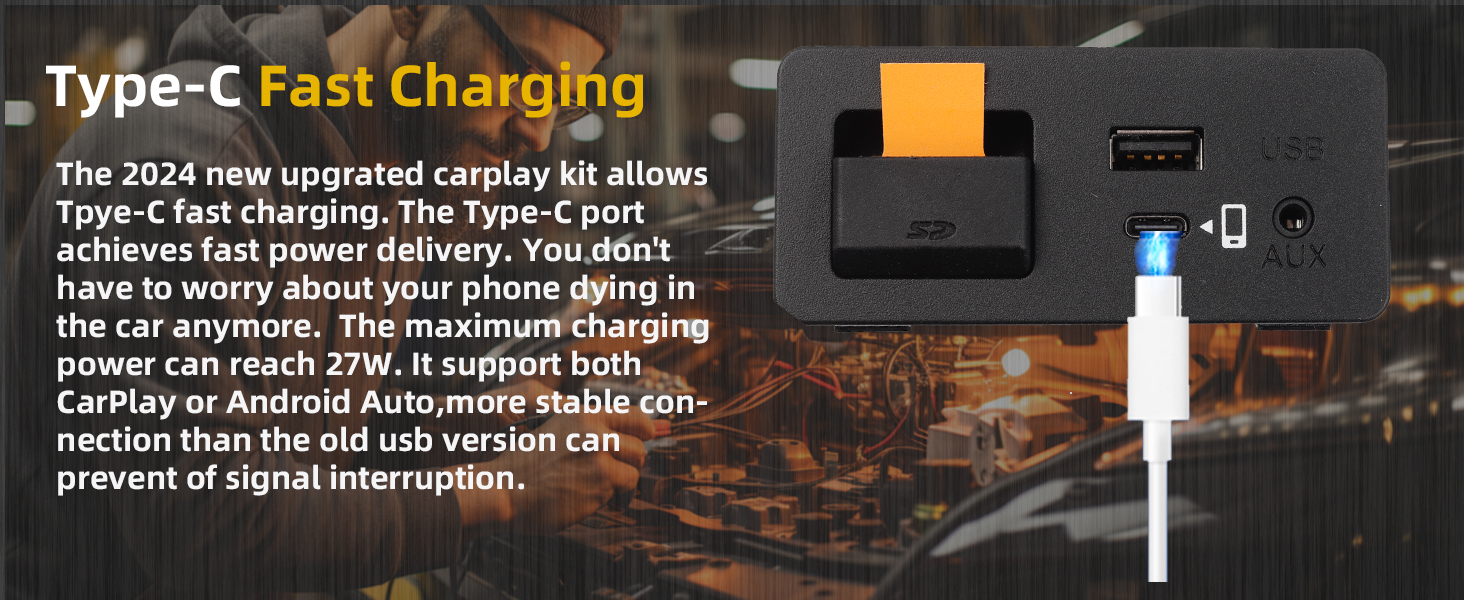
The Dasbecan Type-C Mazda Carplay and Android Auto Retrofit Kit is a versatile adapter designed for select Mazda models from 2014 to 2020. It features a PD fast charging Type-C port with a maximum output of 27W, ensuring your devices stay charged while you drive. This upgraded kit supports all original car functions, including voice control and navigation, allowing for a smooth transition between your car's native system and smartphone integration.
| Output Voltage | 2E+1 Volts |
| Power Source | AC adapter or USB |
| Power Plug | Type C |
| Main Power Connector Type | 2 Pin |
| Number of Power Levels | 1 |
| Input Voltage | 5 Volts |
| Total Usb Ports | 1 |
| Wattage | 27 watts |
| Connectivity Technology | USB |
| Connector Type Used on Cable | USB Type C |
| Compatible Devices | iPhone, Android |
| Compatible Phone Models | iPhone, Android |
| Additional Features | Fast Charging |
| Item Weight | 270 Grams |
| Unit Count | 1.0 Count |
| Number of Items | 1 |
D**A
Works well, replaces stock on 2015 Mazda 3, works fine with a USB wireless carplay adapter!
It took a little doing to get the old USB hub out of my car, and even less time to install this.I updated my radio on my 2015 Mazda 3 to the latest firmware before I swapped the hub. You can find instructions and firmware online.I ran the cabling like the instructions said, plugged it into the back of the radio, then fed the cabling through and plugged into this, and pushed it back into the hole and felt a satisfying click, and it is indistinguishable from the OEM quality hub.I tested with a USB-C cable to my Samsung Fold, and voila, Android Auto works!I then used a USB wireless carplay adapter that has a USB-C connection and plugged it in, and voila, wireless Android Auto. I just made my car's resale value greater and I don't have to take my phone out of my pocket when I drive, or I can use that fancy motorized Qi charger and save my USB connector on my phone from wear (it's already a little finicky as it is!).Totally worth the upgrade, it's easy to install.
R**
Worked in 2018 Mazda 3
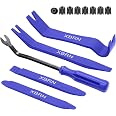
The unit functions correctly in 2018 Mazda 3 automatic. Installation around the screen was not overly difficult. Routing the wires behind the dash was moderately difficult. Removing the old USB hub unit was challenging. The choices are to disassemble everything on the center console from the back forward to get the hub out, or break it out, which I did. I removed the faceplate and broke the tabs on the old hub to remove it. Once it was out installing the new one was straightforward. The unit functions as described.
R**D
Eh
Worked for about a month an half now just randomly won’t connect and have to just end up using the regular Bluetooth on the radio
T**O
Completely changed car
With this I can now charge my phone super fast without a cigarette lighter adapter. I can use Siri, apple maps, text, change music and so much more hands free. So worth the price. Installation went smoothly with a YouTube video. A tool or two and some patience is required but I couldn’t be happier I installed this. Makes driving so much better and increased my and productivity.
K**I
2016 CX-5 Grand Touring
If you're looking at this, you're probably wondering if it actually works. For me it was worked well and costs a lot less than the Mazda part. I have used both Android Auto and Apple Carply.Have the following complaints, but has not affected its functionality. 1. Foam tape needs to be wider. It is barely wide enough to wrap fully around the wires. And could should have included a little bit more. 2. The Usb C and A connections seem lose, but are working. So, I guess the connection is good enough, but doesn't seem firm.If planning to install this unit. Make sure to Google directions and watch YouTube videos on install. You do need to make sure your firmware is updated before install or you won't be able to use AA or Carplay. I followed directions for updating to latest firmware and installed part myself. The hardest step was removing the old unit. I ended up breaking the clips with a long screwdriver. The rest of the install was relatively smooth. Watch some videos... You can do it.
T**Y
2015 Mazda 3- Wireless Apple CarPlay
The wireless Apple CarPlay plug and play module is dope! I highly recommend. Install wasn’t too bad. There is a YouTube video that shows how to remove the usb unit out of a Mazda 3. That video helped so that I didn’t have to remove the whole center console. It is recommended to unplug the negative terminal from the battery so you don’t short something or blow a fuse. Highly recommended the wireless Apple CarPlay so you don’t have to plug in phone constantly. Plugging in your phone constantly can degrade the battery.
S**W
Mazda 3 ACP & AA
Easy to install and work well.
R**N
Works well
The media could not be loaded. Installation wasn’t too bad, the only pain point is feeding the wires through the vehicle. There’s lots of videos on how to install which I highly recommend looking at when doing this.Also be sure you upgrade your systems FW to the latest version as the description specifies.So far everything seems to work well, wireless apple car play is also seamless. Will update if anything changes over time.
Trustpilot
Hace 1 semana
Hace 2 semanas