š Power Your Productivity & Play with Archer A8 ā The WiFi Upgrade You Canāt Afford to Miss!
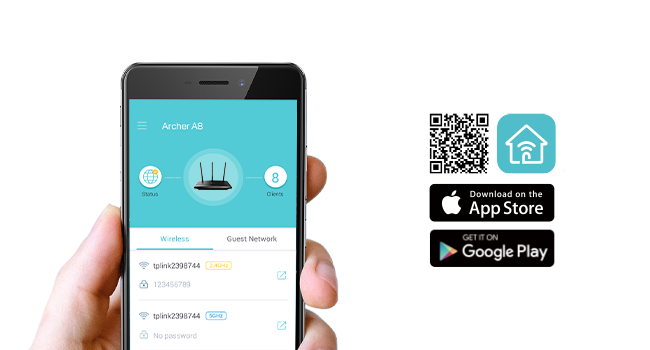
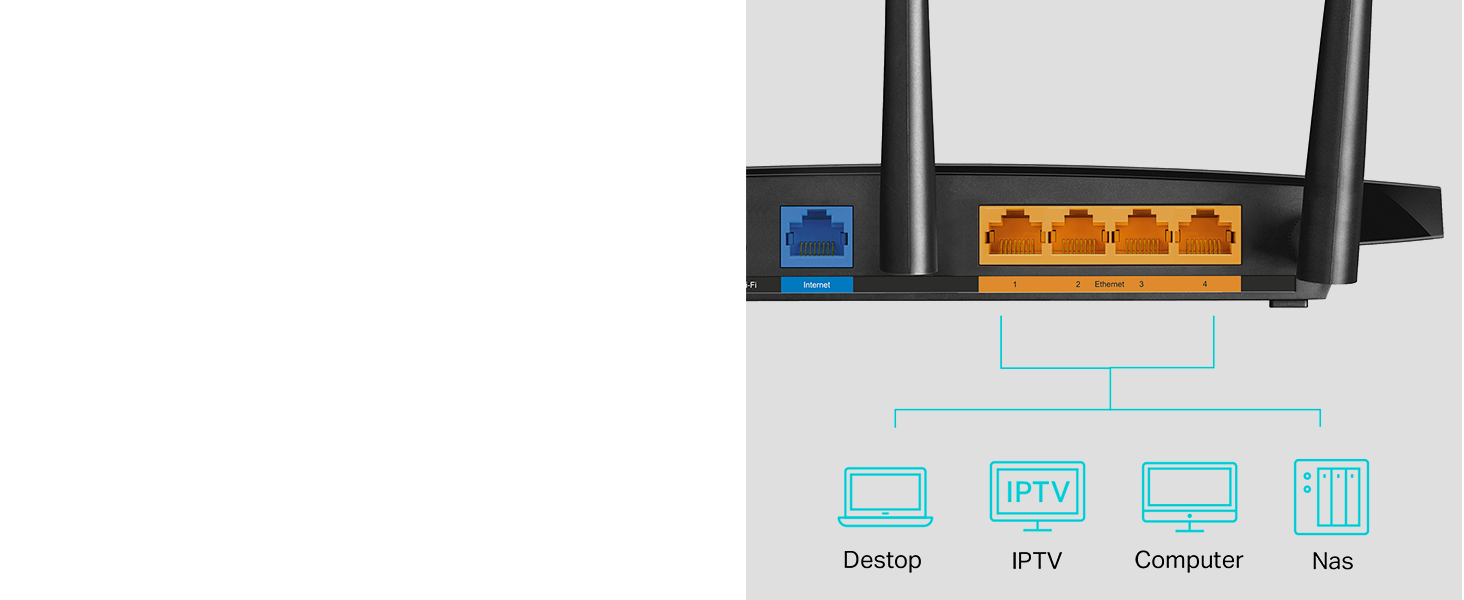
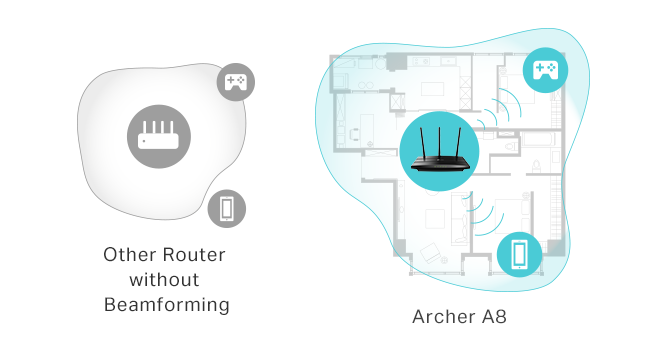
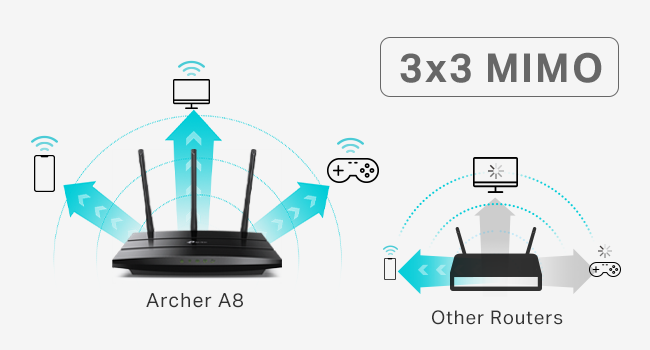
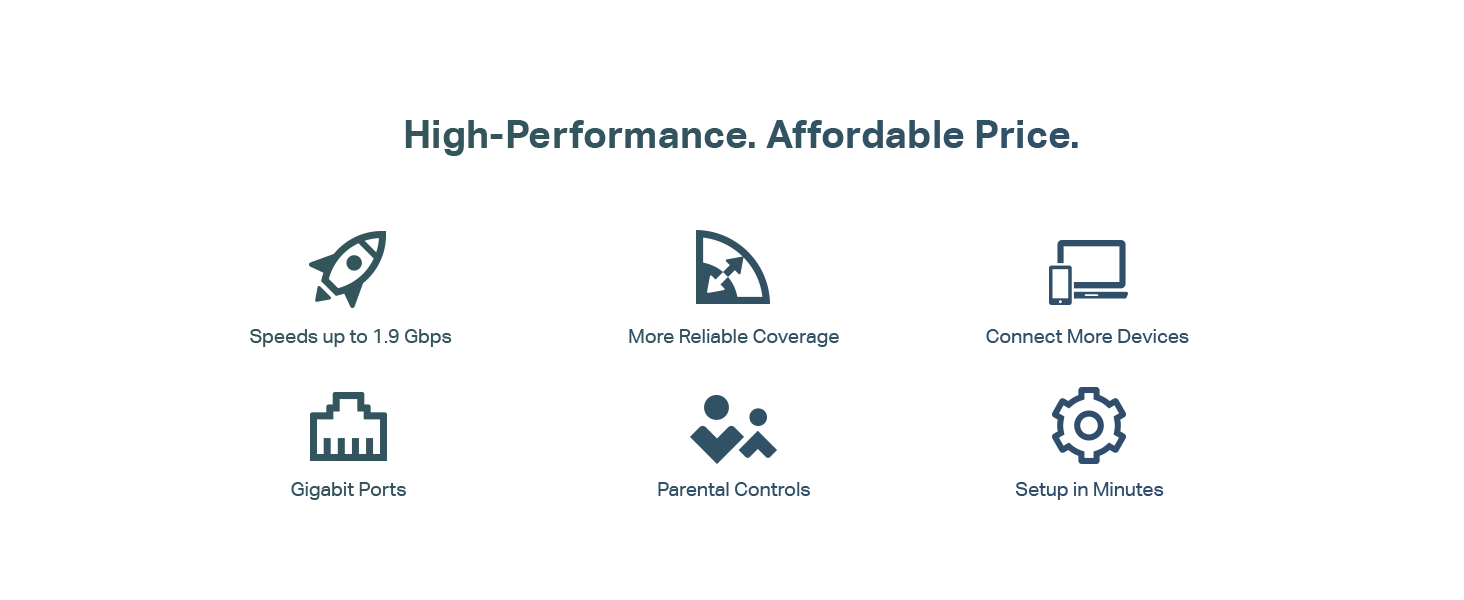
The TP-Link AC1900 Archer A8 is a high-performance dual-band router delivering up to 1900 Mbps combined speed, enhanced by MU-MIMO technology for efficient multi-device connectivity. Covering up to 1,200 sq.ft with beamforming, it supports seamless mesh networking via OneMesh and offers four Gigabit LAN ports for reliable wired connections. Easy setup and management through the Tether app, plus parental controls and guest WiFi, make it ideal for busy professionals seeking fast, stable internet across home and office environments.


| ASIN | B08C3YBBHM |
| Best Sellers Rank | #6,089 in Electronics ( See Top 100 in Electronics ) #47 in Computer Routers |
| Customer Reviews | 4.4 4.4 out of 5 stars (9,772) |
| Date First Available | July 2, 2020 |
| Item Weight | 14.6 ounces |
| Item model number | Archer A8 |
| Manufacturer | TP-Link |
| National Stock Number | 0 |
| Product Dimensions | 9.57 x 6.32 x 1.28 inches |
U**R
Strong signal, quick and easy setup, super pleased with this purchase
After less than 3 years with my prior router from a different brand, its signal strength was noticeably declining and then 2 months ago I received an email from the manufacturer saying that it would not longer be supported and may stop working entirely. That was the context for searching out and ordering this TP-Link remote router for my office and I am very happy with its improved performance compared to the unit it has replaced. I have the router installed in my home office, in a separate building about 100' from my house. This router is connected to our main modem in the house through a 200' LAN cable which works perfectly. Setup was extremely easy - I followed the instructions precisely, step by step, and it hooked right up. The password strength is both satisfactory ... and not so darned complicated that it's difficult to enter as required. The strength of the signal is much better than what I had before, easily crossing the back yard and allowing connectivity from rooms facing from inside the main house. It also allows good, fast signal through a metal porch roof which wasn't possible previously. As much as I was frustrated with having to replace a unit that wasn't old enough to reasonably fail, it was completely worth it for the improved performance this has brought for my home office. As advertised; full marks!
J**.
Massive upgrade in speed, coverage, and stability
This router completely transformed my home network. Setup through the TP-Link app was very straightforwardāplug it in, follow the prompts, and I had my main network, guest network, and basic security settings configured in just a few minutes. The interface is clean enough for non-techy users but still has plenty of advanced options if you want to tweak channels, bands, or QoS. Performance-wise, itās a beast. WiFi coverage is strong across the whole house, including rooms that used to be dead zones. Devices connect quickly and stay connected, and even with multiple 4K streams, online gaming, and a bunch of smart home devices, everything stays smooth. Latency is noticeably lower and large downloads finish much faster compared to my older router. I also appreciate little touches like the ability to easily see which devices are connected and put limits or priorities on them. The hardware feels solid and runs surprisingly cool for how powerful it is. Itās definitely not the cheapest router out there, but if you have a lot of devices or fast internet and want to actually use all of that speed reliably, this is worth it.
A**N
Budget Wifi Router
I come from old-skool DD-WRT days, manual configs, and pretty much the router is supposed to route, and other devices do the rest (DHCP/DNS/Anything else). This fit the bill perfectly, could config it the way i wanted to. Sits in a brick house, so can't speak much to signal, as distance is limited by physical barriers that will block signal. Good value for what it is, easy to set up and use, looks much better than the WRT-54G's of yesteryear. Probably can travel with it, but I wouldn't think most people would. Peculiar notes - Offers 3 different SSID's to config, with 5GHz and 2.4GHz options for a total of 6 if you'd like. While this may be a feature or an annoyance, that's up to your use. It's there if you want to use all 3(6). I turned em all on, and seem to have confused everyone in my house. Especially with ISP's wifi router that can not be configured as easily. MAC address can be cloned if you would like to replace your ISP's wifi router to their network, if they check the MAC on the device for access.
N**K
Updated to 4
Edit. Got a FW update last week. Started having nightly outages. Now its losing it's datex time and logs and reboot and won't connect to my modem. Direct connecting to my modem works fine. Eventually we had to roll back FW versions and install FW in a specific order to restore functionality. I wanted to write a decently detailed review as I haven't seen very many on this product because of availability. My review after about 2-3 weeks of using this. Short Version: although expensive, this is an excellent router that performs extremely well, especially if you want a simple setup that can handle tons of endpoints/devices. Context of 'why' I chose this device: While I work in technology, sometimes I want things to just 'work', so my previous Wi-Fi solution was a Google Nest setup with two pods (mesh network). Initially it wasn't bad, until I started adding more devices to my network. I decided to try out this device, despite not having many reviews, and some being low. I found that mesh at least from Google was clunky and I had odd issues like duplicate IP assignments which caused a ton of issues (it assigned a pod and a printer the same IP which took a bit to figure out). For these reasons I wanted to go back to someone who's been in the game for longer and was willing to pay a premium for a well spec'd router, even if I can't use the wifi 7 capabilities. MU-MIMO was a must, and I wanted the ability to add mesh, but not need it (hopefully). I also wanted 10 GB ports, a sleek modern look, and plenty of ports available (something I missed when I left TP-Link for Google Nest Wifi). This checked all those boxes. Setup: Pretty easy. Just be sure to update the firmware if it is not up to date. I wanted to avoid any early issues so I setup my network after I did a full update on the router. My house is about 1900 square feet. For comparison Google really struggled with consistency over 40 devices. It'd go very slow after about 1-2 days of being 'online' and I'd have to reboot my pods. I have 45-55 devices on my network at any given time. ~6 of them are wired, the rest are wireless (primarily 2.4 IOT devices). Performance: I'm comparing apples to oranges a bit, as Google Nest Wi-Fi doesn't have as good of specifications. My house is roughly a square with the family room/kitchen/master bedroom/office making up the four corners. The office and family room are opposite corners of the house. My router is located in my 'family' room', with the kitchen being closest, then dining room, then master bedroom, then guest bedroom, then office. This should help you paint a picture of what my setup looks like. Here's a quick chart I did (I tested each location 3 times and took the best performing one). TP-Link had slightly better uploads as well and on average, had 2-5 MS better latency, but not enough to complicate the chart: Download Speeds Google TP-Link Office - Cell Phone 101 515 Office - Work Computer (Wired) 924 936 Office Gaming Computer (Wired) 879 944 Guest Room - Cell phone 106 756 Master Bedroom - Cell Phone 102 507 Dining Room - Cell Phone 132 732 Kitchen - Cell Phone 113 936 Family Room - Cell Phone 108 934 Family Room - Cell Phone (6G) NA 949 Even on the wired systems, there was a pretty big improvement. FWIW: I have comcast service that's 1200 down and 40 up. Features: I like the IOT subnets, though, I am not sure if I'd call it a subnet. while it's a different network, it seems to be assigned the same IP as others on your 'main' network. I need to do more testing to see how this works. I also like the device isolation feature. It has VPN Client/server built in and as usual, TP-Link offers dynamic DNS which is great. It has just enough features for me to be exactly what I need and not much more. Google Wifi lacked in features. I also missed being able to hit my router with an IP address to manage it. It's nice to have an app, but I enjoy being able to use either (in this case, the tether app or use a PC to manage. Stability: I haven't had any issues since I got it setup. It's been stable. I'll add more as I continue to tinker and learn more, but I'd say if you are on the fence, pull the trigger.
A**D
Great router, way more powerful wifi signal than my replaced Asus ROG BE98. Only issue was the IoT network is flakey, but just setting up a guest network with the same SSID and credentials, then deactivated the IoT broadcast, fixed all issues and I'm never seeing a single drop out any more.
E**G
IncreĆble producto a un precio muy accesible, vale la pena para bajar el PING subir la velocidad y aumentar la cobertura del Wifi.
Trustpilot
3 days ago
2 months ago