Desertcart purchases this item on your behalf and handles shipping, customs, and support to Panama.
🖥️ Keep your virtual workspace alive—no screen, no limits!
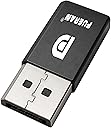
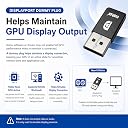
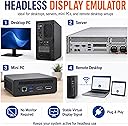
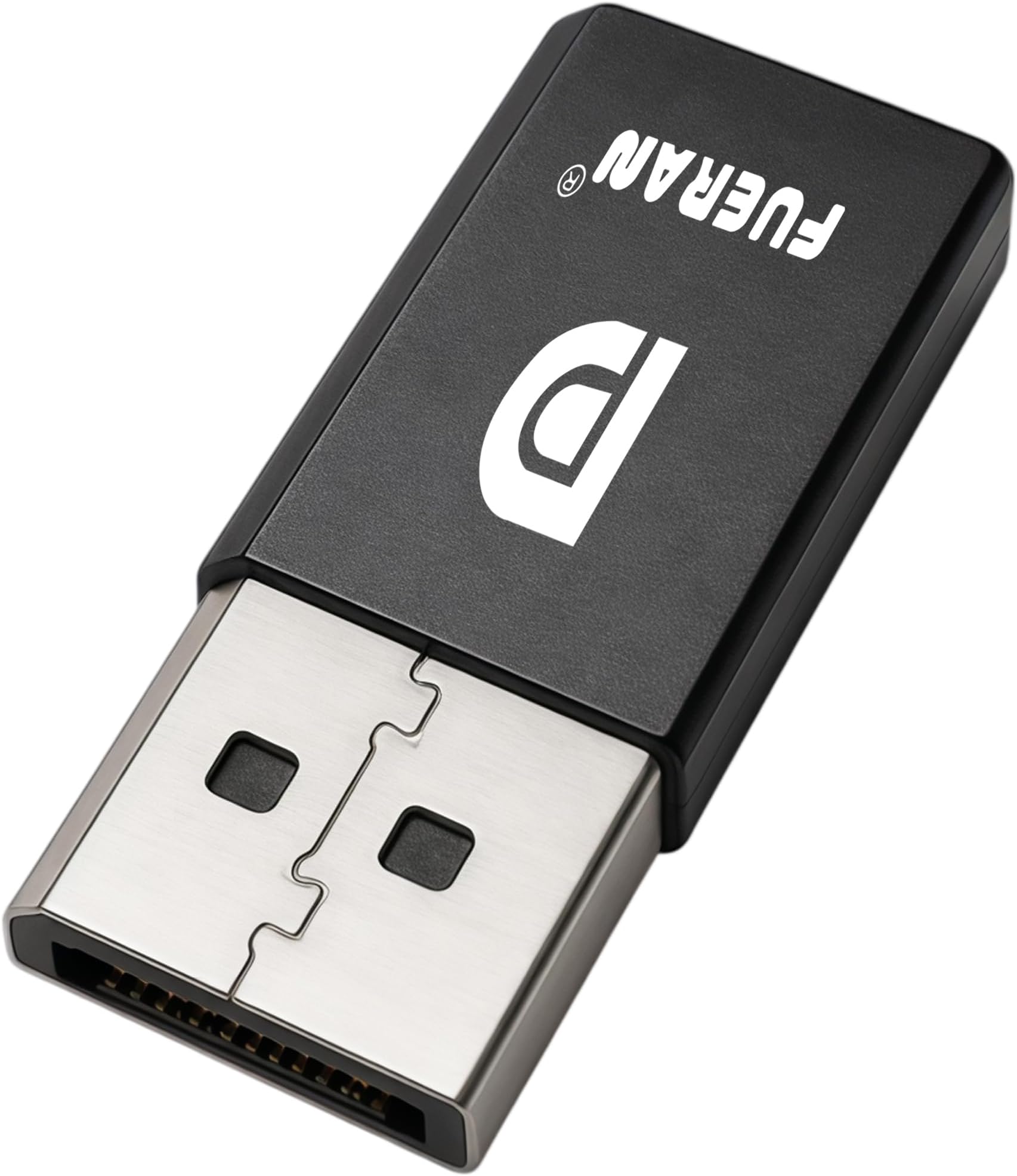
The FUERAN DisplayPort Dummy Plug is a compact, driver-free EDID emulator that simulates a connected monitor, supporting up to 4K@17Hz and 1080P@60Hz resolutions. Designed for headless PC setups, remote workstations, and server environments, it features a durable aluminum housing with heat dissipation and an LED status indicator. Compatible with Windows, macOS, and Linux, it ensures seamless GPU output activation without the need for physical displays.


| ASIN | B071CGCTMY |
| Best Sellers Rank | #653 in Audio & Video Connectors & Adapters |
| Brand | FUERAN |
| Color | DP-2560x1600@30Hz-1P |
| Compatible Devices | Laptop, Monitor, Projector |
| Connector Type | DisplayPort |
| Customer Reviews | 4.3 out of 5 stars 556 Reviews |
| External Testing Certification | Não aplicável |
| Finish | Hdmi |
| Item Dimensions | 1 x 1 x 1 inches |
| Item Weight | 1 g |
| Item dimensions L x W x H | 1 x 1 x 1 inches |
| Manufacturer | FUERAN |
| Mfr Part Number | DP-2587 |
| Model Number | DP-MNQ001 |
| Number of Items | 1 |
| Number of Ports | 1 |
| Package Quantity | 1 |
| Power Plug Type | No Plug |
| Specific Uses For Product | PC |
| Unit Count | 1 Count |
| Warranty Description | 12 |
M**M
EDID the job well
I cannot overstate how incredible this EDID display dongle is! From the moment I plugged it in, it worked flawlessly—no fuss, no complicated setup, just pure plug-and-play perfection. If you’ve ever struggled with display detection issues, refresh rate mismatches, or your system forgetting a headless monitor setup, this little gem is the ultimate solution. Gone are the days of my GPU panicking when I disconnect a display. This dongle locks in the resolution, keeps my virtual desktop stable, and ensures that my system always recognizes the display exactly as I need it. Whether you’re running a headless server, using a KVM switch, or just need a reliable way to keep your display settings intact, this is the answer. It’s compact, well-built, and does exactly what it promises perfectly. No lag, no signal drops—just seamless EDID emulation at its finest. If you’re on the fence, get one now!
H**B
Perfect for headless Linux servers
Works exactly like it's supposed to. Plugged it into my headless Linux server after removing the physical monitor, and it booted right up without a hitch. SSH access works flawlessly.
D**D
Works exactly like it should..4K/60hz
I use this for a few reasons..but obviously to make my computer desktop headless is the goal. My current desktop i use for game streaming and also VR. This adapter allows me to keep my main monitor (tv) off while allowing me to game stream and also play VR without having to turn my main monitor on to access oculus desktop. So some wierd quirks if anyone is having issues with the resolution. Out of the box just plugging it in did not work with 4K/60hz. I had to go into nvidia control panal and create a custom resolution. Its not hard, takes all of 20 seconds to go into nvidia control panal and go to Display > Change Resoluton - Customize button - Create a Custom Resolution (Make sure you check Enable resolutions not exposed by the display) - Do 3840 x 2160 / 60hz which is 4K. Just make sure when you do this you select the DP adapter which for me was labled DP1080p60. Once you do that you can select that resolution and the adapter will run at 4k/60. Now an odd quirk for me was it wouldn't let me run 120hz on my main display within the nvidia settings...however in windows display options i can switch it to 120hz and it works..wierd. HDR does not work when using the adapter and duplicating displays. Windows does not give you the option to enable it. I was also not able to get the adapter to run 120hz at 4K but it does do it at 1080p if i wanted. I don't game stream at that res so it's not a big deal.
S**Y
Works with Ubuntu OS
Used on a Dell pc running Ubuntu. Could not run it headless without this dongle. Dongle works great.
A**.
Didnt work.
On AMD graphics card tried on windows and linux
N**L
Great for remote desktop, needs external settings to hit 4k60fps
Update: If you are using an Nvidia GPU there is a way to get it to use whatever resolution and hz you want in the custom resolutions setting. I was able to tell it to run at 4k60hz or 1440p 120hz and it worked fine and did not melt, so I can recommend this for high resolution/high frame rate if you're willing to fiddle with the settings a bit. Be sure to check the provided chart before buying- this works great for tricking your computer into thinking a 1080p 60hz display is connected, but any higher resolution maxes out at 30hz before dipping to 17hz at 4K resolution. If you're using it for a headless PC remote desktop, that's probably fine, but I was wanting to use it for 60fps 1440p game streaming and unfortunately it maxed out at 30hz at this resolution. If I had checked the chart before buying I'd have noticed this and probably bought a different device.
K**N
Does the job
Turns my dumb motherboard into a headless unit. Still working after 2 years.
S**T
Works like it should, makes screen resolutions work in a VNC connection if you have problems
This little thing fixed an issue I had with a remote connection not displaying correctly with a headless computer. Just plug it in, the computer will think you have a monitor attached. Just that simple!
J**N
普通
問題なし
D**N
Does what it says on the tin
Plug and play. Works perfectly, 2 second install
B**E
Compatible with Linux
Works just fine.
キ**ロ
安心と信頼
以前別のタイプのダミープラグを購入したので、他のも安心だろうという事で購入しました。 もちろんちゃんと使えて安心しましたε-('∀`*) 別件で不良品掴まされたところだったので、ちゃんと使えるものが届くって最高だなって思いました
A**Y
Works as intended
Works like a charm... Thanks 👍🏻
Trustpilot
2 months ago
2 weeks ago