Desertcart purchases this item on your behalf and handles shipping, customs, and support to Panama.
โก Upgrade your desktop to future-proof, ultra-fast Wi-Fi and Bluetooth โ because buffering is so last decade!
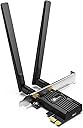
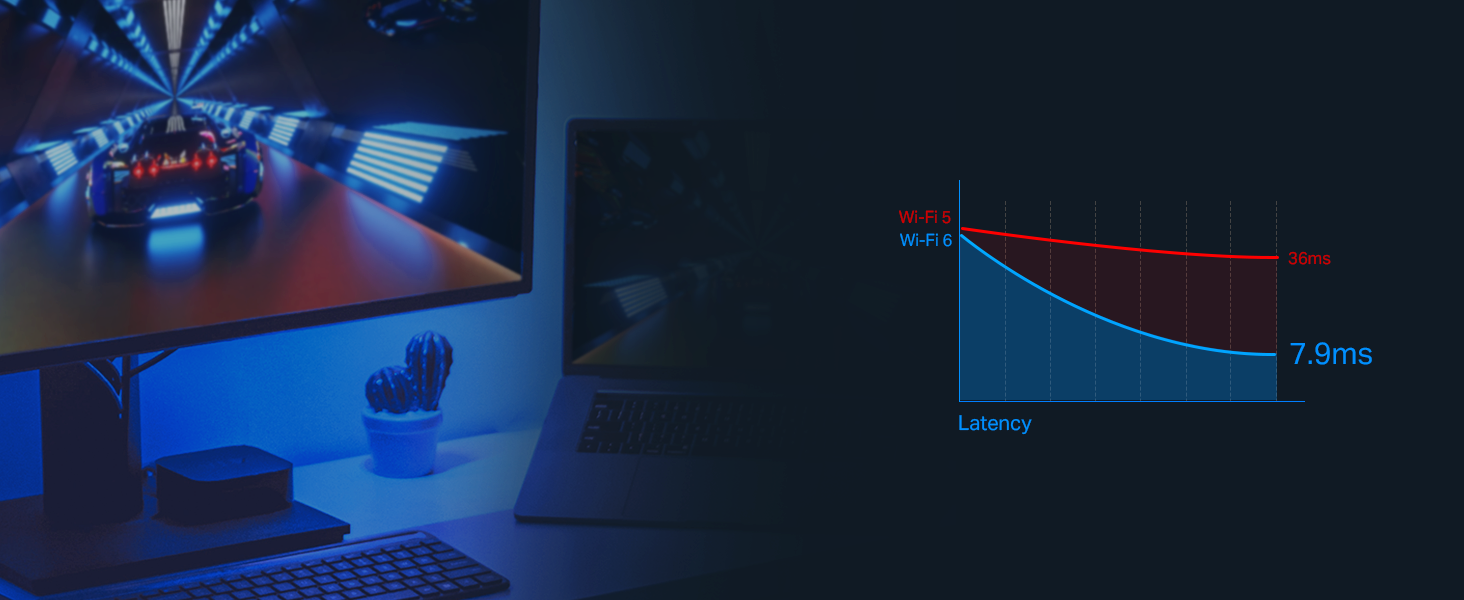
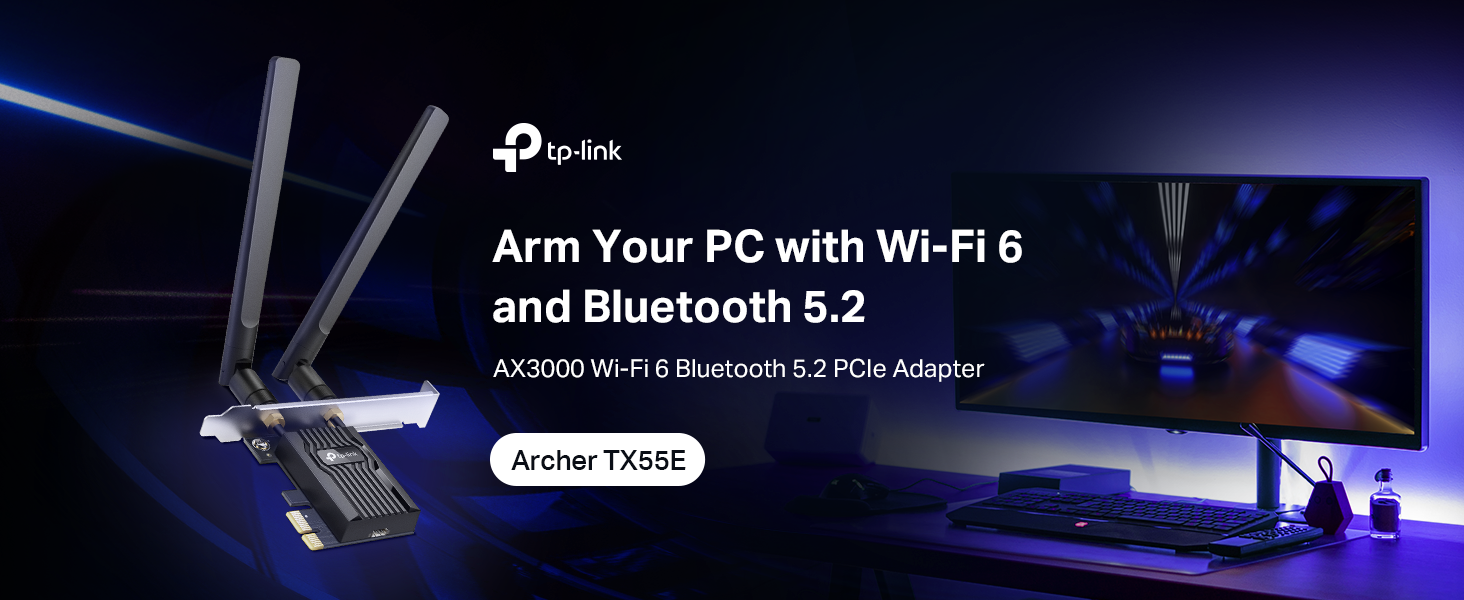
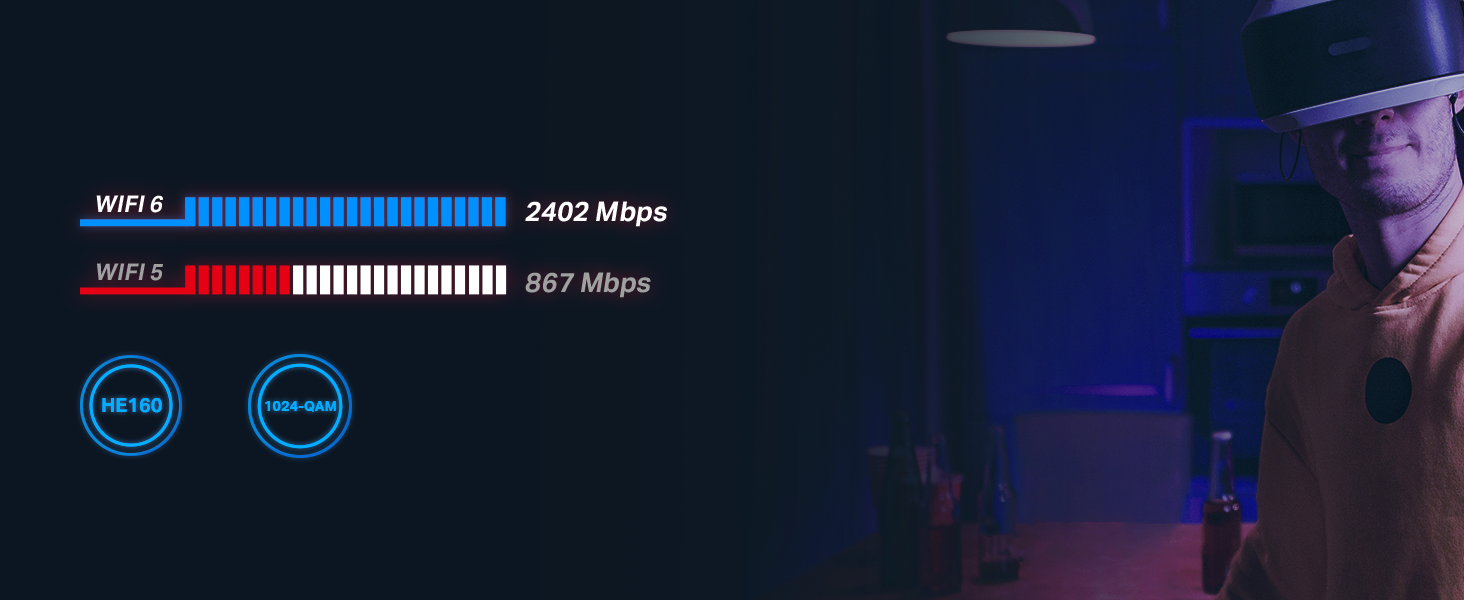
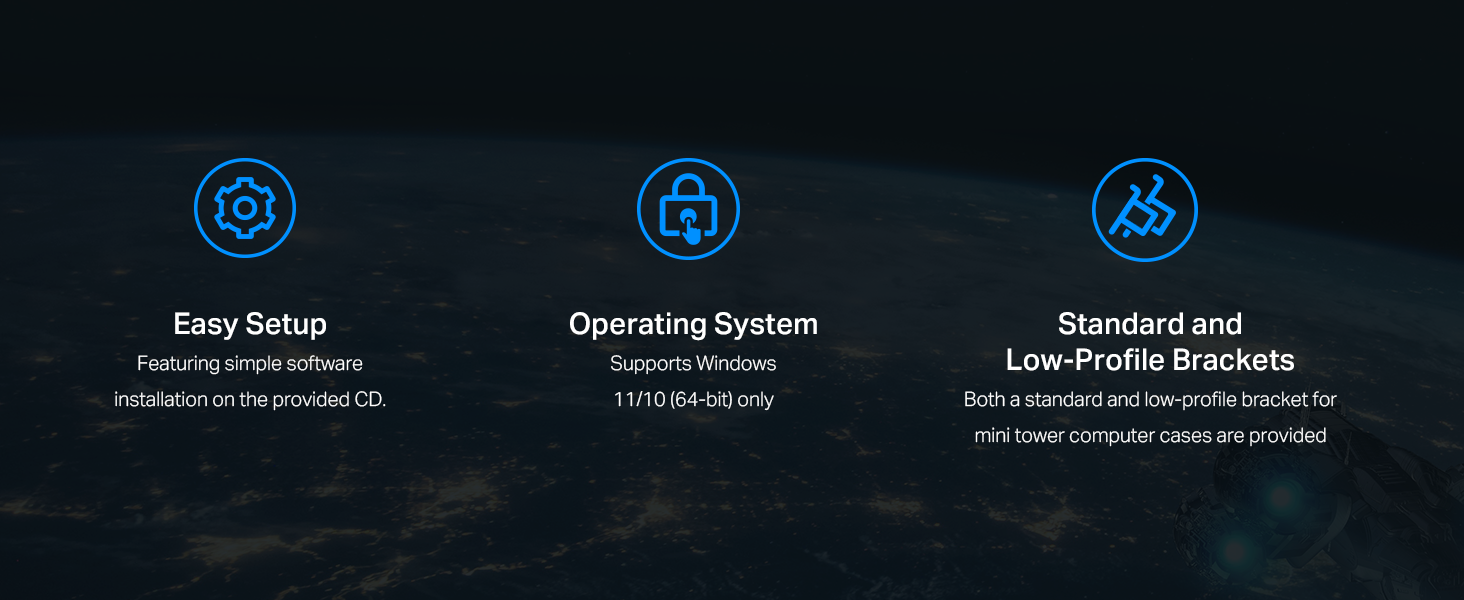
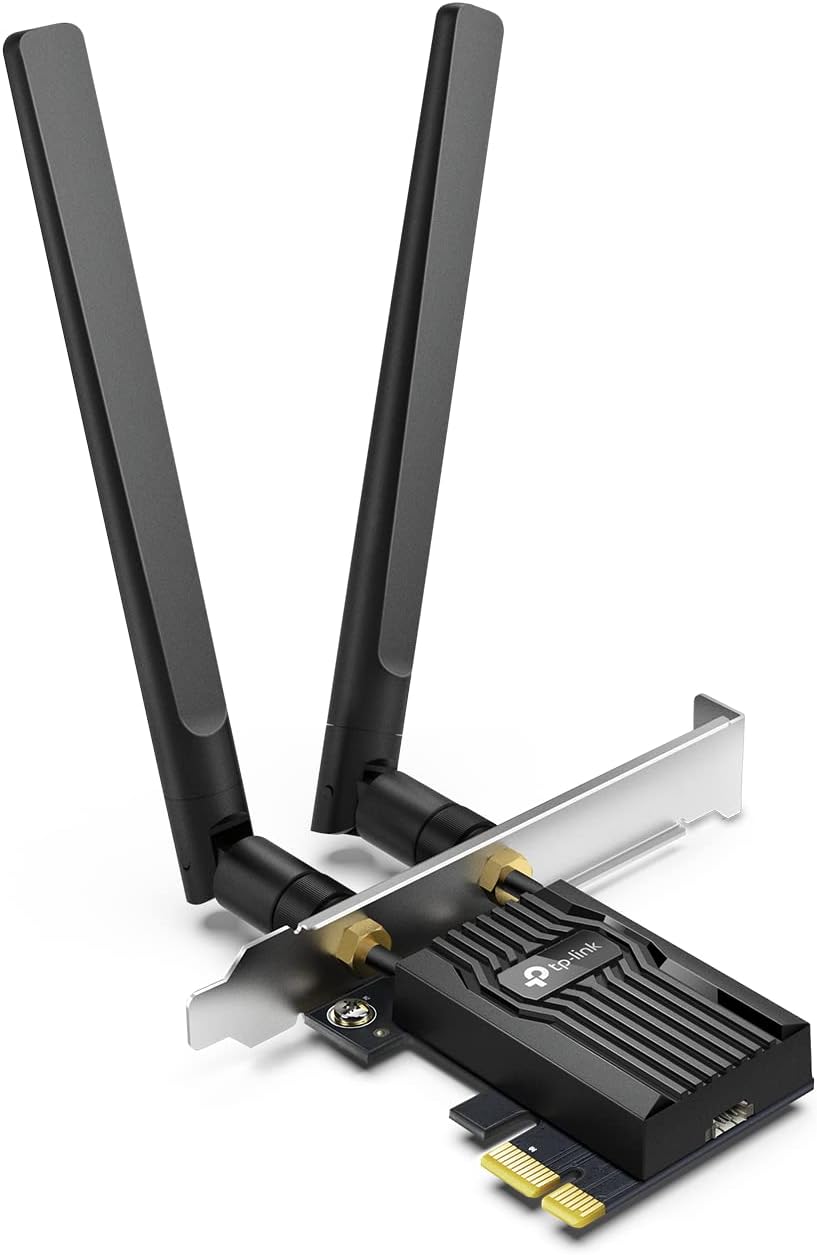
The TP-Link Archer TX55E AX3000 PCIe WiFi 6 card delivers lightning-fast dual-band wireless speeds up to 2.4 Gbps with ultra-low latency, enhanced by OFDMA and MU-MIMO tech for lag-free gaming and streaming. Equipped with dual 5 dBi high-gain antennas, it extends your Wi-Fi range significantly. Bluetooth 5.2 support ensures faster, more reliable connections to your devices. Featuring the latest WPA3 security protocol, it safeguards your network with advanced encryption. Designed for easy installation, it includes both standard and low-profile brackets to fit any desktop PC.


| ASIN | B0B1NRGDQ4 |
| Best Sellers Rank | #1 in Internal Computer Networking Cards |
| Brand | TP-Link |
| Built-In Media | Archer TX55E, Low-Profile Bracket, Quick Installation Guide, Resource CD, Two 5 dBi High-Gain Antennas |
| Color | AX3000, WiFi 6 |
| Compatible Devices | Desktop |
| Compatible Operating System Family | Windows |
| Customer Reviews | 4.5 out of 5 stars 3,994 Reviews |
| Data Link Protocol | 802.11ax (Wi-Fi 6) |
| Data Transfer Rate | 2402 megabits_per_second |
| Hardware Interface | Bluetooth |
| Item Dimensions L x W x H | 4.72"L x 3.09"W x 0.83"H |
| Item Type Name | WiFi PCIe Card |
| Item Weight | 3.52 ounces |
| Manufacturer | TP-Link |
| Mfr Part Number | Archer TX55E |
| Minimum Required Operating System Version | Windows 10 |
| Model Number | Archer TX55E |
| Number of Items | 1 |
| Product Dimensions | 4.72"L x 3.09"W x 0.83"H |
| UPC | 840030707391 |
| Unit Count | 1 Count |
| Warranty Description | 2 year |
T**R
Easy install, fast speeds
Dropped the Archer TX55E into my desktop and itโs been flawless. Windows picked it up instantly, WiFi 6 speeds are great, and latency is noticeably better than my old card. Bluetooth 5.2 is a nice bonus โ connects to my headphones without random drops. Install was quick, antenna range is solid, and I havenโt had a single disconnect. If you need a reliable WiFi 6 upgrade for a Windows PC, this oneโs been rockโsteady.
T**K
Simple install, fast connection on WiFi and Bluetooth
For about $25, this gave my desktop the connectivity it deserves. I built this computer 10 years ago with the best components the Z97 MB, LGA 1150 socket could accept, minus the graphics card, you could spend as much on a single GPU as the whole computer. The i7 4790K with 32GB RAM, yada yada. But it didn't have Bluetooth or WiFi. I had the router connected via Ethernet. So I moved the router to the living room so the kids could play Xbox and I decided to finally get a WiFi card. This card is excellent! It mounts in a PCIE slot and secures to the case with a single screw to the back plate. Simple. Plug the USB header cord in to an empty spot on the MB and the small end goes to the AX3000 to give you your BT connection. Put your side back on your case, screw your antennae on to your card and flip them up 90โฐ to the card, parallel to each other. Put the driver disk in and select autorun.exe if it doesn't (AUTO RUN) and install wifi completely first. THEN install Bluetooth next. Don't do them at the same time. Once the drivers are done. You should see your wifi networks and anything Bluetooth you're trying to pair. I ran OOKLA speed test and I get full download and upload speeds for the service I have and I'm happy with it.
F**X
Exactly what I needed for this build!!
Very easy to install, strong signal, easy drivers, great OS support. I'm happy.
S**Y
Get this over a USB WiFi adapter!
Essential computer part to include in your PC build to instantly get WiFi and Bluetooth connectivity. It's an easy setup, simply insert into the PCIe slot, follow driver setup on TP-Link's website, and you're good to go. I highly recommend this over cheap USB WiFi adapters as the antennas provide a longer range for 5Ghz connections, giving lower latency and faster speeds. I upgraded from a USB adapter and have noticed SUBSTANTIAL WiFi speed increases as well as more reliable connectivity.
G**.
Great card, bad installation
It's a fantastic card, it's easy to to install. However, the drivers were a total pain. The disc wouldn't read on my pc, so I had to reinstall my old card to get the drivers downloaded through the website before reinstalling again. I'd recommend finding and downloading the drivers before installation to save the hassle.
B**N
โญ๏ธโญ๏ธโญ๏ธโญ๏ธโญ๏ธ Five-Star Review for TP-Link WiFi 6 PCIe WiFi Card for Desktop
I am absolutely thrilled with my purchase of the TP-Link WiFi 6 PCIe WiFi Card for Desktop! This product has revolutionized my desktop computing experience, offering blazing-fast wireless connectivity and a seamless installation process. Hereโs why it deserves a full five stars: Easy Installation: Installing the TP-Link WiFi 6 PCIe WiFi Card was a breeze. The instructions provided were clear and concise, guiding me through the process step by step. Within minutes, I had the card installed in my desktop and was ready to enjoy high-speed WiFi without any hassle or complications. Superior Performance: The WiFi 6 technology in this card delivers exceptional performance. Iโve noticed a significant improvement in my wireless connection speed and reliability since upgrading to this card. Streaming 4K videos, downloading large files, and online gaming are now smoother and more seamless than ever before. Stable Connection: One of the standout features of this WiFi card is its ability to maintain a stable connection even in busy network environments. The advanced beamforming technology ensures that the signal is focused and directed towards my devices, minimizing interference and maximizing speed and reliability. Low Latency: As a gamer, low latency is crucial for a smooth gaming experience, and this WiFi card delivers. The ultra-low latency ensures minimal lag and ping spikes, allowing me to stay competitive in online games without any disruptions. Wide Compatibility: The TP-Link WiFi 6 PCIe WiFi Card is compatible with a wide range of desktop computers, making it a versatile solution for upgrading existing systems. Whether you have a custom-built gaming rig or a pre-built workstation, this card is sure to fit seamlessly into your setup. Sleek Design: The design of the WiFi card is sleek and unobtrusive. It blends seamlessly into my desktopโs interior without taking up unnecessary space or drawing attention to itself. The low-profile bracket included in the package ensures compatibility with a variety of case designs. Value for Money: Considering its superior performance, ease of installation, and wide compatibility, this WiFi card offers excellent value for money. Itโs a cost-effective way to upgrade your desktopโs wireless capabilities and unlock the full potential of your internet connection.
W**R
Awesome internet speeds, easy to install and reasonably priced
This was very easy to install, was recognized by the PC and any necessary drivers were automatically installed. It has provided solid connection with the antenna easy to position with a magnetic platform so you can place it anywhere on your case so it's not in the way. It provides Bluetooth 5.2, WPA3 along with many other standard interfaces. I really liked the fact that it is quite compact and didn't interfere with my other boards. It's very reasonably priced and delivers awesome speeds. While I see some reviews indicating connection issues, I have had none. I run this on a machine with Windows 11 and Linux and it works fine for both.
J**H
Great card, no surprise from TP-Link
TP-Link is my go to for anything network related. They did not disappoint, works out of the box on windows 11 after downloading the drivers. Speeds are great and have not had any Bluetooth connection issues even while gaming. Make sure you have a USB header on your motherboard so that you can plug the card in.
F**A
รณtima captura de sinal
Juntamente com uma rede residencial WIFI-6 foi a combinaรงรฃo perfeita
J**Y
Great basic hardware, functions flawlessly
A great simple addition to any pc, providing your motherboard has a free usb a header to connect the Bluetooth side of the card to. Mine did not, so I had to buy an adapter cable to run out the back of the pc into a usb port
A**R
Amazing Link
Works well
A**A
ุงุนุฌุจูู
ุงูู ูุชุฌ ู ู ุชุงุฒ ุฌุฏุง
Y**N
Stable and fast connection, worth getting over a USB adapter
I highly recommend getting a proper wifi card like this instead of a USB adapter. My connection used to be extremely weak or the USB slot would drop the connection for a few seconds, and if you are playing an online game everything will freeze/crash. After installing this, which was very easy to do, and downloading the drivers online, I have extremely good and stable connection. No issues and very fast speed. Price is extremely reasonable as a USB is not much cheaper sometimes.
Trustpilot
2 months ago
2 weeks ago