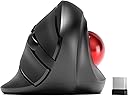
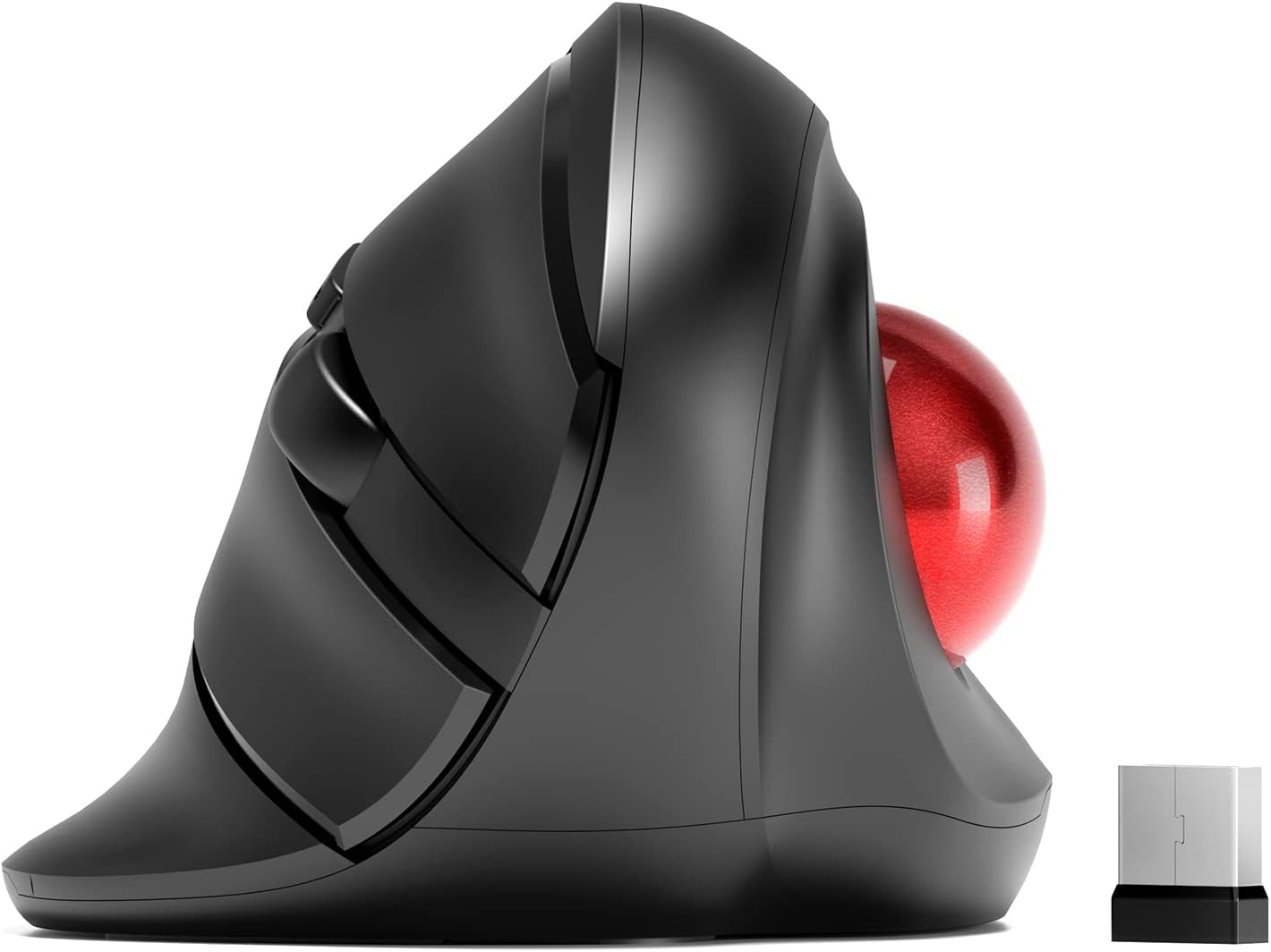
🎯 Elevate your workflow with precision and comfort—because your desk deserves the best!
The MicroPack Wireless Trackball Mouse combines a vertical ergonomic design with a smooth trackball for precise cursor control. Featuring 5 adjustable DPI settings (600-2400), a reliable 2.4G wireless connection with a 10-meter range, and silent clicking, it’s optimized for professionals seeking comfort and accuracy. Powered by a single AA battery (not included), it’s ideal for large hands and quiet environments, making it a smart upgrade for your workspace.


| ASIN | B0BRX75KQ1 |
| Are Batteries Included | No |
| Average Battery Life (in hours) | 6 months |
| Batteries | 1 AA batteries required. |
| Best Sellers Rank | 60,306 in Computers & Accessories ( See Top 100 in Computers & Accessories ) 1,296 in Mice |
| Brand | MICROPACK Digitally Yours |
| Colour | Black With Trackball |
| Customer Reviews | 3.7 3.7 out of 5 stars (545) |
| Date First Available | 11 Jan. 2023 |
| Guaranteed software updates until | unknown |
| Hardware Platform | Personal Computer |
| Item Weight | 181 g |
| Item model number | V02 |
| Manufacturer | MICROPACK Digitally Yours |
| Operating System | Windows 10, Windows 8 |
| Power Source | Battery Powered |
| Product Dimensions | 12.14 x 7.8 x 0.1 cm; 181 g |
| Series | V02 |
M**Z
More comfortable than Elecom EX-G it replaces.
Had a little wrist discomfort - and after some testing - I decided that I needed a variety of hand positions to reduce the discomfort. I needed a high-resolution track ball and one that turned my hand quite far. Enter this device: It is easy to use. Has variable resolutions and a few buttons - I don't need a dozen programmable buttons. So far so good. It has made using the trackball much more comfortable. I would like the option to tilt the tackball still further - and its ok for small medium hands - but I would like it slightly larger. Or expandable! The Elecom served me well. This is the evolution of it. Top tip: I installed Mac Mouse - a programme for adapting any mouse. Cheap and effective, it added some customisable features that make this cheap trackball as flexible as many much more expensive options.
D**A
The ball binds and it is very hard to position the mouse precisely
W**N
BUT the ball moves if it's not level. I don't yet have a level surface for my input devices, but since I like this one I'll make it happen. If you let it tilt to the left a little bit the cursor will move when you take your thumb off the ball because the ball will move slightly. This can lead to mis-clicks. All of you using a proper desk or table should never have this issue. I compute from my couch with a big rounded armrest--and is why I had to quit using mice. I did have trouble getting it up to speed on one system to I swapped it to the other one where it works fine. If it weren't for this I'd buy a second one for the other system, but a new release of Mint should fix that, and it's up. I just haven't done the upgrade.
K**E
It's pretty bulky and large for me, so it might be for larger hands. But the track ball keeps getting stuck to my thumb when I let go to type or something, moving the cursor. The ball is also very light and offers very little resistance, making it hard to select at times. There was also a tab to pull out the USB that bend the cover out of shape at the clasp.
G**Y
I've used trackballs for years. For me they allow easier and more precise control. I suffer from right wrist carpal tunnel and after a half hour or so of computer use my right hand goes to sleep. My doctor suggested a handshake type mouse is a more natural position and might offer some relief. Following a fairly exhaustive Amazon search I purchased both of the MicroPack Ergonomic Wireless Mouse's or more correctly Mice on offer. I was looking for a wired model but could not find one meeting my requirements . The Micropack Wireless Models were the ony ones I could find that could address the carpal tunnel. I'm keeping both but I like the other one best. It gives you the option of rolling on top or on the side which is good because when my carpal tunnel kicks in, the thumb does not cooperate. However, I like both of them.
J**H
I bought this trackball mouse to try and alleviate some pain in my elbow and wrist. The reviews sold me on it. Once I received it and put it into use, I noticed very quickly that the ball is loose inside the mouse, and this causes great difficulty in making smooth and accurate movements. My job consists partly of making multiple mouse clicks within small check boxes so that I can build shipments for my employer. An inaccurate mouse makes this task much harder to do, and also causes mistakes to happen. I decided to try and make do, so I could give myself ample time to get used to this mouse. I have a trackball that I use at home, but it is a different brand and not as ergonomic as this one. After a couple of days, the mouse has started to turn off on it's own, even though the on/off switch is manual. It would not come back on, without my having to manually turn it off, and then back on. This made me decide to return it. I don't have the time or patience to trouble shoot a new product with these types of issues.
Trustpilot
2 weeks ago
2 weeks ago