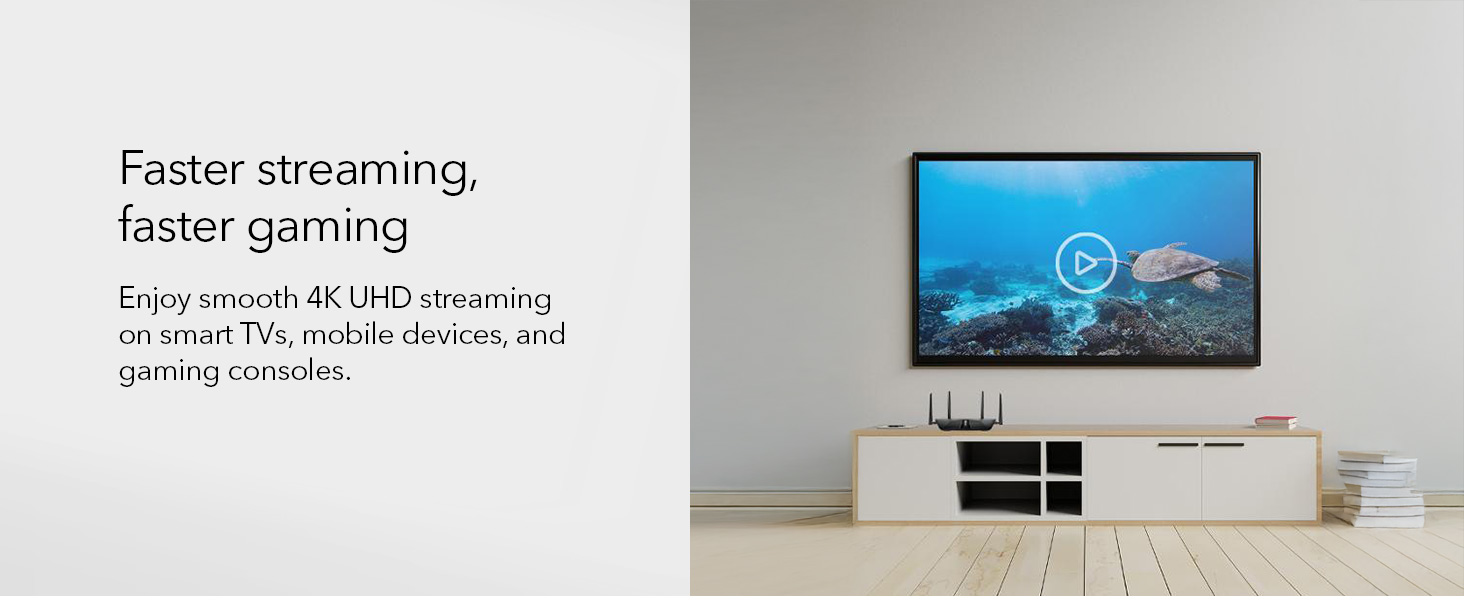
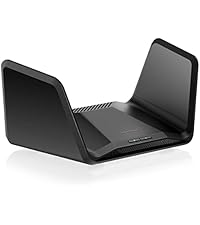
🚀 Elevate your home network to pro-level speed and security—because buffering is so last decade.
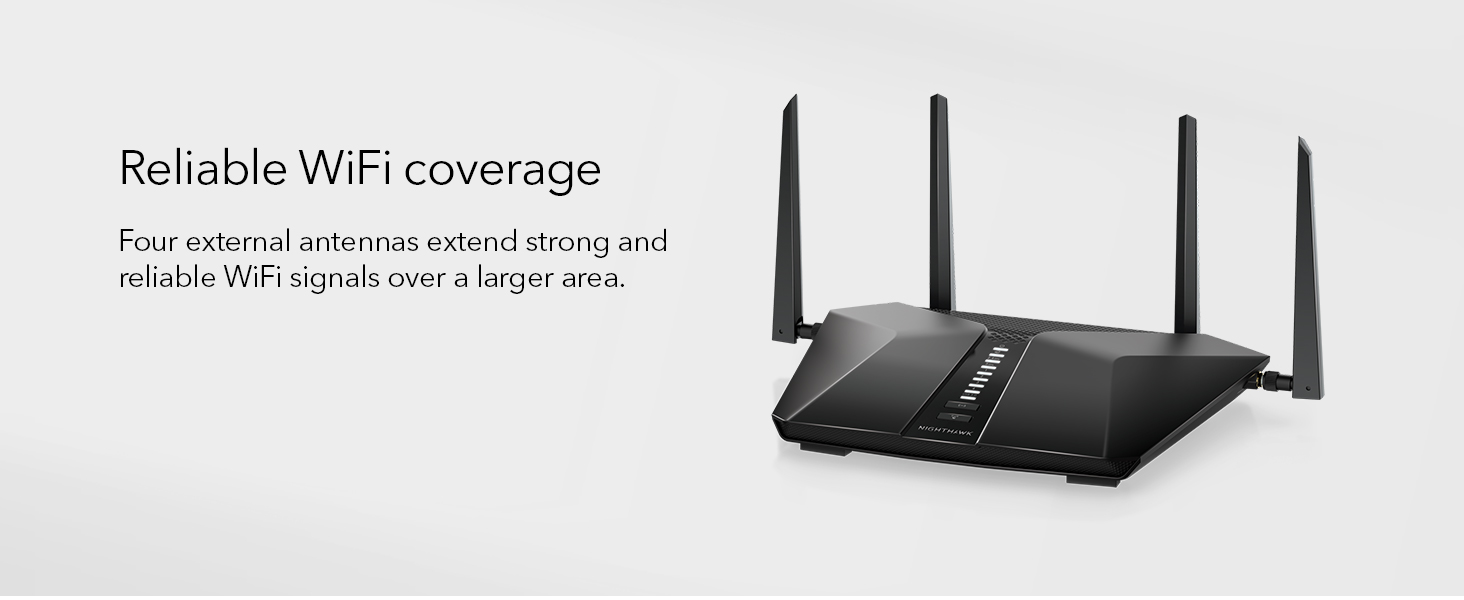
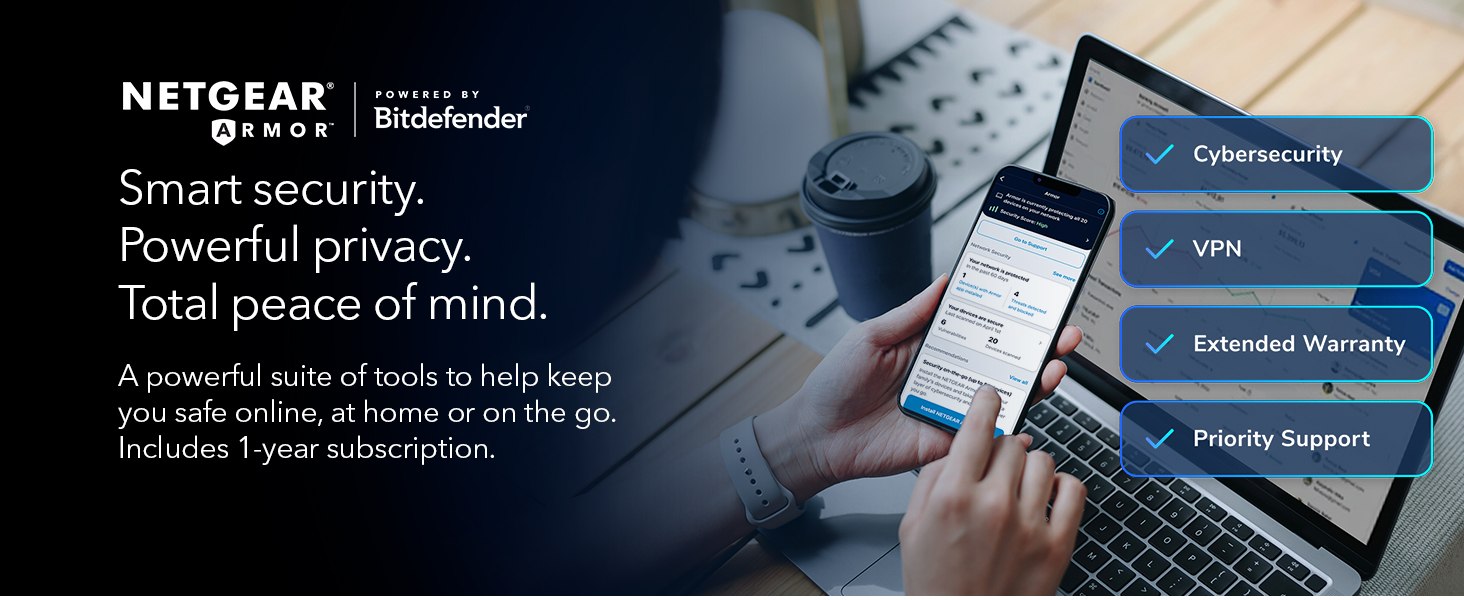
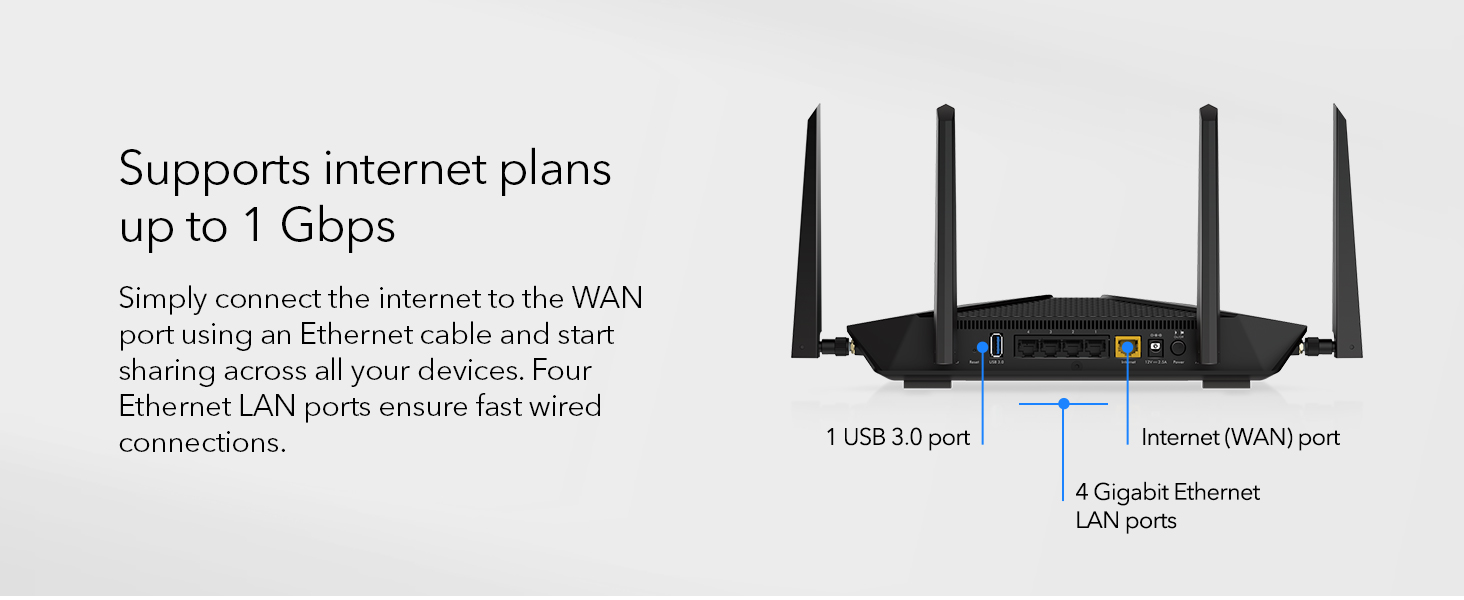
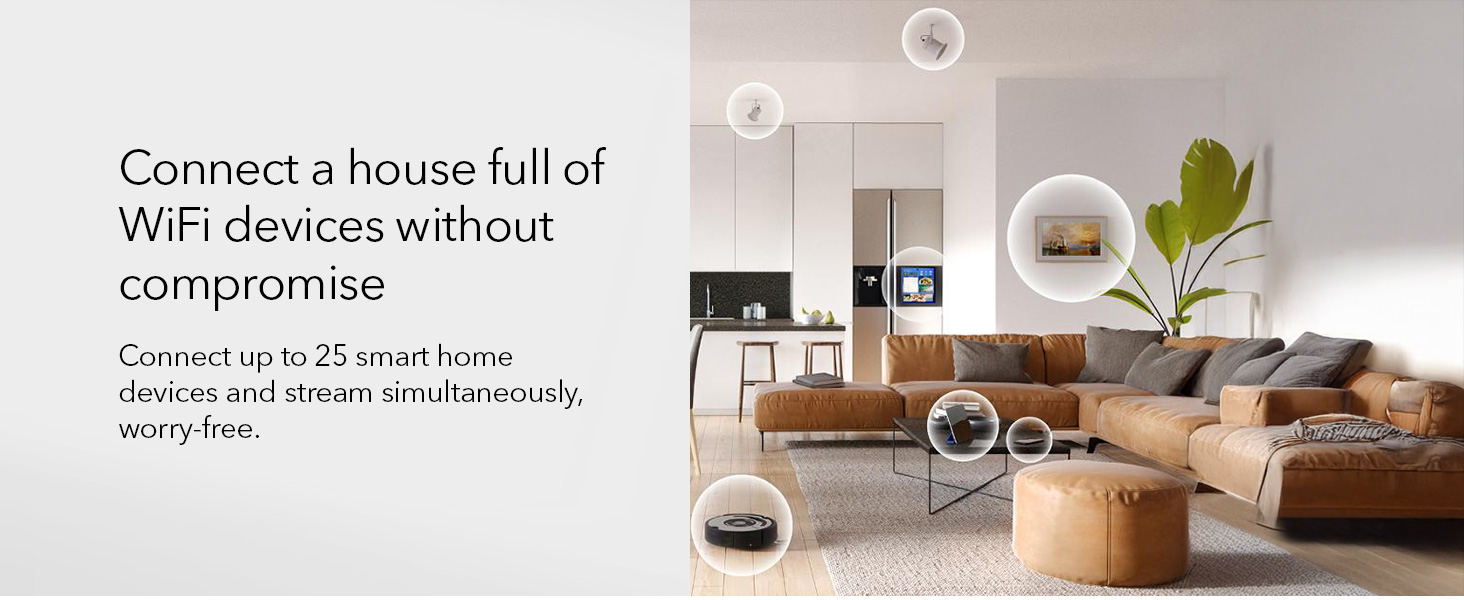
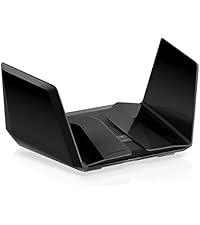
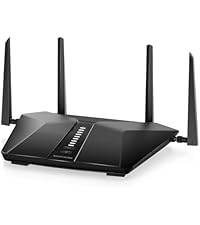
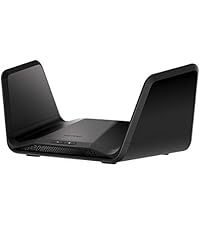
The NETGEAR Nighthawk RAX54S is a powerful AX5400 WiFi 6 router designed for modern homes, delivering up to 5.4 Gbps speeds and coverage for 2,500 sq. ft. It supports up to 25 devices simultaneously, features advanced security with a 1-year NETGEAR Armor subscription, and offers easy setup and management via the Nighthawk app. Compatible with all major ISPs, it’s engineered to future-proof your connected lifestyle.


| ASIN | B0CW6LCZH2 |
| Best Sellers Rank | #714 in Computers & Accessories ( See Top 100 in Computers & Accessories ) #45 in Computer Routers |
| Brand | NETGEAR |
| Color | Black |
| Customer Reviews | 4.3 4.3 out of 5 stars (4,931) |
| Date First Available | March 18, 2024 |
| Item Dimensions LxWxH | 9.84 x 7.87 x 3.15 inches |
| Item Weight | 3.12 pounds |
| Item model number | RAX54S-2AZNAS |
| Manufacturer | NETGEAR |
| Operating System | DumaOS 3.0 |
| Product Dimensions | 9.84 x 7.87 x 3.15 inches |
| Series | Nighthawk |
| Voltage | 110 Volts |
| Wireless Type | 802.11ax |
L**A
Great Router, Easy to Set Up
Title: Great Router, Easy to Set Up Description: Reliable and easy setup with strong coverage. Works smoothly with streaming and everyday use. Very satisfied with this router.
J**B
My 2nd Nighthawk Router - Extremely Easy Setup and User Experience
Some background for context: My last Nighthawk router was the R6700 back in 2016 or so. It was perfect for our home internet needs. We have a pretty full smart home: Thermostat, cameras, lightbulbs, plugs, multiple game systems, laptops, tablets, phones, home streaming via NAS on Plex. The old router lasted 7 years of heavy use and finally started dying. After searching for a solution that would work for our setup and weighing what we needed vs. what was available, the Nighthawk RAXE300 (on paper) was the perfect solution. The number of connections, speed, and addition of WiFi 6E all looked great. I began setup of the new router by plugging it in and renaming the wireless broadcast ID's identical to the old router. The idea was: I can plug in my network cables, have the new router up and running, shutdown and disconnect the old router, and everything would essentially fail-over the the new Nighthawk. It worked perfectly. Setting this up was a breeze. I opted to do it manually by logging in via a web browser. The Netgear interface was essentially the same as before and very easy to use. The app, which I installed later, also works very well for router maintenance and status checks. Upon doing a speed test, the router allowed an increase in internet speed that was significant. My home internet plan is 800mbps. On my old Nighthawk, I would get around 600mbps on a good day. The Nighthawk RAXE300 is over 900mpbs regularly. I was able to get the RAXE300 for $360.00. I felt this was a fair price for the features it offered. The increase in wifi speed is significant if you're upgrading from an older router and the familiarity of the Netgear interface make the ease of setup and maintenance a huge plus If something drastically changes over the next year, I'll update this review. The first week with it has been trouble-free and a welcome upgrade.
T**C
Solid purchase
I recently purchased this Nighthawk router, and it’s brilliant. It’s very easy to set up, decent value for the money, and the functionality is great. It provides stable coverage with good signal strength throughout all three floors of my house. I’ve been using Netgear routers for about 20 years now, and they’ve performed well with a good life span. This unit is a good reminder why I keep coming back to them.
C**S
Most Excellent Router! Even better now after correcting my IP's Poorly Trained Tech's Mistake.
Update: 3.9.35 My previous review of the NETGEAR Nighthawk RAXE 300 was not as accurate as it should have been to properly exhibit its awesome ability to blast Wi-Fi signals as they were meant to be. Unfortunately, my internet provider, provided me with a modem that was not the right one for my setup as explained to me by a recent service technician coming to my house for a different problem. Apparently, the modem I had at the time was wasting a significant amount of my bandwidth. He switched it out with the right one and I retested the wireless speeds with the Oolkla Internet Speed Test app. Now, it turns out my speeds are consistently in the 900's (see inset picture) instead of the low 700's (see the earlier posted inset picture compliments of my previously poorly trained IP tech). (My modem is a 1Gig download and 20 Mbps upload.) Since using the right modem, the NETGEAR RAXE 300, has no problem broadcasting and maintaining the faster speeds. There's no signal drop, just solid WIFI. I'm using the RAXE300 as an access point and it is connected to a NETGEAR RAXE600 with 100 feet of CAT 6 Ethernet cable and to now be getting almost maximum modem speeds at that distance is a tremendous tribute to NETGEAR's engineering. My highest recommendations are for this NETGEAR RAXE300 Router for reasonable cost, excellent design and unbelievable consistent range and speeds. A while back I had purchased a NETGEAR Nighthawk RAXE500 router because I couldn't get decent speeds at the other end of the house where I spend the majority of my time with previous routers and had even tried an extender without much improvement. Still not satisfied with the modest improvement with the RAXE500 because of too many barriers throughout the house, I made the decision to buy this NETGEAR RAXE300 and set it up as an Access Point after running one hundred feet of CAT 6e ethernet cable to connect the two. I called NETGEAR Tech Support just to make sure I had a clean install from the beginning and I'm really glad I did, they were excellent to work with and what was once only a dream, now is a reality because as you can see by the inset picture, I'm getting a solid 700 plus Wi-Fi download speeds from my 1 Gbps download, 20 Gbps upload modem at the other end of the house. The router was simple to set up, no hiccups from start to finish. I get consistent speeds all day long and the app you can download for your phone makes it easy to log on from anywhere to check on it or make changes. The router itself is a very cool looking piece of electronic wizardry and has 6 strategically placed antennas placed throughout the wings. I give this NETGEAR RAXE300 5 Stars for cool design, consistency of speeds, ease of setup and cost to emotional value.
L**A
Works well, but beware the app
The router was very easy to install through my hard-wired desktop computer. Because I named the 2.4 GHz network the same as on the old router, with the same password, all my smart devices connected automatically. But the Nighthawk app that I installed on my phone for remote access to the router is atrocious. I uninstalled it after NETGEAR insisted that I create a NETGEAR account and agree to a predatory privacy policy. Not going to happen. The automatic firmware update also didn't update to the newest version 1.0.20.174 posted on the NETGEAR website, rather only 1.0.19. xxx (forgot the last digits). But because everything works smoothly so far (30 minutes after the installation), four stars.
T**S
Does have wifi 6E and it works beautifully, I use that for VR. Easy to work with interface and the wifi range is standard Cons: - Invasive firmware - Too expensive for what it is - Doesn't have a socket for fiber cables
R**A
Muy fácil de instalar y el internet es mucho más rápido
A**L
Instalación muy simple y mejoras en la velocidad y distancia.
M**S
Este router lo compré para reemplazar el R7800 y estoy muy satisfecho por el cambio, tengo el doble de velocidad de transferencia comparado con el 7800, es súper estable, no lo reinicié desde que lo compré a la fecha que estoy escribiendo este comentario. Tiene muy buen alcance en un radio de 100m2. El único detalle que tiene es que en México no se la banda de 6GHZ, por ende si lo compras pensando usar esa banda, con este router no va, por eso le saco una estrella. Lo recomiendo ampliamente.
Trustpilot
3 weeks ago
1 month ago