🔒 Elevate Your Home Security with Smart, Sleek, and Spot-On Surveillance
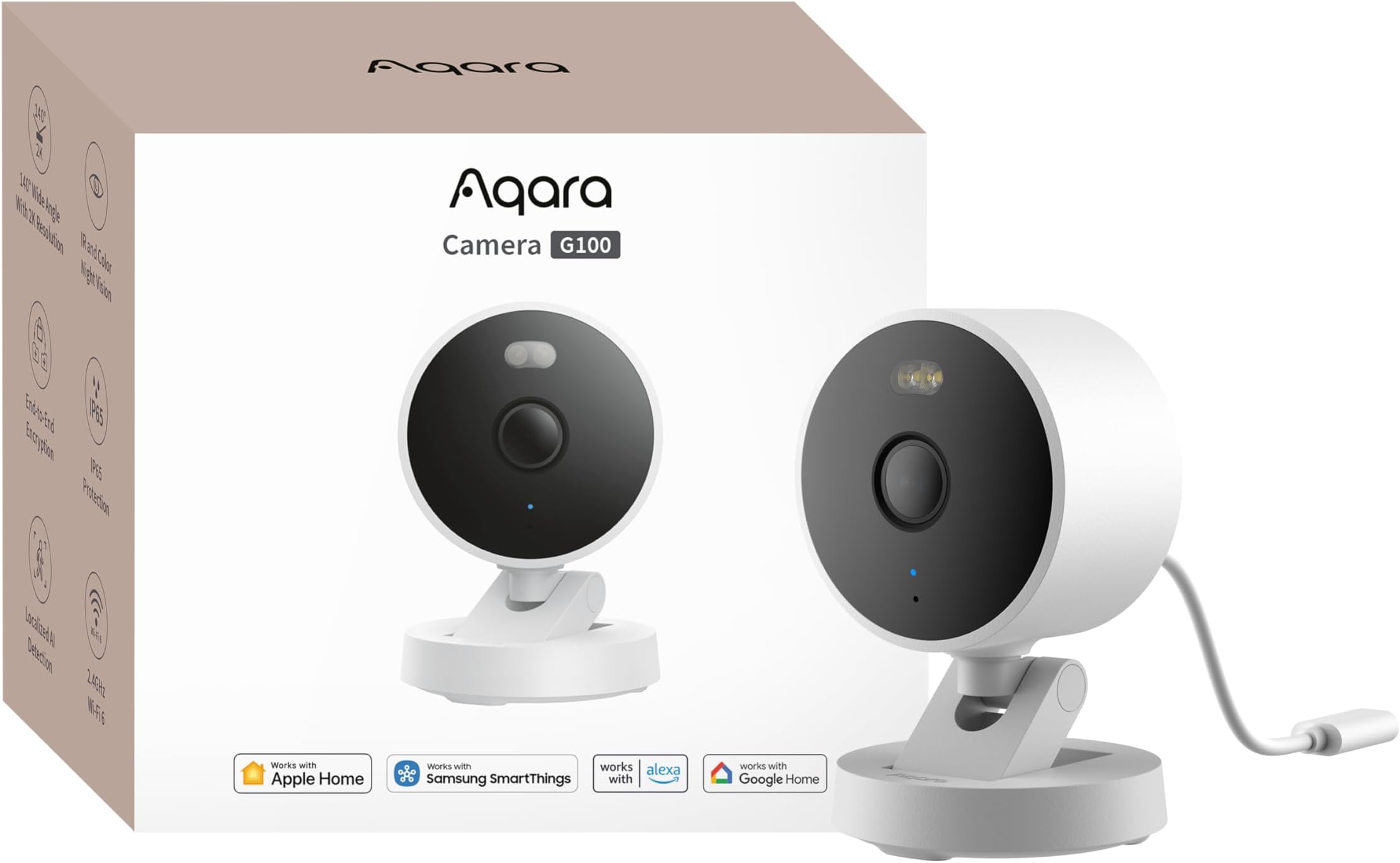
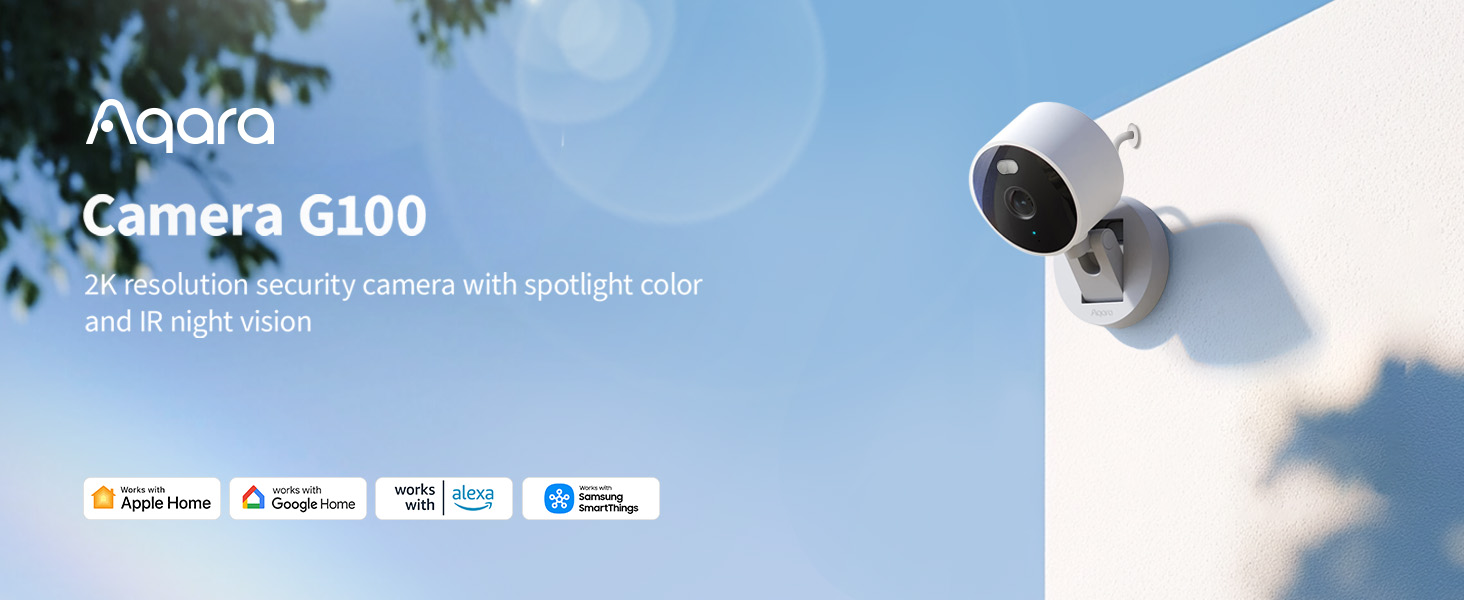
The Aqara G100 is a cutting-edge 2K indoor/outdoor security camera featuring 3MP resolution, a 140° wide-angle lens, and dual night vision modes including color spotlight and IR. It boasts IP65 weatherproofing, Wi-Fi 6 connectivity for smooth streaming, and advanced AI detection for people, pets, and packages. Fully compatible with HomeKit Secure Video, Alexa, Google Assistant, and IFTTT, it offers flexible storage options and seamless smart home integration, making it a top-tier choice for modern home security.


| ASIN | B0F6CKH9BB |
| Alert Type | Motion/ Person |
| Audio Visual Recording Capabilities | Video |
| Batteries Required? | No |
| Best Sellers Rank | #41 in Bullet Surveillance Cameras |
| Cellular Technology | 2.4G |
| Color | White |
| Compatible Devices | Television |
| Connectivity Protocol | Bluetooth, Wi-Fi |
| Control Method | App |
| Controller Type | Amazon Alexa, Android, Apple HomeKit, Google Assistant, SmartThings |
| Customer Reviews | 4.2 4.2 out of 5 stars (879) |
| Date First Available | April 28, 2025 |
| Flash Memory Supported Size Maximum | 512 GB |
| Flash Memory Type | Micro SD |
| Frame Rate | 20 frames per second |
| Frequency Band Class | Single-Band |
| Included Components | Camera G100 |
| Indoor/Outdoor Usage | Indoor, Outdoor |
| Installation Type | Freestanding/ Wall Mount/ Ceiling Mount |
| International Protection Rating | IP65 |
| Item Weight | 3.52 ounces |
| Item dimensions L x W x H | 2.28 x 2.28 x 2.83 inches |
| Item model number | CH-C08E |
| Light Source Type | LED |
| Low light technology | Night Color |
| Manufacturer | Lumi United Technology Co., Ltd |
| Maximum Webcam Image Resolution | 3 MP |
| Mounting Type | Wall Mount |
| Number of Channels | 1 |
| Number of Items | 1 |
| Power Source | Corded Electric |
| Product Dimensions | 2.28 x 2.28 x 2.83 inches |
| Product Grade | Residential |
| Room Type | Home |
| Specific Uses For Product | Surveillance |
| UPC | 192784002360 |
| Unit Count | 1.0 Count |
| Video Capture Format | MP4 |
| Video Capture Resolution | 1080p |
| Video encoding | H.264 |
| Viewing Angle | 140 Degrees |
| Voltage | 5 Volts |
| Water Resistance Level | Waterproof |
| Wireless Communication Technology | Bluetooth, Wi-Fi |
D**.
Excellent security camera at an excellent price.
I am a big fan of Aqara products because they offer a range of high quality products at reasonable pricing. This camera is a good example, its under 40$ and provides excellent picture quality. I installed this camera outside of my home to replace my old Lorex camera. The main reason was to create an automation that worked with my Aqara Door lock. Anytime the door unlocks, the camera plays a voice recording so anyone outside knows they can enter. This is a perfect setup that works well with my remote button and Google home app. The picture quality is great and there many features that the old Lorex camera didn't have (Richards more expensive BTW). So far, I am very pleased with this camera and will recommend it to anyone.
B**T
Rock solid HomeKit camera
A rock solid HomeKit camera with a decent image quality. The camera is easy to set up using the Home app. I also paired it with the Aqara app to get firmware updates, but it’s not needed. I have 4 now around the outside of my house and they load fast in Apple Home, catch motion, and work great at night. It was easy to mount, they are fairly small, and only needs one screw to hang. Great price, too.
N**.
Good camera at a reasonable price that supports HomeKit and HSV
I had a little trouble with it at first. It took a couple tries to get the camera to connect via HomeKit and then only the video was working but not the motion sensor. After a factory reset though it connected easily and everything was working fine. The night vision/low light performance is better than my other cameras and the image quality is very good. It seems solid and I like the boot over the connector for the power cable. I'd probably have given it 5 stars except that I was on the brink of returning it until I thought to try the factory reset.
M**B
The camera stays connected and records to your iPhone.
Most importantly, it works all of the time. One problem with outdoor WiFi cameras is that they are separated from the router by walls and distance. This one stays connected. It was very easy to install. There aren’t many instructions in the box, but if you use the Aqara app, it will give you the option to connect it to HomeKit. It uses a USB-C connection instead of batteries or solar power. The cord is only about three feet long, so you will want to get a longer cord. I got a 16 foot cord that works fine. It has displayed accurate motion detection and doesn’t active when the wind blows. I wanted a camera that also records Apple Secure Video, and this one does it well. This is the affordable camera I’ve been waiting for, and I plan to buy more of them.
L**S
Cheap, Super Easy to Set Up, and Good Video Quality
I've been buying a bunch of Aqara accessories over the last two months as I'm switching away from the Blink and Wyze platforms. Both of those platforms offered really cheap but good cameras which, sadly, are not really compatible with each other or other smart home systems. I really wanted HomeKit compatibility and that's where Aqara comes in because I really wanted the capabilities that HomeKit and Shortcuts offer. I grabbed a few of the higher end Aqara cameras (G5 Pro and G3) but didn't need that functionality everywhere and wanted something price-wise that was similar to the cameras I was replacing. The G100 fit the bill nicely. I have three of them up and they've been really good so far. Set up was a breeze. I have one in the garage and another in the backyard which is mainly for watching animals. I'd definitely recommend giving one of these a try if you're looking for something that's a bit more affordable than the G5 Pro and the G3 but still has a lot of the same features. Keep in mind that as soon as you add it to HomeKit, the camera will not be in 2K anymore since Apple's HomeKit restricts the resolution to 1080p so if you want to use the higher resolution, don't use Apple's HomeKit - stick with Aqara Home instead.
J**G
HomeKit compatible, HomeKit secure video not so much.
If you want a cheaper camera than a Logitech Circle View, this is the camera for you. Video quality is just as good, and it does have a spotlight for color video at night. I only use it through HomeKit, though I installed Aqara’s app in order to update the camera firmware. Installation was a snap into HomeKit. My only problem with it is that it will not detect people or animals to record to Apple Home if they’re more than 15’ away. Camera is installed on the front porch, and records great as long as subjects are not far away. But if you are looking for a camera to see and record to Apple Home throughout the camera range, look somewhere else. For less than $40 it’s a good camera, but it has its drawbacks.
M**R
Excellent Outdoor Apple HomeKit Camera
Excellent Apple Home Secure Video camera (HKSV). I got this camera to use in my backyard. I am only using it with Apple HomeKit. It has been perfect. I was able to set it up and add it to Apple Home right out of the box. The picture is clear and crisp. The colors look good. It doesn’t lag or skip or anything like that. I’ve been happy with it. It is also currently -25 degrees Fahrenheit here and it continues to work brilliantly while my battery operated cameras all shut themselves down. Apple Home is limited to 1080P so the Aqara app would probably look even better. That is a limitation by Apple. Whaddya gonna do? The audio is not great though. It’s a tiny camera with a tinny little mic. That is a non-issue for my use case but if audio is important to you, be aware that the audio is poor. That is very common of cameras this size and pricepoint. I would not want to use it at my front door if I needed to communicate with people. Night vision is OK. Better than I expected but not great. But if you want a solid HomeKit camera to see your yard outside, this is the way to go. Just remember that your experience with this camera is heavily influenced by your Wi-Fi. This is true of all cameras. If you don’t have good Wi-Fi, no camera will work very well. If you plan on mounting it on the side of your house, be aware that you will probably need to purchase a longer power cable, depending on where your power connection is.
G**N
This camera is fair for its price, has sd card slot, and light, and even motion and human motion detections, the only lacking for me was the zigbee hub functionality, however for this price I don't complain especially because it is outdoors too.
M**N
Jak za 150zl to kamera zgodna z HomeKit jest bardzo dobra.
J**W
I own two of these for monitoring my garage and my backyard. They have a lot of features for the price. They work flawlessly with Apple Home, albeit at slightly reduced resolution (1080p max). They work in low light very well - the LED light provides enough illumination for colour video at night at a distance of about 3-4 metres or about 10-12 feet, but there is also infrared video which does not require the spot light. One of them is exposed to cold temperatures (about -8C or 18F) and works perfectly. The NAS functionality works but required a bit of effort as they could not recognize my NAS all the time; I had to keep refreshing and checking every day until it showed up and then once connected, they don't seem to have trouble transferring files. The AI functionality could use some work - I may be asking a bit much, but I get false positive for motion when lighting and exposure change; I'd like to see fewer false positives caused by changes in lighting. Overall, I have been impressed with these cameras so far.
S**A
”Aqara G5Pro サトシの趣味部屋”が参考になります。 <取扱説明> 以下はAndroid端末の場合です スマホ1台目: スマホをWiFiにすることを「テザリング」と言います。 設定>接続と共有>パーソナルホットスポット(テザリング)=オン 設定>ディスプレイと明るさ>自動画面オフ=30分 30分でテザリングもオフになる スマホ2台目: WiFiを1台目に接続 Bluetooth=オン microSDカードを本体に入れる。 本体の電源コードの防水キャップを外し、USB電源ケーブルに付けてから接続する。 逆だと接続しにくい。 Aqara Home アプリを2台のスマホにインストール アプリを開きメールアドレスとパスワードを入れる。 Aqara G100の電源を入れる。LEDが黄色点滅になるまで待つ。 (黄色点滅は約3分で消える。その時はリセットボタンを押す) スマホ2台目のアプリ右上の+をタップ>デバイスの追加>QRコードをスキャン 撮影を今回のみ許可 カメラでデバイス裏のAqaraと書いてあるQRコードのみを撮影する。 その他のQRコードは指で隠す。 (番号入力のメッセージは無視して、QRコードの撮影を続ける) ネットワークの選択 スマホ1台目を選ぶ パスワードを入力 次のステップ 追加完了 デバイスの位置をタップ 位置を設定 +をタップ 部屋の名前を入力して保存 入力した名前を選択 次のステップ アイコン選択はそのままで 完了 <参考設定> スマートカメラG100>右上の・・・をタップ デバイス設定>カメラ設定>言語=日本語 電源周波数=60Hz ビデオ設定>ロゴの透かし=オフ AI検知>人物検出 検知感度=高 動体検知 検知感度=中 通知>人物検出=オフ 動体検知=オフ クラウドレコーディング>人物検出=オフ 動体検知=オフ ローカルストレージ>録画モード>イベントを録画する 確定 <録画再生> カメラの前で動き、録画する。 現在は左下のリアルタイム、その右のタイムラインをタップ 録画データがないときは、フロッピーマークをタップ <スマホ1台目> アプリを開き2台目と同じように操作できることを確認する。 画面下の▽をタップして戻ると、下にホームとデバイスがある。 ホームでは、複数台のAqara G100の画面を一度に見れる。
G**I
Ottima videocamera: finalmente Aqara ha realizzato un modello outdoor low cost ma con prestazioni davvero eccellenti. Ha una protezione sullo spinotto USB-C, molto utile per l’installazione esterna. Io l’ho montata fuori al garage: il Wi-Fi è stabile, le immagini sono nitide e anche l’audio è sorprendentemente buono. Per il prezzo a cui viene proposta è davvero un super acquisto. 5 stelle meritate, allego foto.
Trustpilot
1 week ago
2 months ago