
DOWNLOAD THE APP


Customer Support

Desert Online General Trading LLC
Warehouse # 7, 4th Street, Umm Ramool, Dubai, 30183, Dubai
Desert Online General Trading LLC
Warehouse # 7, 4th Street, Umm Ramool, Dubai, 30183, Dubai
DOWNLOAD THE APP
Customer Support
Desert Online General Trading LLC
Warehouse # 7, 4th Street, Umm Ramool, Dubai, 30183, Dubai
Desert Online General Trading LLC
Warehouse # 7, 4th Street, Umm Ramool, Dubai, 30183, Dubai
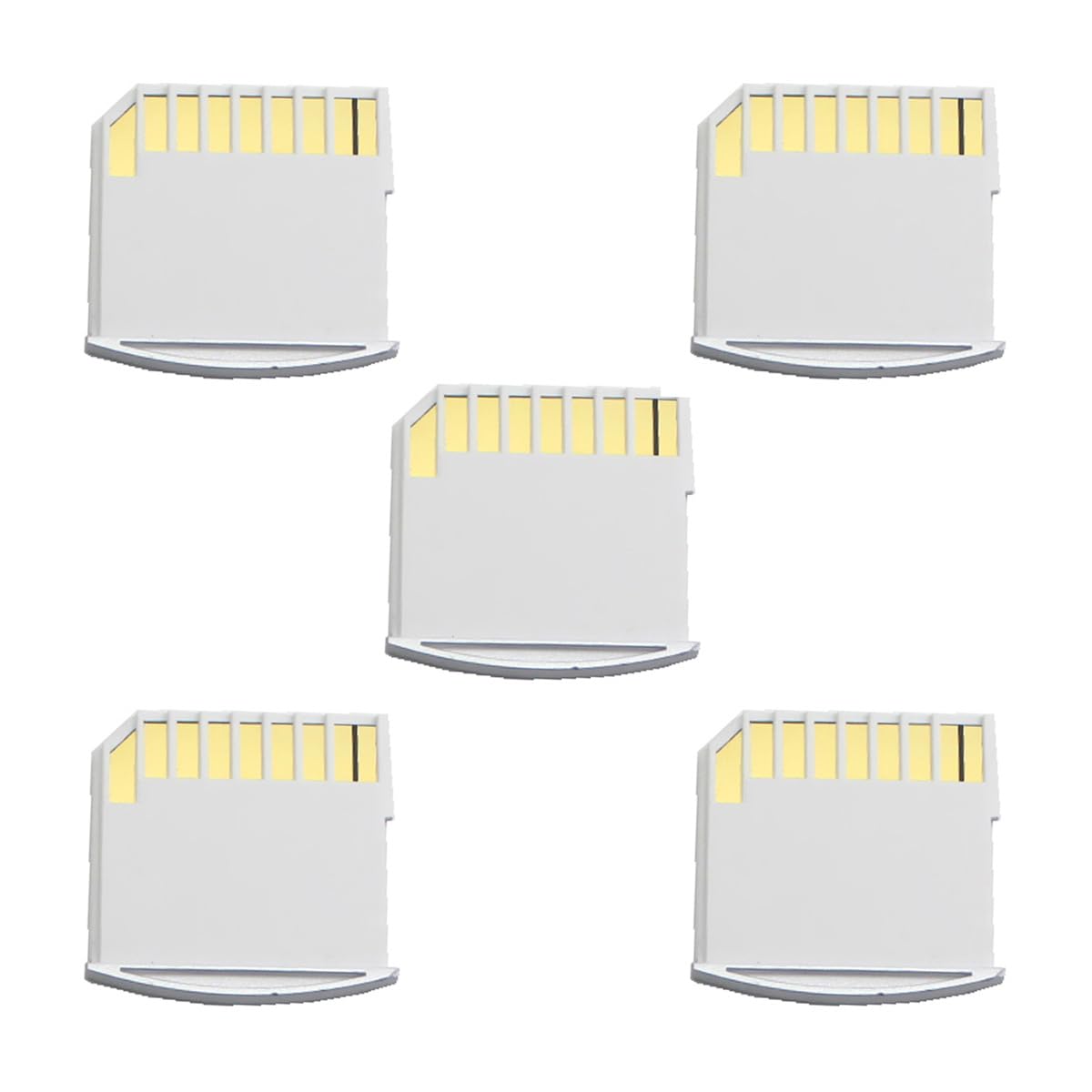
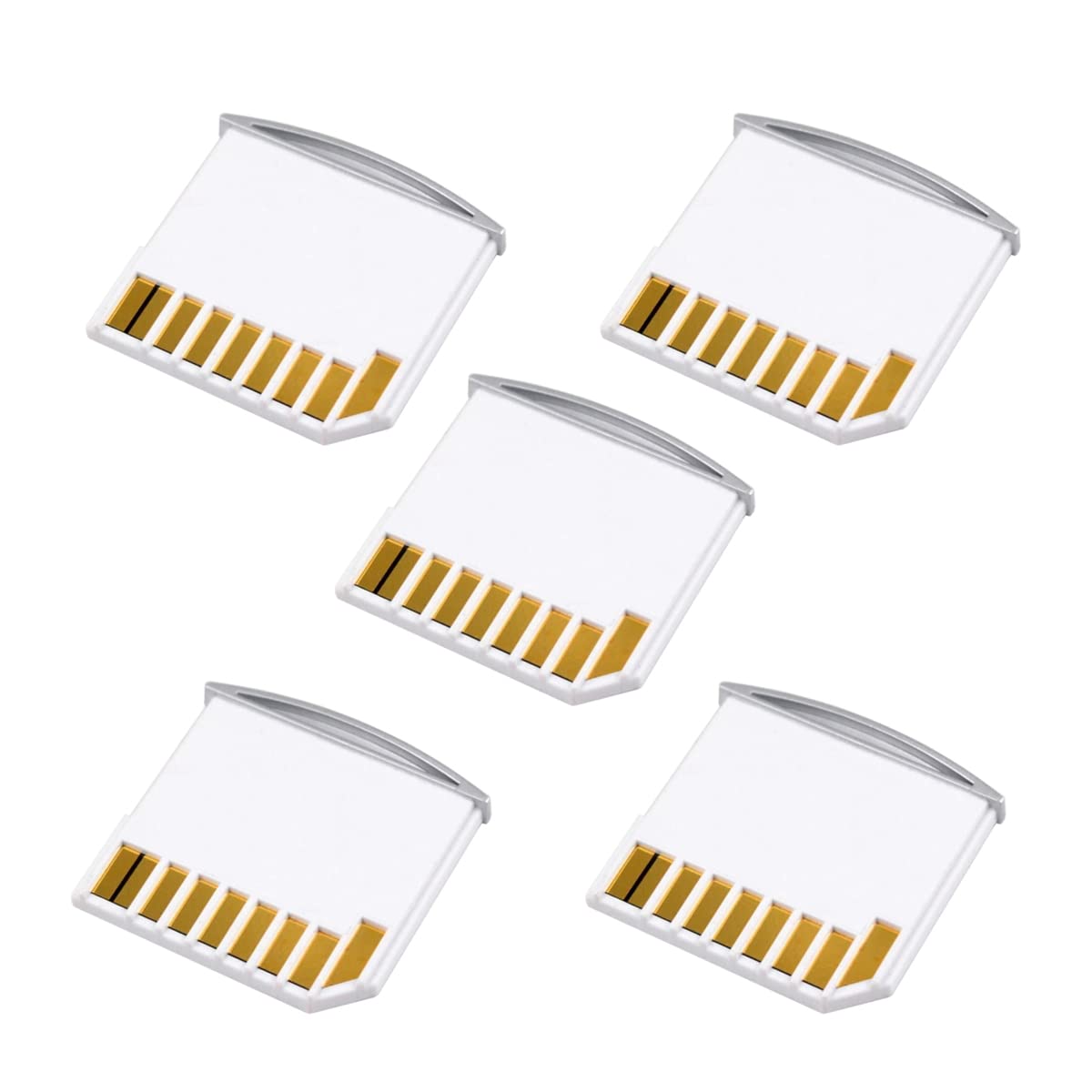


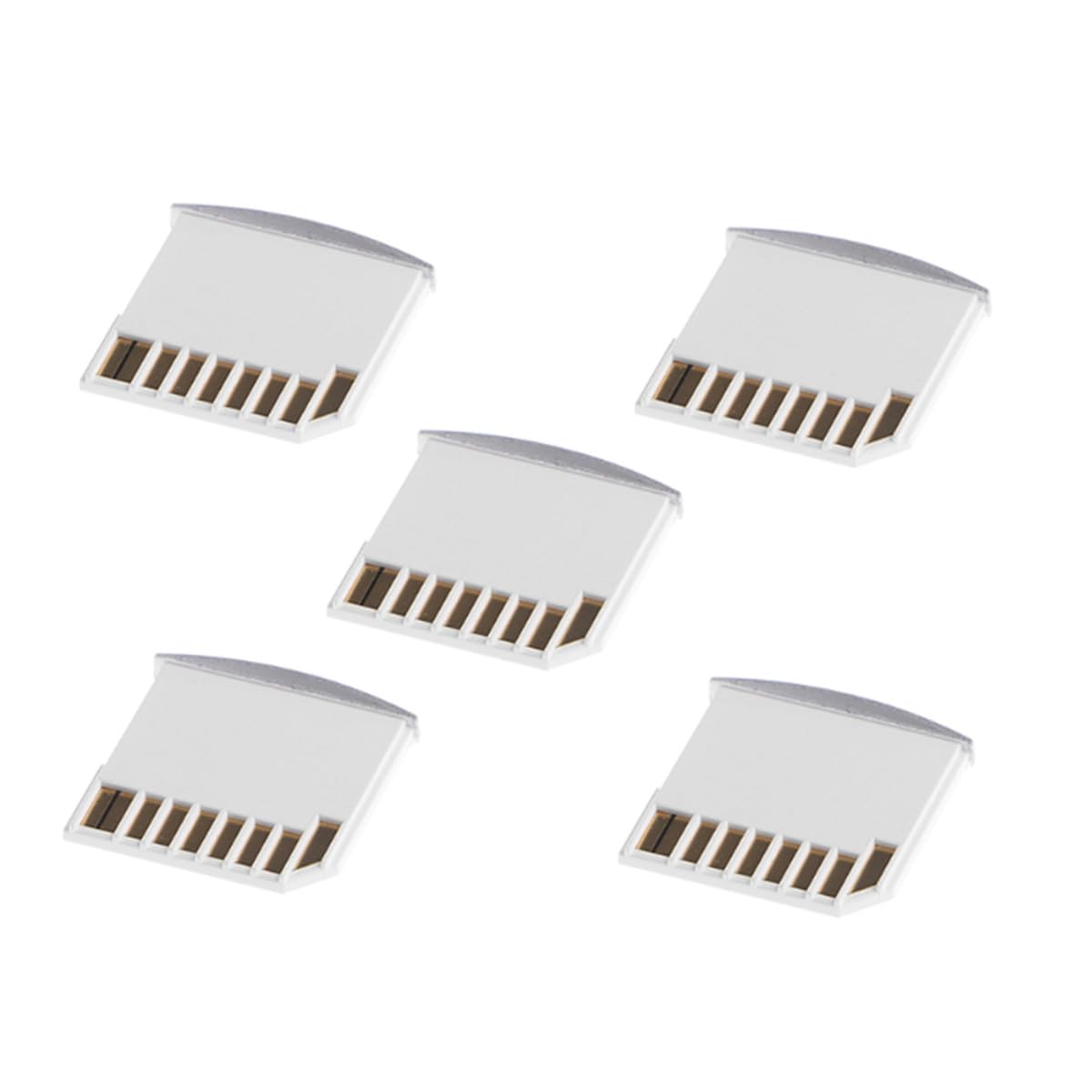
📈 Elevate Your Storage Game!
The chenyang Micro SD TF to SD Card Kit includes 5 mini adaptors designed for seamless extra storage on MacBook Air, Pro, and Retina models. Each adaptor supports Micro SD, Micro SDHC, and Micro SDXC cards, ensuring ultra-fast data transfer with UHS-1 compatibility. Compact and stylish, these adaptors are perfect for professionals on the go.


B**B
Works well in DELL XPS 15 9570
I purchased this adapter to allow use of a MicroSD card in my Dell XPS 15 9570. The cad slot is a small size similar to apple models of several years ago. Whuke standard adapters cost only a few dollars, these small format adapters tend to cost much more than the MicroSD cards themselves. After much searching, I discovered this card at a very reasonable price. It fits my DELL perfectly, and the curved outside edge is fitted with a fingernail slot that makes insertion and removal painless. This is a prfect solution to my needs.
T**T
Amazingly easy way to increase storage
Background: when I purchased my last MacBook Air I was in a financial straights and could not buy one that had the storage that I really needed. Now, starting back to school, I am realizing that I need a lot more room than my internal drive provided. I had considered using an external USB drive and carrying around a clunky box with me everywhere I went.Then I found this type of adapter that worked with the SD slot and allowed me to use any number of small microSD cards to expand my storage. I leave it plugged in with a 512 gig SD card in it and it seamlessly mounts between my Mac OSx and windows bootcamp partitions when I boot. It has allowed me to really feel comfortable and not worried about “how much stuff do I collect?“ And “how many notes should I take today?“
M**G
Works fine with MacBook Air 13"(mid 2011)
I got my old MacBook Air 13"(mid 2011) with a 256Gb internal SSD. Although I am using "cloud storage" decided to add some extra "internal storage" for files that might need to be reviewed while not online. Got the 5-unit bag, but I am using one of them with a 128Gb Samsung MicroSd. Fits and works nicely!
T**W
Broke after 4 months
It works, and just enough of a aesthetic, curved protrusion to be easily removable.I've docked it one star because the paint is poorly applied.********EDITED********After using for only four months, leaving it in my 13" MacBook and never taking it out, it stopped working. An error message would show saying that the card was unreadable, and it gave me the options to Initialize the card, Ignore the warning, or Eject it. Thankfully the data on the card itself was not damaged, and I'm able to use a regular card reader.Waste of my money and now it's outside the return window.
J**E
Extra Drive for MacBook Pro
This handy little item made it easy to use an SD card as an extra drive on my MacBook Pro and to transfer files from other devices that used an SD Card to my Macbook Pro. The item did what it said it would do and I still use this item to this day. Very good item.
P**B
Pot Luck
Good thing I ordered the 5-pack. The first one didn't work. The second one works fine.Using successfully in an old HP 11 G5 Chromebook converted to run Lubuntu Linux. Still sticks out the side but much less than using standard SD card or adapter. I put in a 128 Gb microSD. Now have plenty of extra storage over the anemic 16 Gb of the stock 'puter.BTW, no problems inserting or removing from the HP's card slot.
J**P
Good adapter for laptops that have short SD slots
I purchased an Acer Chromebook a few months ago. Since the laptop only came with 32GB, I wanted extra local storage space, so I purchased a microSD card which came with a standard SD card adapter. Once I got the laptop set up and inserted the regular SD adapter, I noticed it was about .5-.75 inches too long. It didn't really affect much, other than me needing to be careful when transporting my laptop. But, for aesthetic purposes, I decided to get a short adapter so that the card wouldn't stick out so far. This adapter that I purchased works almost perfectly. No issues with reading my SD card and the data transfers easily from the microSD card to the computer. There's still a bit of a lip sticking out, but it's much less noticeable. My only complaint is this adapter is only offered in white. I really wanted a gray adapter as it would match my laptop and not be so conspicuous. But, this adapter had the best rating and I decided to go with rating over color. Still a great purchase in my book!
D**Y
Good idea. Badly implemented. Led to disk corruption for me...
Like many, I liked the concept of an almost-flush SD card that I could leave installed in my MacBook for extra storage space, etc. OK, I also LOVED the really low price! But after a few days, it's clear to me that there is a quaity control problem -- and I suspect that's why for some reviewers it just won't fit, for some it won't get recognized by their computer, for some it falls apart -- and for me it was totally unreliable with my data.I bought this with a 32gb SanDisk card to try out. We have several Mac notebooks in our household, so I tried this adapter and 32gb SanDisk micro card on all four of them: an early 2011 Macbook Pro, a 2012 MacBook Pro, a 2012 MacBook Air and and 2014 MacBook Air, All of them initially recognized the card and 32gb disk when I slid it in. Yeak!I reformatted the SD disk to FAT32 (I got Windows on my Book, too). All seemed to go well. So I left the card & adapter in my early 2011 MacBook Pro to try it over time.Starting with Day 2, I had problems. When I rebooted or put the Book to sleep (I have an SSD main drive), I started getting messages telling me the SD disk was 'not being ejected properly' -- even though I HAD NOT REMOVED IT AT ALL!). I rebooted, and the SanDisk would reappear. Checked w/Disk Utility, all reported good.Then -- and this is totally unacceptable -- my SD disk formatting became corrupted!! It disappeared from my desktop and I could not remount it with Disk First Aid. So I tried taking the disk/card out and placing it into the SD card holder that came with the SanDIsk, to see if I could access it that way..Nope..I tried putting the SD card (with the SanDisk holder) in the other MacBooks to see if they could still access it. Well, that would be too easy, dontcha know..(By the way, there were several versions of MacOS X on these MacBooks -- 10.6, 10.9 and 10.14. All worked intially. Until the corruption...)Anyway, just to be thorough, I reformatted the SD card again, losing the files I had put onto it (this time I tried the exFAT format; first time was FAT32). Again, it started out fine in the morning. But later iin day when I woke my Book from 'sleep' mode, I got a message again about not having ejected the card/disk properly. (Aargh!) Then told me the card/disk was "locked," and I could not save to it or alter existing files.I removed this card holder, reverted to the larger one that came with the SanDisk, and the 32gb card popped up properly. I could access the files I had saved, and of course save to the disk, too.So, in the end, I could not trust this card holder to keep my SD card mounted, nor trust it to not corrupt its formatting.Easy conclusion -- Micro SD card good. Micro SD card _holde_ BAD.Hope this helps someone...
Trustpilot
4 days ago
3 weeks ago