

Desert Online General Trading LLC
Dubai, United Arab Emirates
Desert Online General Trading LLC
Dubai, United Arab Emirates


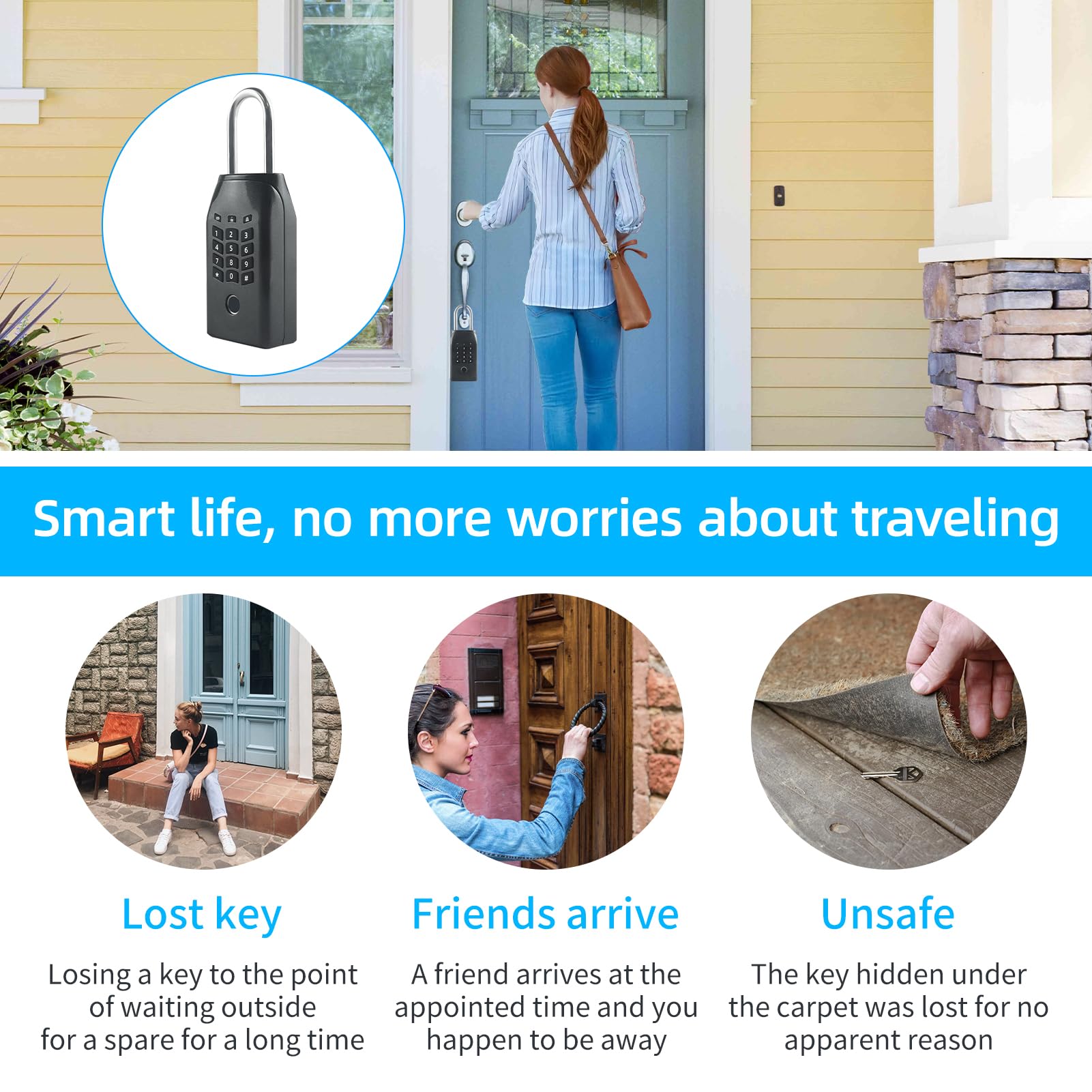

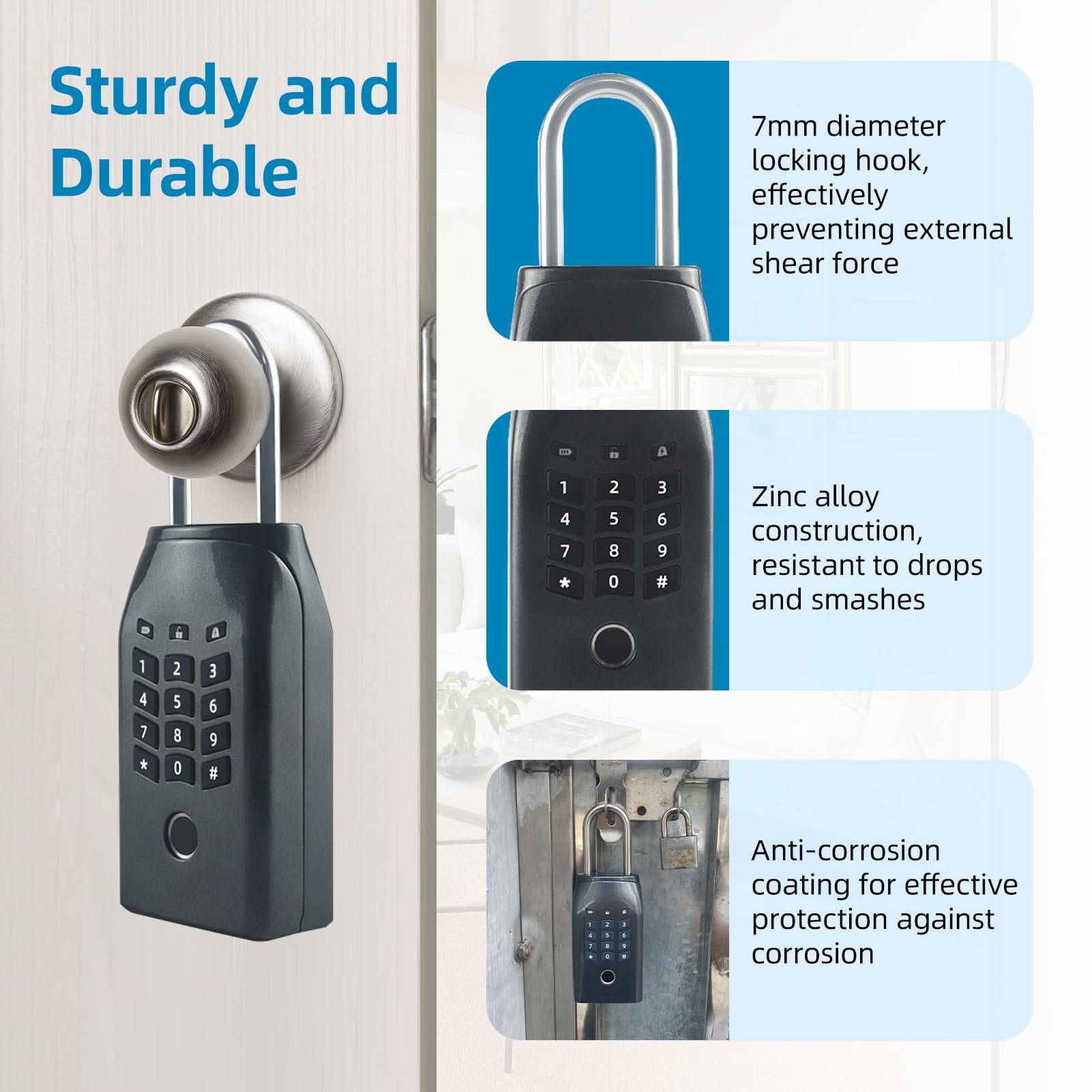


🔑 Unlock the future of key security—smart, sleek, and always connected.
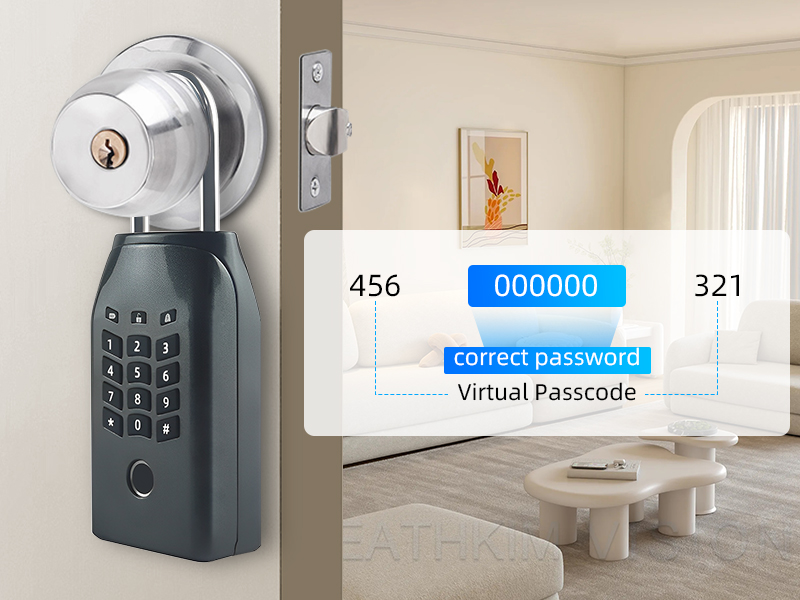
The KENRONE Smart Outdoor Key Lock Box combines advanced biometric technology with versatile unlocking options including fingerprint, password, Tuya app, and emergency key. Crafted from robust zinc alloy with an IP66 waterproof rating, it withstands extreme weather conditions while offering remote access and real-time monitoring via Wi-Fi and Bluetooth. Designed for busy professionals and families, it supports up to 100 users and features easy installation and rechargeable lithium-ion battery power.



| Brand | KENRONE |
| Special Feature | Portable, Fingerprint, Passcode Unlock, Rechargeable |
| Lock Type | Biometric, Combination Lock |
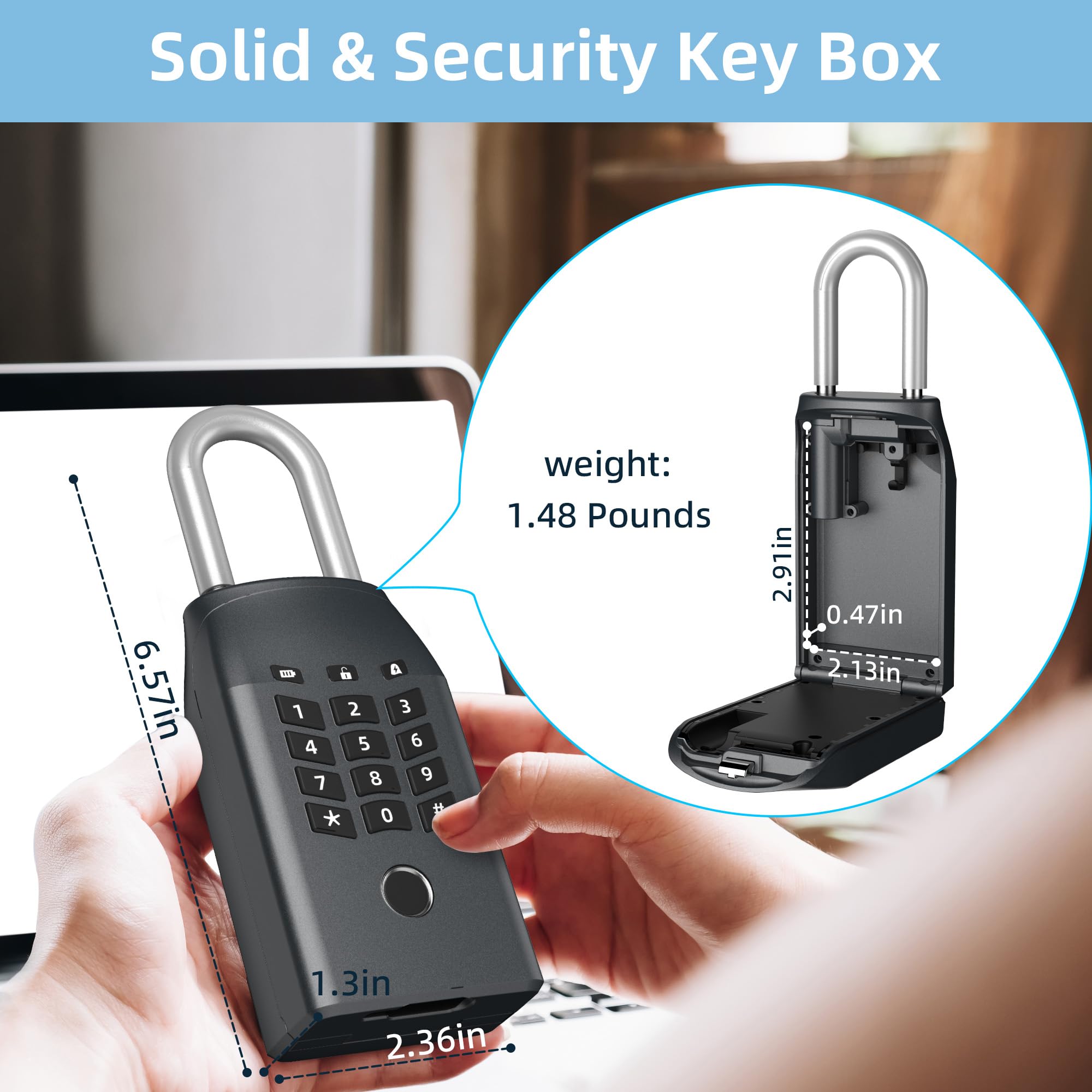
| Item dimensions L x W x H | 1.22 x 2.36 x 6.53 inches |
| Material | Zinc |
| Recommended Uses For Product | Home key box lock |
| Style | Tuya App+Password+Fingerprint+Emergency Key |
| Color | Black |
| Number of Pieces | 7 |
| Finish Type | Powder Coated |
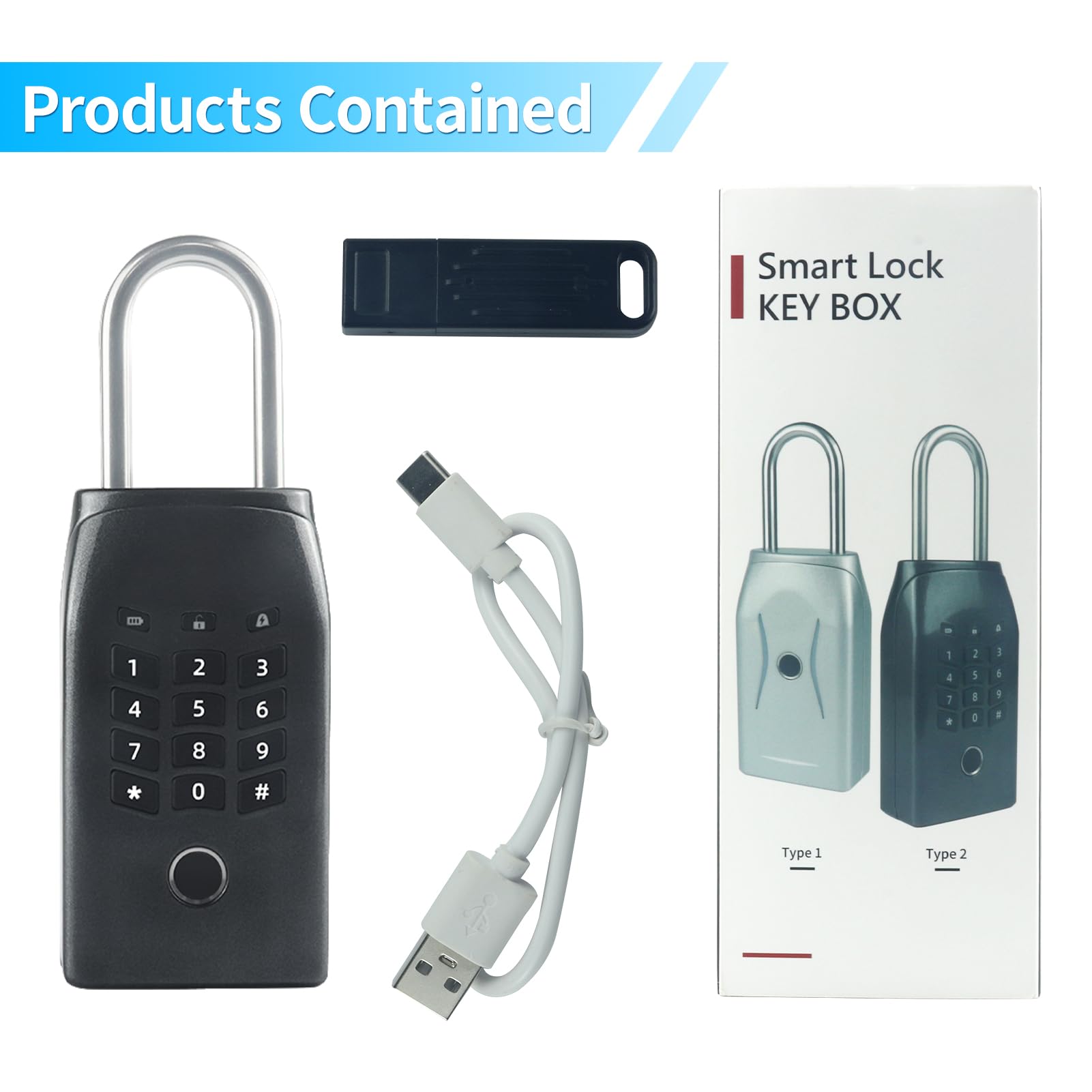
| Included Components | 1*Key lock box, 1*Instruction Manual, 1*Electronic key, 1*USB charging cable |
| Controller Type | Tuya+Password+Fingerprint |
| Shape | Rectangular |
| Item Weight | 1.4 Pounds |
| Control Method | App, Touch |
| Connectivity Protocol | Wi-Fi |
| UPC | 723886183147 |
| Model Name | key lock box with emergency key |
| Manufacturer | Kerong Smart |
| Part Number | KR-KB161 |
| Item Weight | 1.36 pounds |
| Product Dimensions | 1.22 x 2.36 x 6.53 inches |
| Country of Origin | China |
| Item model number | KR-KB161 |
| Batteries | 1 Lithium Ion batteries required. (included) |
| Size | Password+Fingerprint+App+Emergency Key |
| Finish | Powder Coated |
| Item Package Quantity | 1 |
| Mounting Type | Door Mount |
| Special Features | Portable, Fingerprint, Passcode Unlock, Rechargeable |
| Batteries Included? | Yes |
| Batteries Required? | Yes |
| Battery Cell Type | Lithium |
A**R
Love it
Love it
A**R
Doesn’t work, don’t put keys inside.
Keys inside and it won’t open, not even with the emergency unlock. Very dangerous. Can’t trust it.
C**N
do not purchase this item
no, hold your fingerprints. Do not connect to Wi-Fi.
B**
Easy to manage
This wasn’t the easiest thing to setup. It took my husband quite a while but he’s also not great at reading instructions :) We downloaded the app and that makes it easier to configure. I was able to register my fingerprints and setup my personal code. We need to use this for our Rover that’s taking care of our cats while we’re on vacation.It was actually hard to get the keys to fit inside and close. There’s not much space and the first key ring I put in was too big. I had to remove one of the rings and use just a smaller ring.It’s a little annoying that you can’t view the codes in the app once you set them. The app is easy to use though and it’s nice that you can setup so many profiles.
R**J
Convenient Lock Box/ Although
I found the Type 2 Smart Lock Key sturdy/solid. The instructions were easy to follow and the APP (via-Bluetooth) makes it convenient for programming multiple finger prints and pass codes into the device. It also allows for temporary pass codes and date stamps for each entry. I liked the built in lithium battery which is charged with a Type-C charging cable. It also came with an electronic key that fits into the Type-C port which initializes the key box and allows it to be open in case too many attempts to access the box locks it up or perhaps when the battery is drained. The U bar fits on a standard door knob and it appears it would take some effort to break it. For the remote factor it opens with a Bluetooth, however I had difficulty re-establishing a Bluetooth connection after my initial setup. My finger print was the only way to open it and my pass code didn’t work either. But after restarting my phone it re-established its connection, but I lost all recorded finger prints and pass codes in the APP so they had to be re-entered. Not sure if this will be a continued issue but I will keep using it. I also wish it could be controlled via-WiFi so it could be opened from anywhere. Other than the Bluetooth issues this product is useful and allows others to access business or personal property.Update: I attempted to put this locking device on an outside door knob at our condo and the diameter of the knob was too big for the locking device to slide onto the knob so just beware it doesn't fit all door knobs.
T**I
Must install the app to set it up, but great features!
The product description and videos are accurate. I appreciate that it has so many ways to unlock it, but I want to note that you have to install the app in order to set up those ways. So, you can use a code, but you have to first install the app in order to assign the code to the lock. You can use a fingerprint, but you register your fingerprint through the app. So, the app is required for setup but not for subsequent daily use. For those who don't want to use an app at all, but who want a more direct, mechanical way to use a lock, this would not be for you. However, as I tested it, I am pleased with how it works (it works as described) and I would recommend it to others.There are some features listed that sounded good to me, but I could not find them in the Tuya app. There were some Third-Party Services through Alexa, Google Assistant, SmartThings, and IFTTT, but I'm not sure what services are offered except for Skills.One thing about the app that is not obvious: In the app, go to your smart lock device. There is a green slider bar at the bottom (left to lock and right to unlock) and that part works for me. However, it is not obvious, but you can slide the screen UP so you can see more features DOWN lower. Scroll up and you will see the Notification Bell, then Temporary Code, then Member Management, etc. Go inside of the Temporary Code and set one code that expires far into the future and choose Custom, not temporary. Also, when entering a 6-8 digit code on the smart lock, you then have to press the pound (#) sign as an "Enter" button or else it won't take the code. That was not obvious to me.The app allows you to enable/disable remote unlocking (keep this enabled). You can also receive SMS notifications, such as when a family member comes home and uses the lockbox, but I think that is through a Third-Party and you have to provide your mobile number.The app has a log that can show you who unlocked it and how (I found the log under the notification bell icon. Just tap it and wait and the log will appear).I like the feature of being able to configure the smart lock with 50 sets of fingerprints and 100 sets of passwords. That is under Member Management. Under Member Management, it didn't list any people. First, I had to create a "Home" (outside of the smart lock device) and I added myself as a person. Then when I came back to the smart lock and scrolled down to Member Management, my name was there. When I selected my name, it allowed me to add my fingerprint and a personal code for myself. Remember to press the pound (#) sign after entering a code so it knows you are done.
Q**.
Strong lock with keypad and biometric feature.
The media could not be loaded. This lock is made out of steel so it is very strong. It has a keypad and biometric feature for you to lock and unlock the box to store and retrieve your key. The setup process is very easy, you just need to download the Tuya app, connect it to the lock via Bluetooth and setup the passcode or the biometric feature within the app and you are done.
L**N
Well-built, 3 ways to unlock, uses Tuya app, fingerprint finicky.
I ordered this smart key lock box primarily to secure spare keys to my 5th wheel trailer while we are camping. I also like having it handy to use for leaving keys for others.This smart key lock box is well constructed and operates as described on the Amazon product page.What I like:Three ways to unlock. Combo, fingerprint, or phone app.Uses Tuya/Smart Life app which I like and already use.Rechargeable with a USB-C connector, very common.What I don’t like:Bulky box prevents shackle from fitting onto most door knobs.No manual override if battery dies or electronics fail, although you can recharge from outside if battery dies.Fingerprint reader often needs multiple attempts to open.Overall, this smart lock box does what it is supposed to do and I would recommend it.
Trustpilot
1 month ago
2 weeks ago