
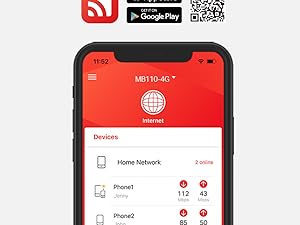
DOWNLOAD THE APP


Customer Services
Copyright © 2025 Desertcart Holdings Limited
DOWNLOAD THE APP
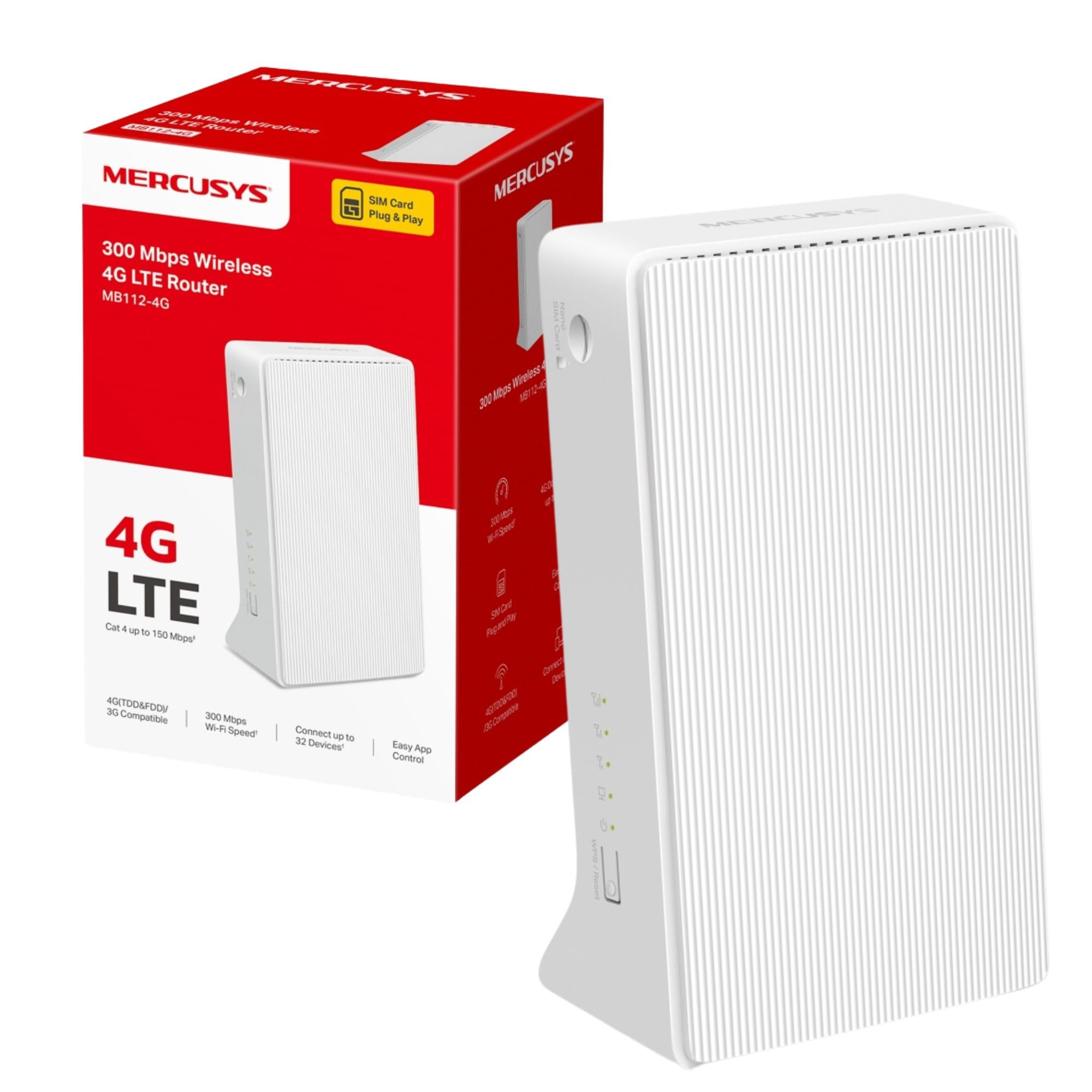
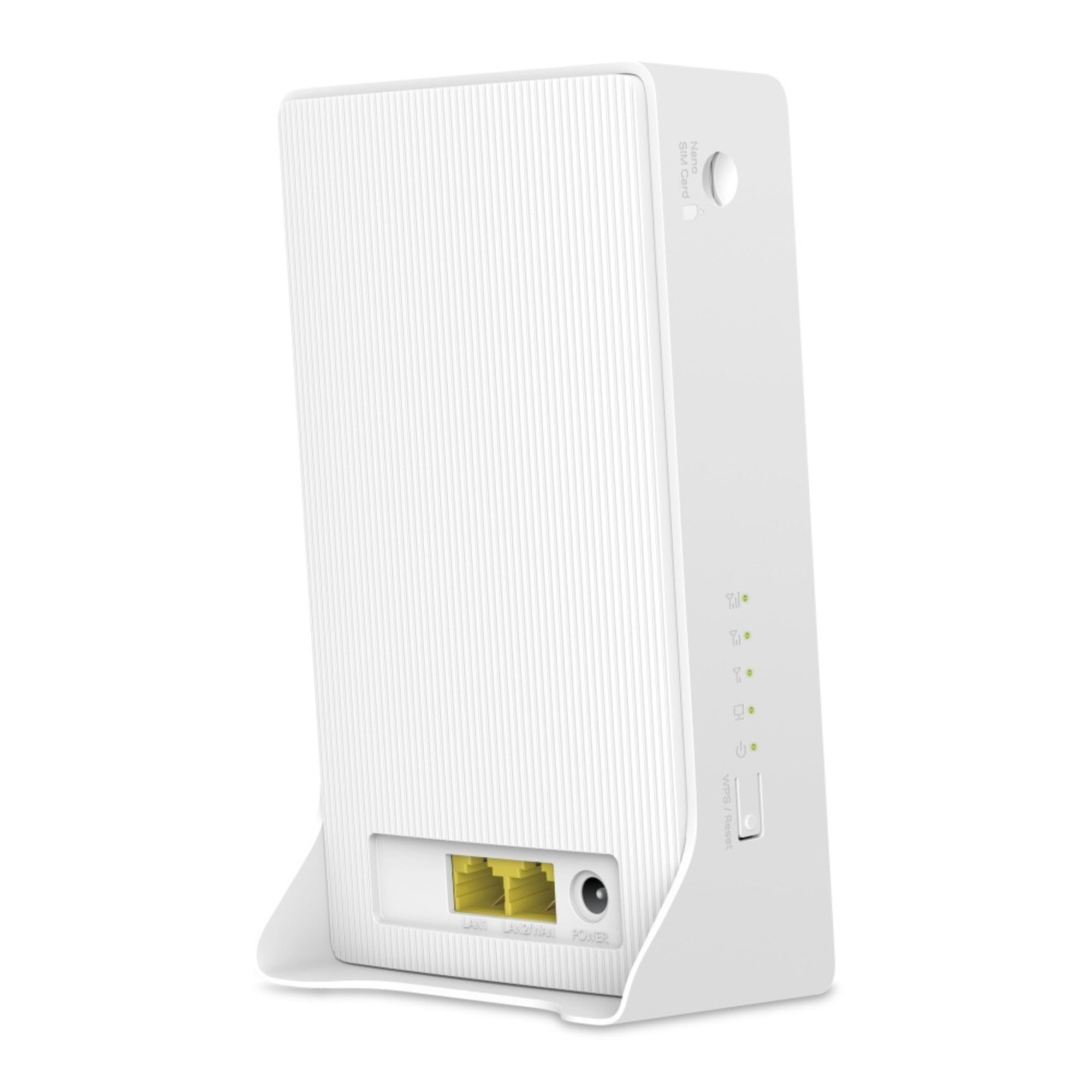
🚀 Stay connected, stay ahead—your 4G WiFi powerhouse awaits!
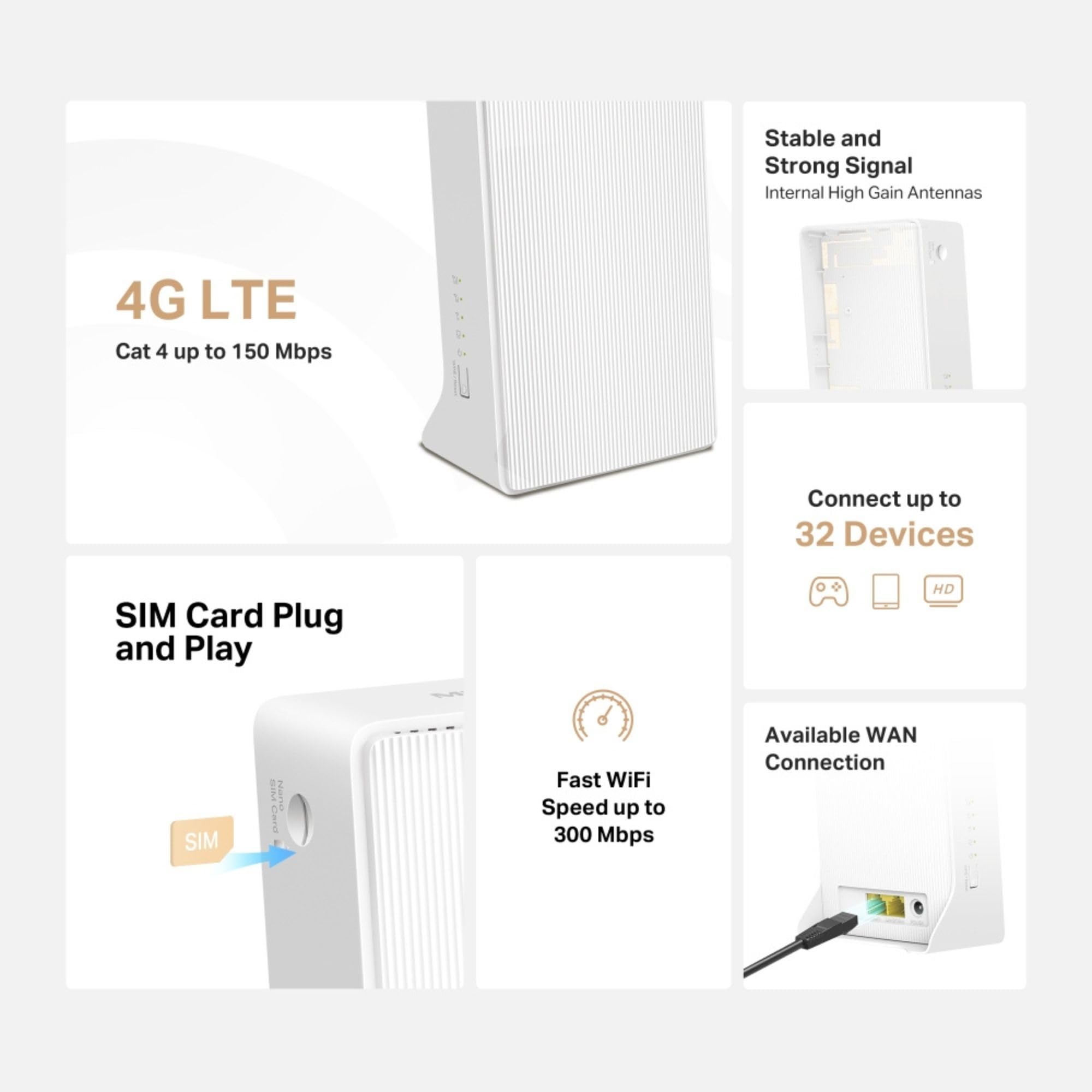
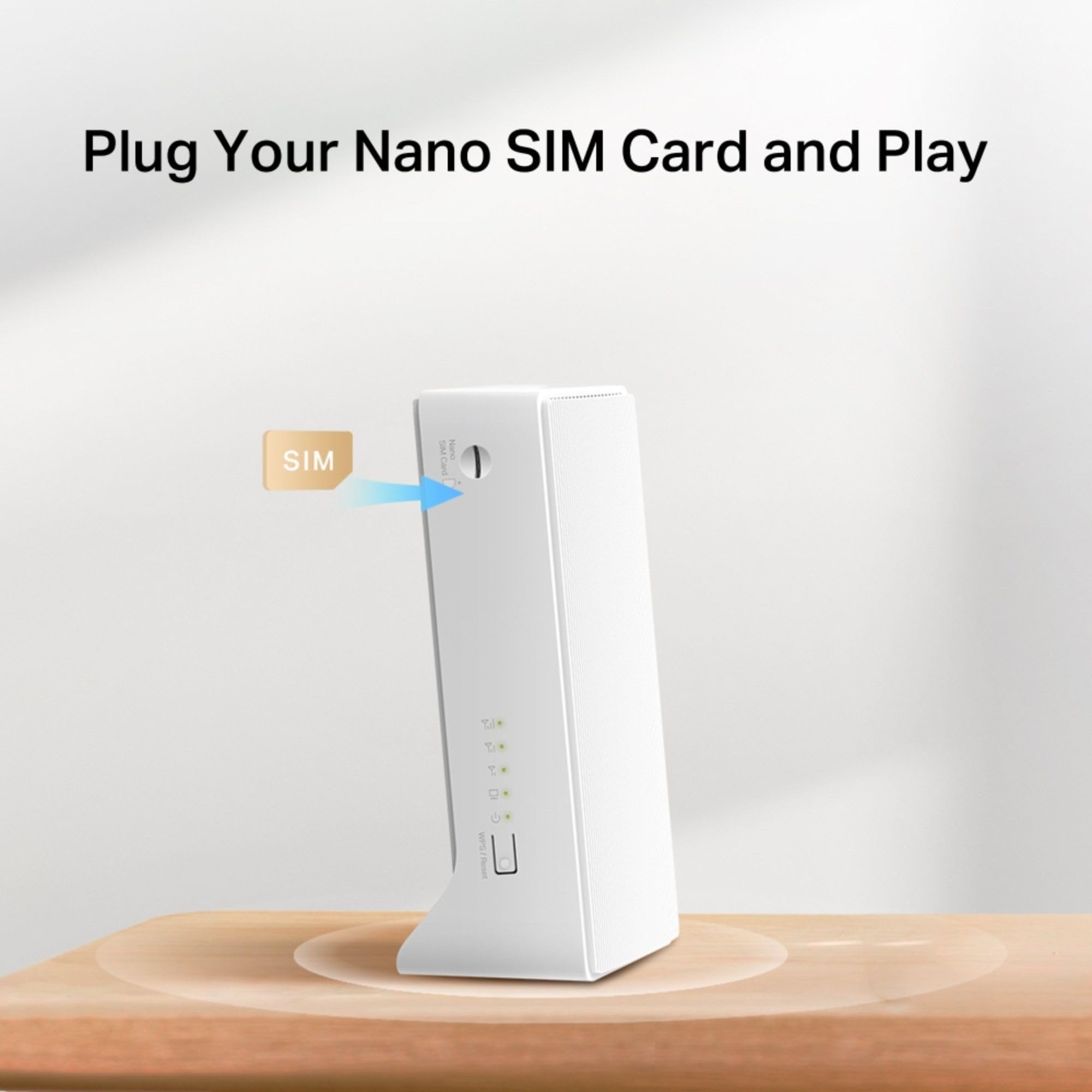
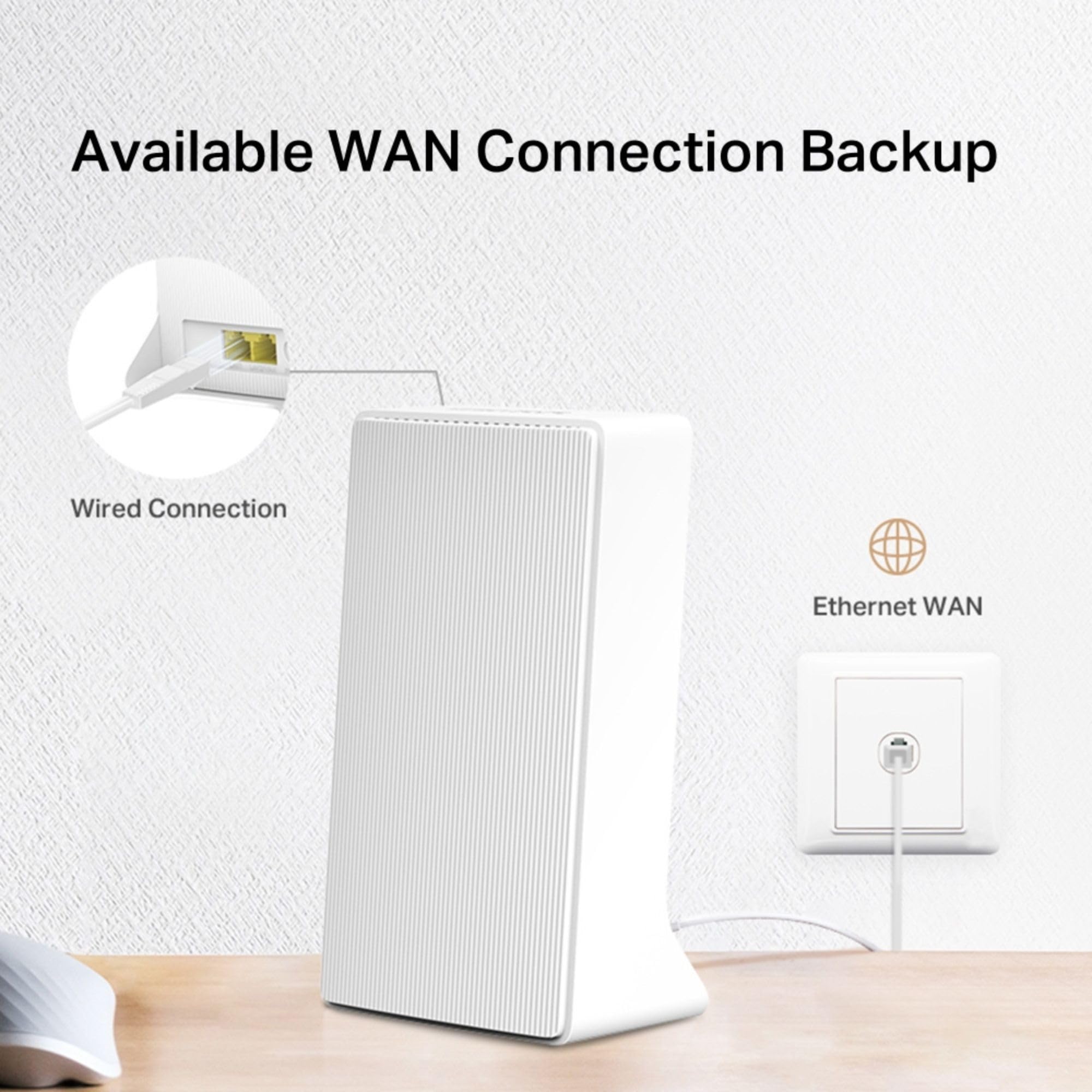
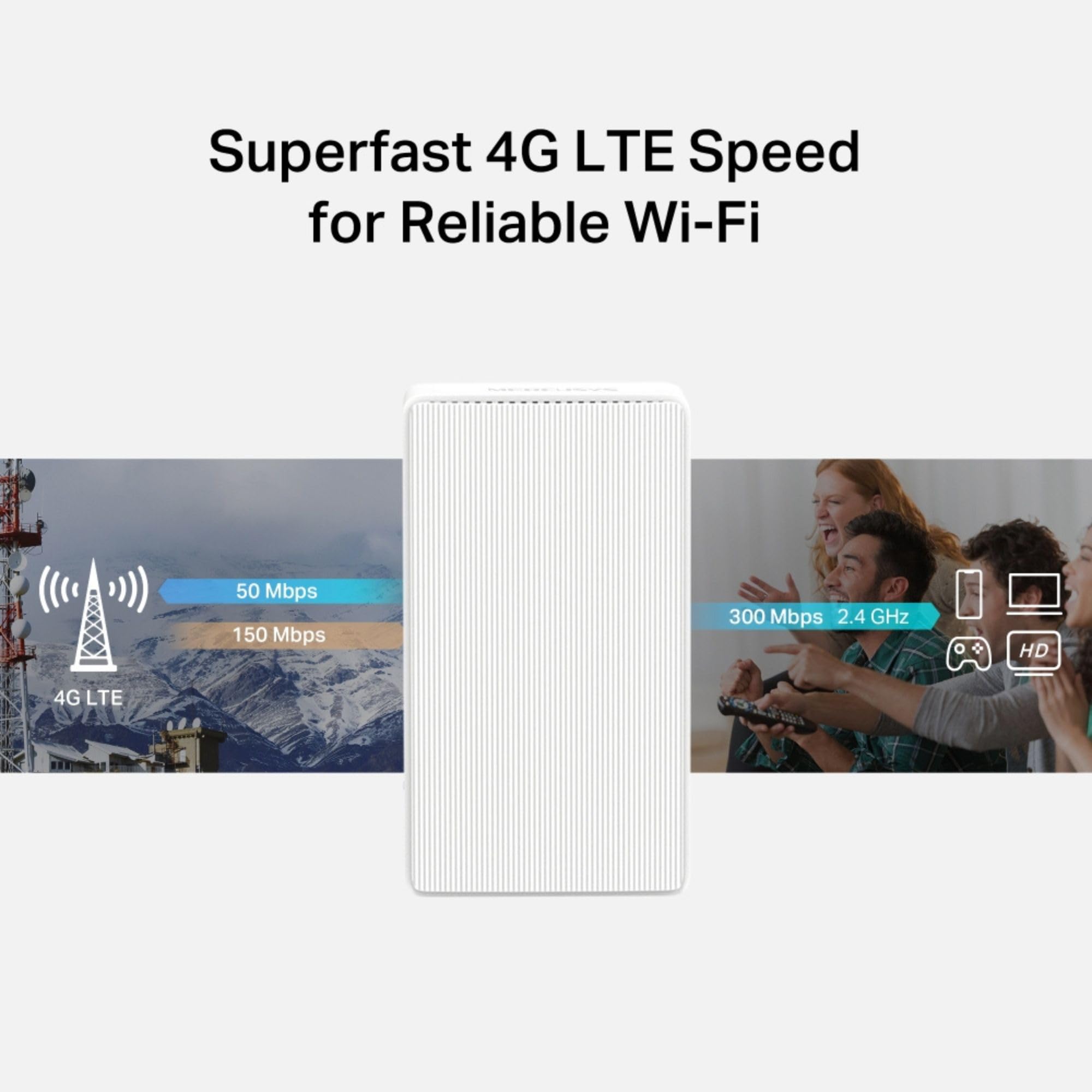
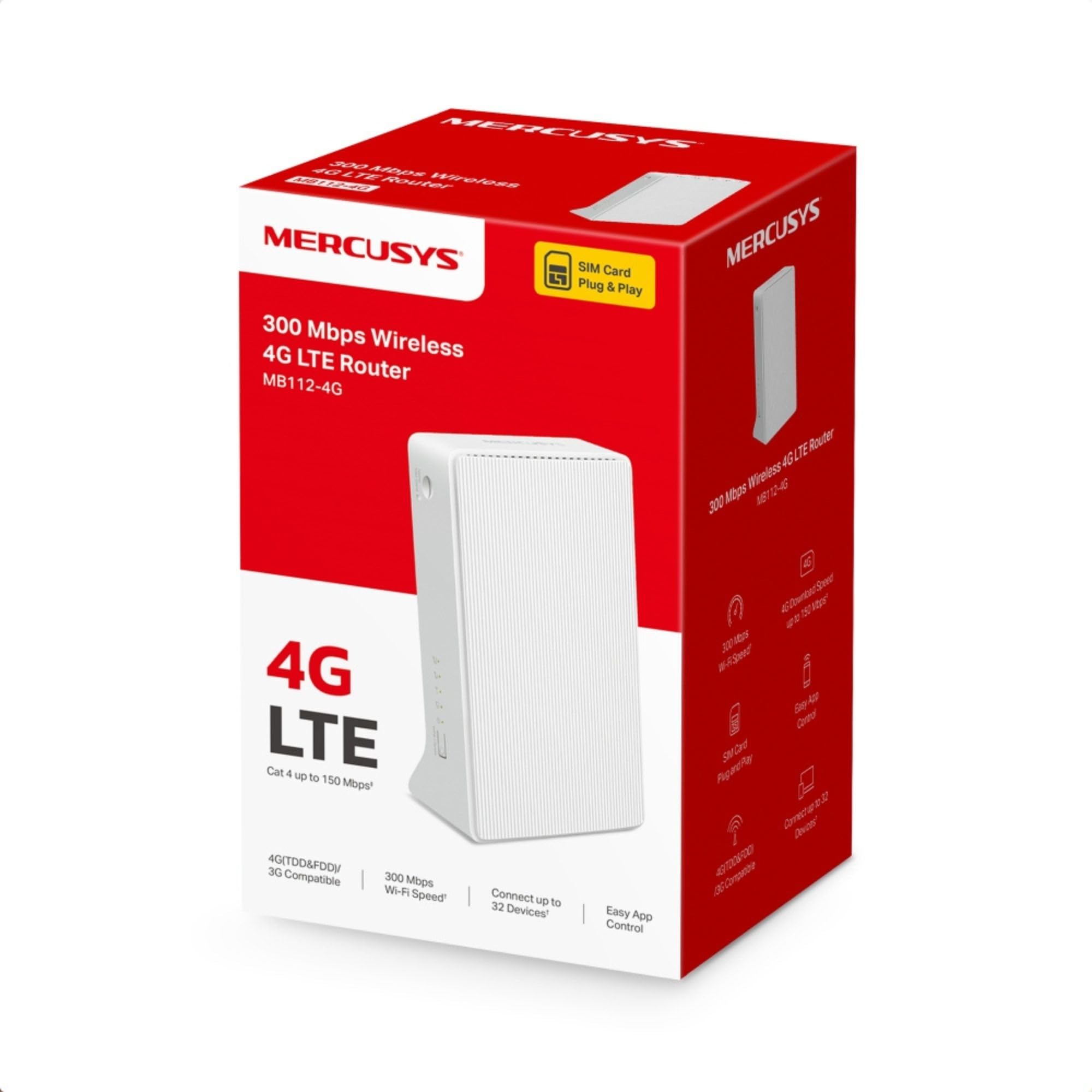
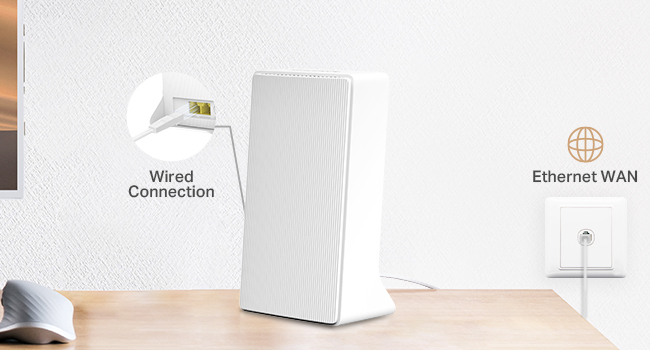
The MERCUSYS MB112-4G is a versatile LTE Cat 4 router delivering up to 150 Mbps 4G download speeds and 300 Mbps WiFi on the 2.4 GHz band. Designed for home and small office use, it supports up to 32 devices simultaneously and offers flexible WAN options including Ethernet. With plug-and-play SIM compatibility and guest mode security, it ensures fast, reliable internet with minimal setup.







| ASIN | B0D7QCXG33 |
| Antenna Location | Business, Gaming, Home |
| Antenna Type | Internal |
| Best Sellers Rank | 3,757 in Computers & Accessories ( See Top 100 in Computers & Accessories ) 33 in Routers |
| Box Contents | MB112-4G, Power Adapter, RJ45 Ethernet Cable |
| Brand | MERCUSYS |
| Brand Name | MERCUSYS |
| Colour | White |
| Compatible Devices | Personal Computer, Security Camera, Smart Television, Smart Thermostat, Smartphone |
| Compatible devices | Personal Computer, Security Camera, Smart Television, Smart Thermostat, Smartphone |
| Connectivity Technology | Wi-Fi |
| Control Method | App, Touch |
| Controller Type | App Control, Push Button |
| Coverage | Home/Small Office |
| Customer Reviews | 4.3 out of 5 stars 9,510 Reviews |
| Data Transfer Rate | 300 Megabits Per Second |
| Frequency | 2.4 GHz |
| Frequency Band Class | Dual-Band |
| Frequency band class | Dual-Band |
| Has Internet Connectivity | Yes |
| Is Modem Compatible | Yes |
| Item Dimensions L x W x H | 9.5L x 6.1W x 16.6H centimetres |
| Item Weight | 0.2 Kilograms |
| LAN Port Bandwidth | 10/100 Mbps |
| Manufacturer | MERCUSYS |
| Maximum Upstream Data Transfer Rate | 300 Megabits Per Second |
| Model Name | MB112-4G |
| Model Number | MB112-4G |
| Model name | MB112-4G |
| Number of Antennas | 2 |
| Number of Ports | 1 |
| Operating System | RouterOS |
| Other Special Features of the Product | Guest Mode |
| RAM Memory Installed | 64 MB |
| Router Firewall Security Level | Basic |
| Router Network Type | wired_and_wireless |
| Security Protocol | WEP, WPA2-PSK, WPS2 |
| Special feature | Guest Mode |
| Wireless Compability | 802.11b, 802.11g, 802.11n |
| Wireless communication standard | 802.11b, 802.11g, 802.11n |
G**S
Finally, Wi-Fi That Reaches the Bits My Router Gave Up On
Very happy with this Wi-Fi 6 extender. Setup was quick, connection is stable, and it immediately improved coverage in the rooms where my main router clearly stopped caring. Speeds are strong, streaming is smooth, and devices stay connected without random dropouts. It’s been quietly doing its job in the background, which is exactly what good networking gear should do. Two minor points: the unit is fairly large for a plug-in extender, and the setup app could explain a couple of steps more clearly. Neither caused real issues, just small speed bumps. Overall, solid performance, noticeable improvement in coverage, and no more walking around the house holding my phone in the air like I’m summoning signal from the sky.
B**I
Excellent value.
This works very well, functional, sturdy, easy to set up.
C**S
Great product, Terrible instructions.
The range and strength on this is excellent, wifi 6 allows for fast internal communication. I've had this for a week and have seen no performance drops besides from when my router was having a hiccup. Cons: single button for reset/restart/WPS which is typical, but when pared with only one LED that doesn't accurately report which action is being undertaken, it's an issue. (Only during setup though). Extremely poor instruction manual, the ME80X is Easy mesh ready, the reason I purchased it, and there were no instructions on mesh set up, or any acknowledgement of it. (The package does come with extension instructions but this is not the same). For those needing help, BEFORE setup, (if already set up, hold the reset button for approx 10-20 seconds to ensure factory reset) login to your web based router manager (not accessible through app), turn on easy mesh from the left side bar, plug in the ME80X next to your router, once the LED is orange, press the WPS button on router and ME80X. On web manager scroll to the bottom, add mesh, search for WPS connection. Once it's been found it will automatically set up your mesh network. To confirm, ensure ME80X LED is solid green and that there is no "ME80X... Extension" when looking for available networks, should just be your home network visible. You can now unplug the ME80X and relocate to it's permanent location. Good luck, have fun.
M**.
Best product for the price by far.
Firstly, I'm not great with products like this being 55 , I've had a wifi booster in the past and couldn't set it up, so it went in the bin ! The ME80X however was so easy to set up, and now I can either have 2.4Ghz at a longer distance, but with a reduced speed, or 5Ghz at an acceptable extended range, with the same speed that the router delivers. To explain, ... I get 130Mbs from the router, thats good for my village. At 2.4Ghz, I get 35Mbs but everywhere, even in the garden, at 5Ghz, I get 125Mbs all round the house ! Absolutely brilliant product, wish I had bought one years ago. My only gripe, and its not a huge one, is that it doesn't auto connect, so if you go out, when you come back you have to select the WiFi that you want, if you dont, it defaults to your router, and that is poor reception around 50% of my property. Id still give it 4.9 stars though, as I can live with the lack of auto connect.
R**1
Wow. Just wow.
So, I bought a house - broadband was still working at first, but then suddenly it was cut off. Needing internet asap, I thought I'd buy a cheap sim router and sim card to be able to get back up and running the next day. So I got this super little router and a SMARTY sim card delivered next day. Where I am, I'm able to get over 70Mb/s - I like how it can be placed anywhere in the house to find the best signal. Oddly enough, I'm finding that the best place is actually behind the TV in the downstairs living room! I like how I can plug Ethernet cables directly into it too for my TV and consoles. My only slight gripe is that it doesn't have rubber feet, so it does slide quite easily. That's a very small gripe to have though! Otherwise, it's fantastic - can't believe how good internet I've got for so little money!
J**.
Cheaper than equivalent brands but performs just as well if not better
Was dubious about buying this as there were no reviews for this particular model and it is significantly cheaper than equivalent extenders however it performs perfectly. Pairs within a couple of minutes every time and no drop outs at all. My Wi-fi would barely reach upstairs but this has fixed this completely. I'd recommend creating a separate SSID for the extender and switch to it when you're near to it. I did try and name it the same as my router however my devices did not appear to automatically switch to it when the signal to the router deteriorated, however this is nothing to do with this device.
D**D
Inaccurate performance
Sadly the product just did not perform as expected. Got consistently 10% of the estimated speeds for both download and upload which frankly is a joke for them to be stating an upper limit of 300Mbps download. Contacted support to try and fix the issue and whilst they were lovely to interact with they couldn’t fix the issue. Not very helpful in all honesty and suggested I purchase a different model rather than trying to fix the one I purchased. Honestly I wouldn’t recommend this, go for a more expensive model with a higher frequency capability (not this brand) if you care about your internet and need a reliable performing connection.
C**.
Works but confirm
This works BUT not all UK phone operators will work in it - so you need to double check which data only SIM cards in the UK can be put into it.
Trustpilot
2 months ago
3 weeks ago