

Desert Online General Trading LLC
Dubai, United Arab Emirates
Desert Online General Trading LLC
Dubai, United Arab Emirates


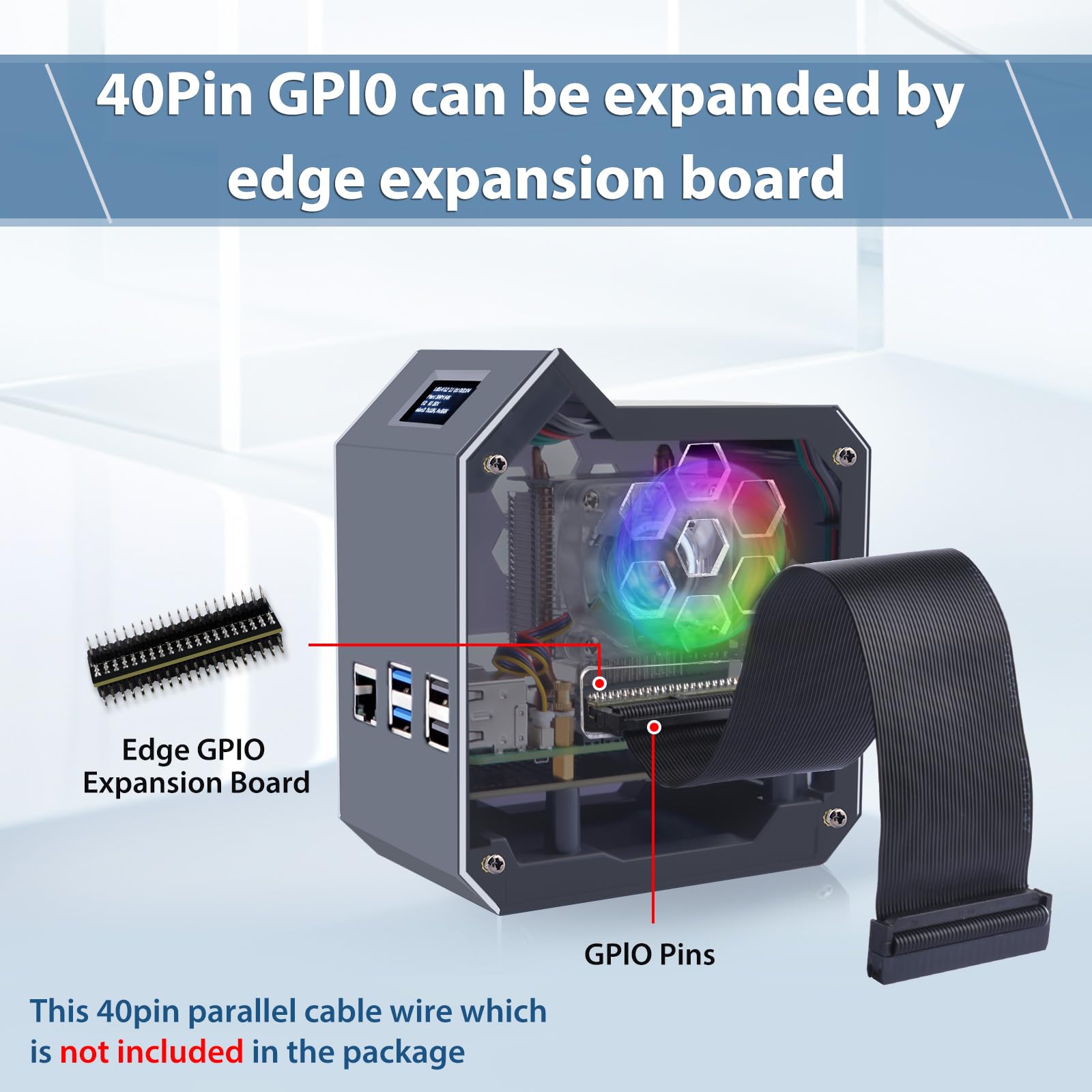

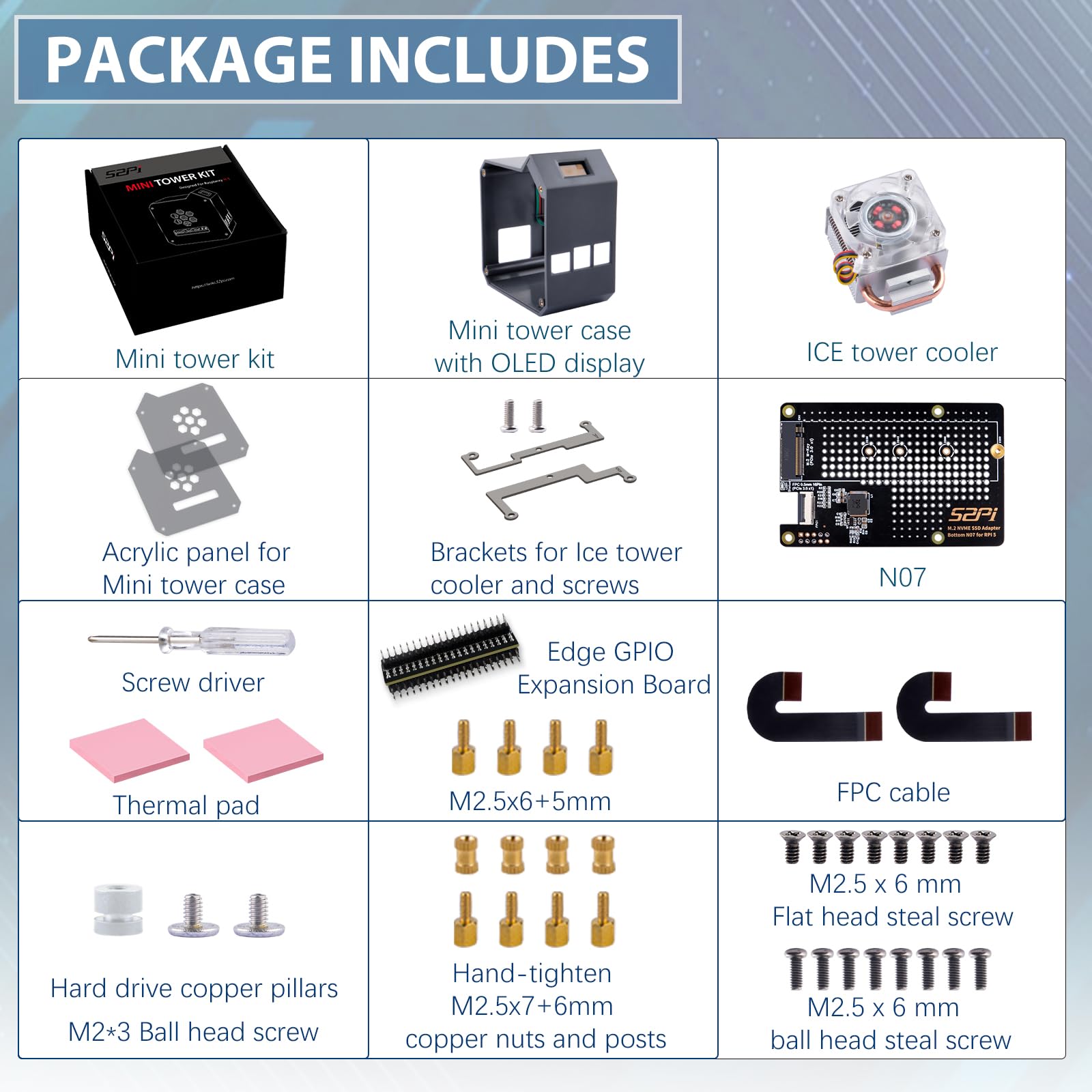
🚀 Elevate your Raspberry Pi 5 NAS game with speed, style, and smarts!
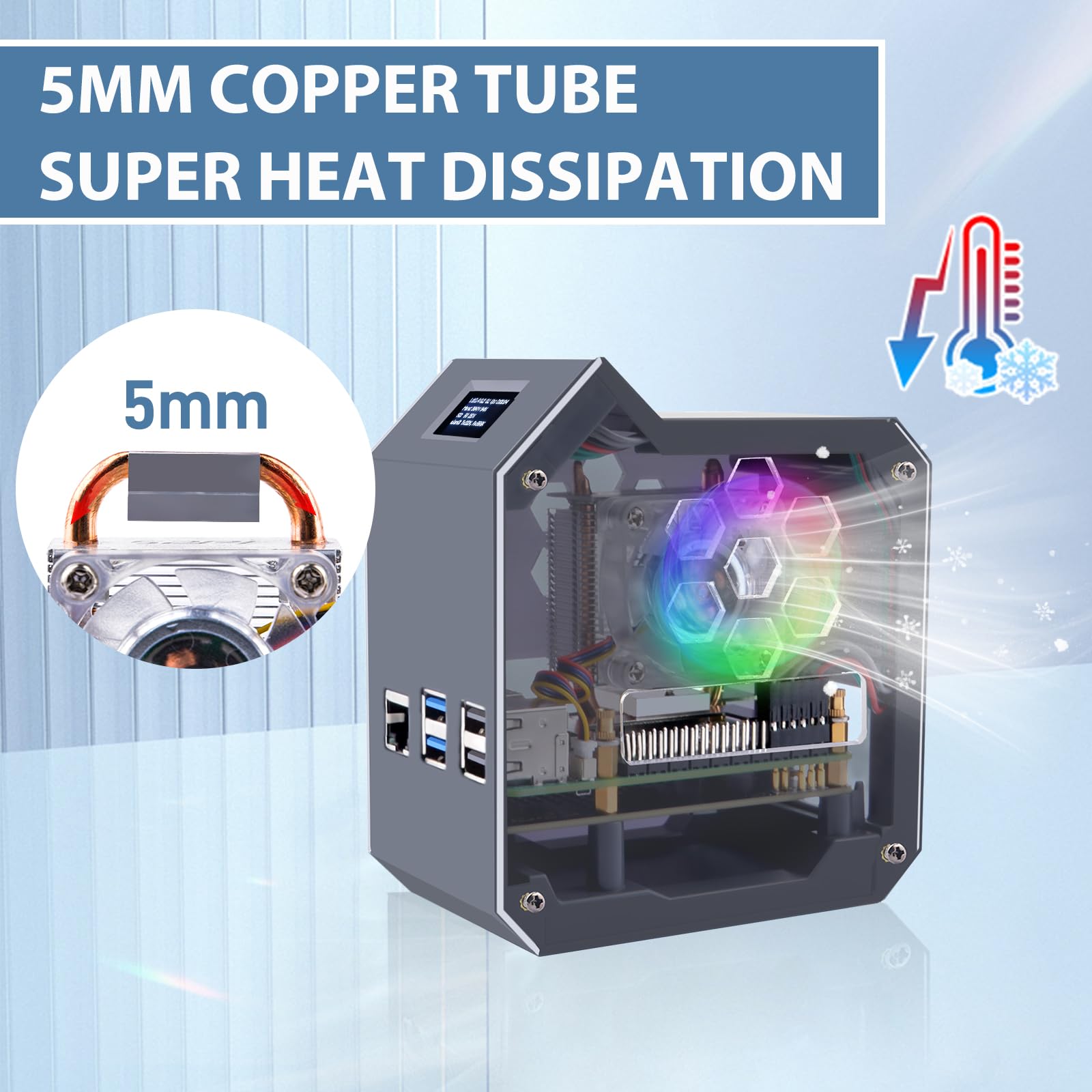
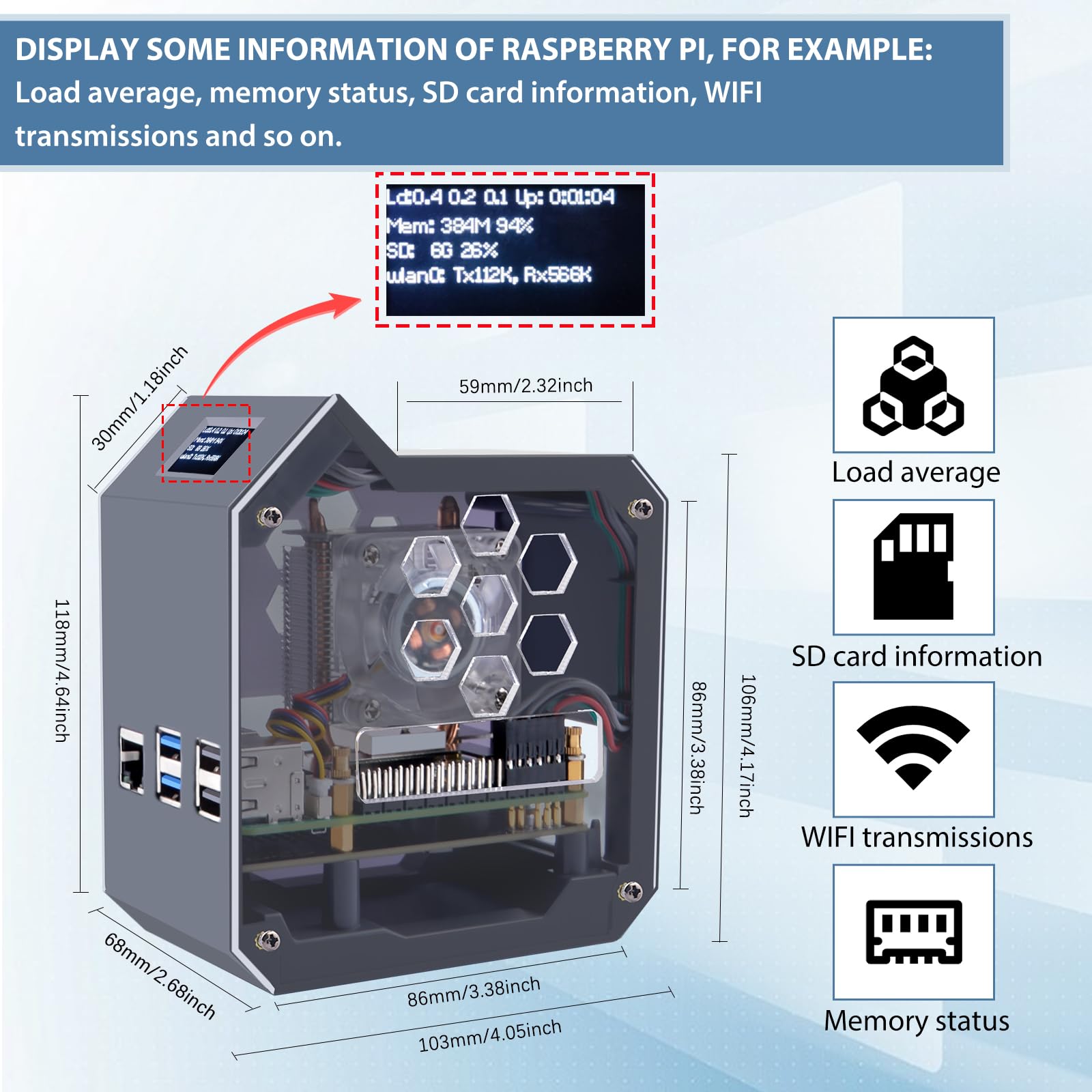
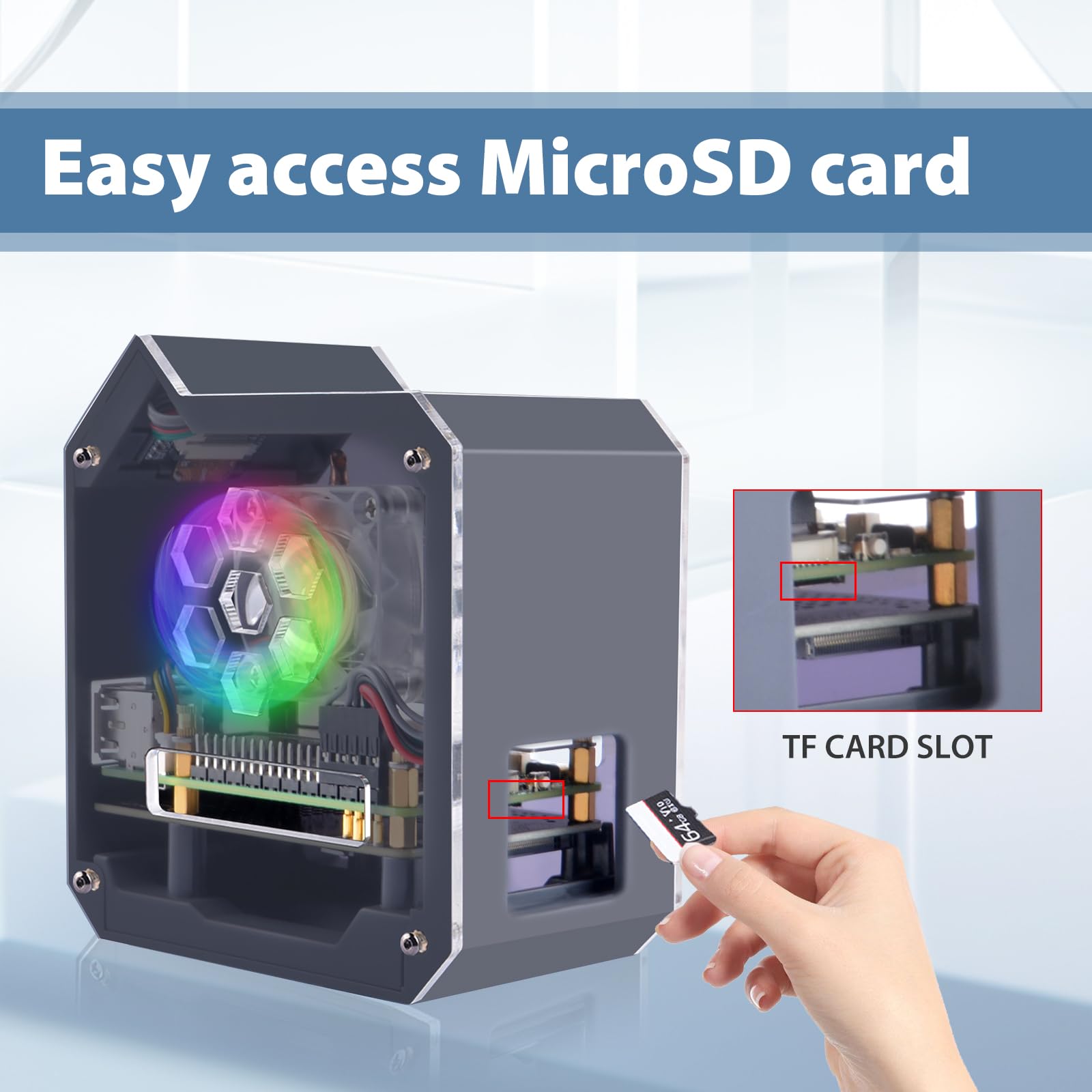
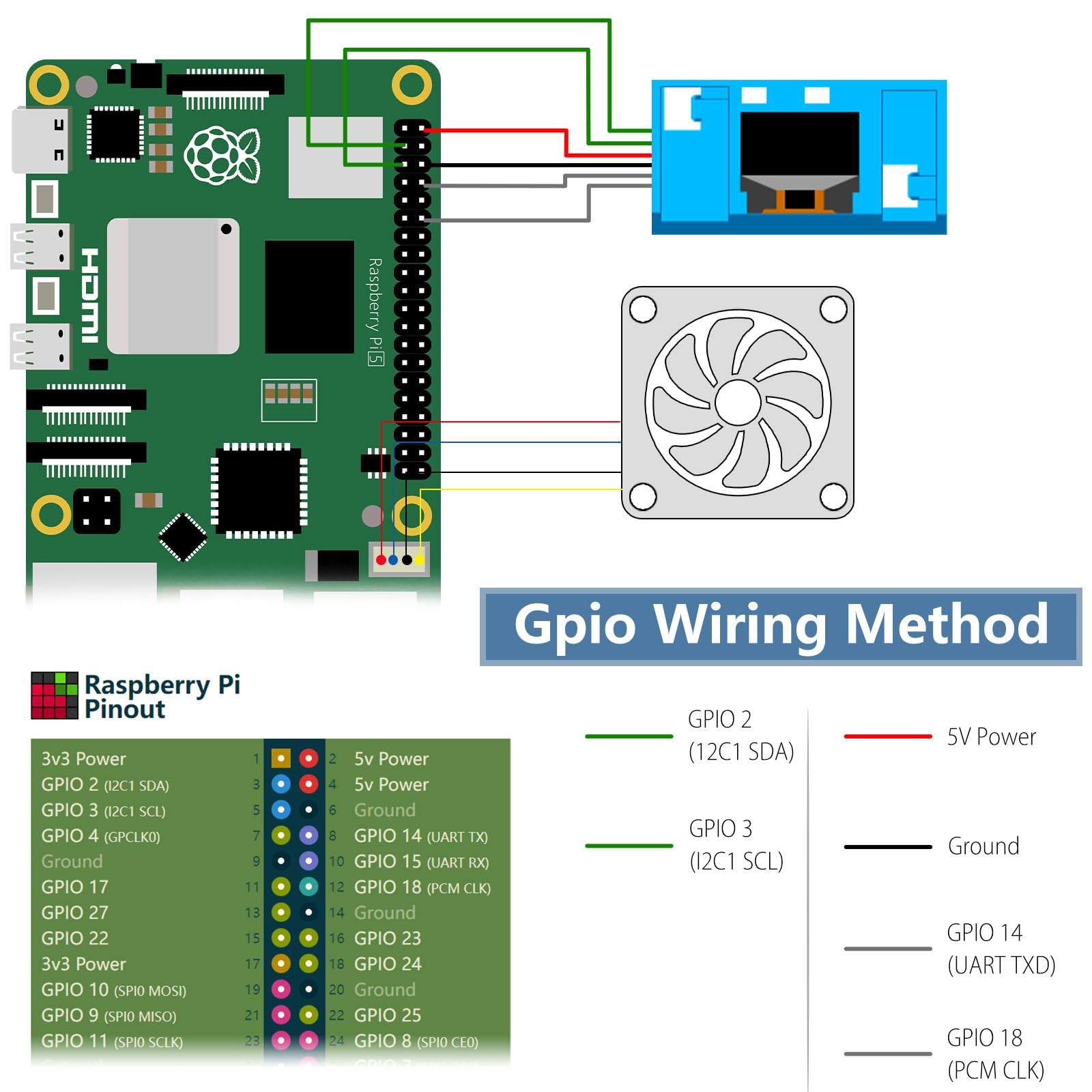
The GeeekPiN07 MiniTower NVMe NAS Kit is a sleek, all-in-one solution designed for Raspberry Pi 5 users seeking high-speed storage with M.2 NVMe SSD support (2230/2242/2260/2280). Featuring a low-profile Ice Tower cooler for optimal thermal management and an integrated SSD1306 OLED display for real-time system monitoring, this kit includes everything needed for a professional-grade NAS build, including GPIO expansion, cables, and tools. Perfect for tech-savvy professionals who demand performance and customization.


| Number of USB 2.0 Ports | 2 |
| Brand | GeeekPi |
| Series | N07 |
| Item Weight | 14 ounces |
| Package Dimensions | 5.08 x 5 x 3.23 inches |
| Color | black |
| Manufacturer | GeeekPi |
| ASIN | B0DL2R33M9 |
| Date First Available | October 26, 2024 |
T**H
Nice case, functional
Works great. Had it for maybe a year now, hasn't failed yet. Never tried to get the display to work, but it makes my Pi look like a mini-desktop PC.
T**A
Good product, minor issue with directions
Awesome little case with support for SSD. Quiet cooling. I haven't figured out how to enable the readout because I'm using Kubuntu instead of Raspbian, but simple directions for Raspbian are included. The only negative is that the directions for assembly have one step out of order, so it won't fit together as instructed. This added about 5 minutes to the assembly.
M**R
very nicely designed, but seems a bit delicate
... the construction is fairly straight forward IF you pay attention to the instructions ...... i have not activated the led screen yet, but it looks really cool 😆 ...(i accidentally mixed up the standoffs for the circuit boards and had to rebuild it to make it fit 😁)
A**R
A solid premium pi case (with a glitchy manual)
The case itself is excellent once assembled, but be warned that the instructions are wrong in a few places. It shows you placing copper posts in places which will cause you to run out later in assembly, and when you go to install the software for the OLED display, a number of the commands have typos.
P**Y
The nvme board will not work
I set this up, with difficulty because there were no mounting screws for the caee, the side panels were brown hardboard so, the RGB fan couldn’t be seen. That was MY fault there are protectors over the acrylic, duh… so, I started it up…. The nvme hat wasn’t recognized. I took it apart again and reseated the cable…. Same result. I used the spare cable that came with it… same result. So, as I’m in retail and had just 1 day off before Thanksgiving, I put my pi back in it’s original case, my drive in a usb case and repacked it for return. In their defense they absolutely reached out to me on Friday and said they’d send mounting screws and asked me to send a picture of the cable. Sadly I don’t have time to put it back together. Maybe it’s my fault, I’ve been building computers from kits since my ZX81, 43 years ago, I’m getting old
J**D
works great
nephew loves this thing
J**.
This definitely isn't the best Case I've had from GeeekPi but I made it work from spare parts I had.
I really like GeeekPi and I've had a lot of their Products but this Case definitely has it's issues. It took me a few hours to try to get this Case together and I don't remember it taking that long before when I put one of these together for my Raspberry Pi 3 and Raspberry Pi 4. I had a heck of a time trying to get my Raspberry Pi 5 inside of the Case itself and then once I finally put it together I had to end up taking it apart again because it made my Raspberry Pi 5 look uneven in the Case and it wasn't lining up with the Ports evenly. I tried and tried to get it to go in straight but it was actually bending my Raspberry Pi 5 so I took it out and I remembered I had a Case somewhat like this for my old Raspberry Pi 3 that I no longer use so I tried putting it in that Case which is Blue as seen in the Picture and it went in without any problems and the Ports are all evenly lined up! If you have a spare Case from an older Raspberry Pi try that if you have this problem! I didn't use the NVMe SSD Hat that came with it because you can't use a Heatsink on your SSD with that on and I didn't wanna risk my SSD dying so maybe not installing the NVMe SSD Hat has something to do with it not lining up properly? I'm not sure but it was a hassle to put together. I suggest using a Ugreen SSD Enclosure instead of this NVMe SSD Hat because with the Ugreen SSD Enclosures you can add a thin Thermal Pad and a small Heatsink for better protection of your SSD I actually have two Ugreen SSD Enclosures one for my Raspberry Pi 4 and one for my Raspberry Pi 5 and they both work great. I give the Case 3 Stars because I found a way to make it work and the build quality of the Case is good but the instructions are not good they need improvement for sure. After I finally got it setup how it was supposed to be my Raspberry Pi 5 stays very Cool it doesn't go above 40 it stays in the 30's and that's really good for being on 24/7. Overall I'd still recommend this Case because GeeekPi is a good Brand I've used them for Years but like I said this Case could definitely use improvement especially the instructions. I'm basically using my Raspberry Pi 5 in a Raspberry Pi 3 Case and that shouldn't be for a $50.00 Dollar Case but like I said I had spare parts and I got it to work so I'm happy with it.
O**B
Love this case!
Somewhat easy to setup, but since installation, it runs fantastic. I love the mini led screen to monitor activity on the Raspberry Pi 5. It's small enough to fit on my desk and not take up much room. It's super quiet also.
Trustpilot
1 week ago
5 days ago