We remain fully operational. Our teams are working around the clock to ensure your deliveries continue safely.

DOWNLOAD THE APP


Customer Services
Copyright © 2025 Desertcart Holdings Limited
DOWNLOAD THE APP

🚀 Elevate your creative workflow with storage that works as hard as you do!
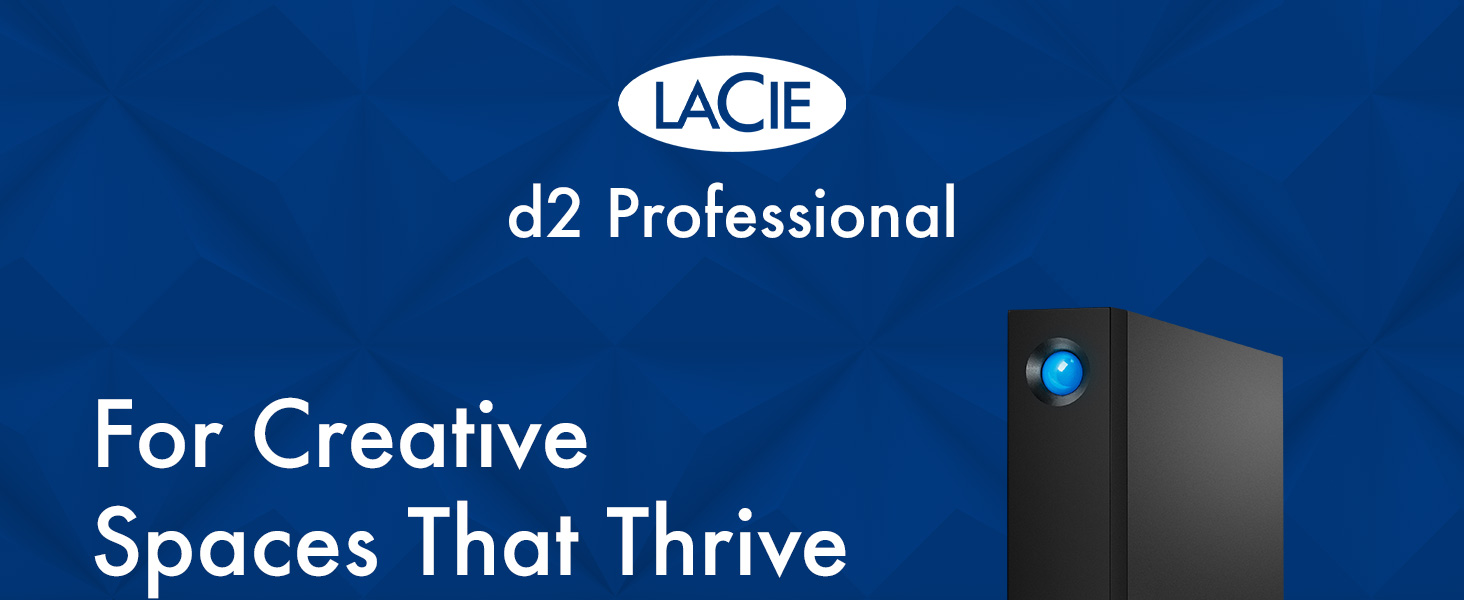
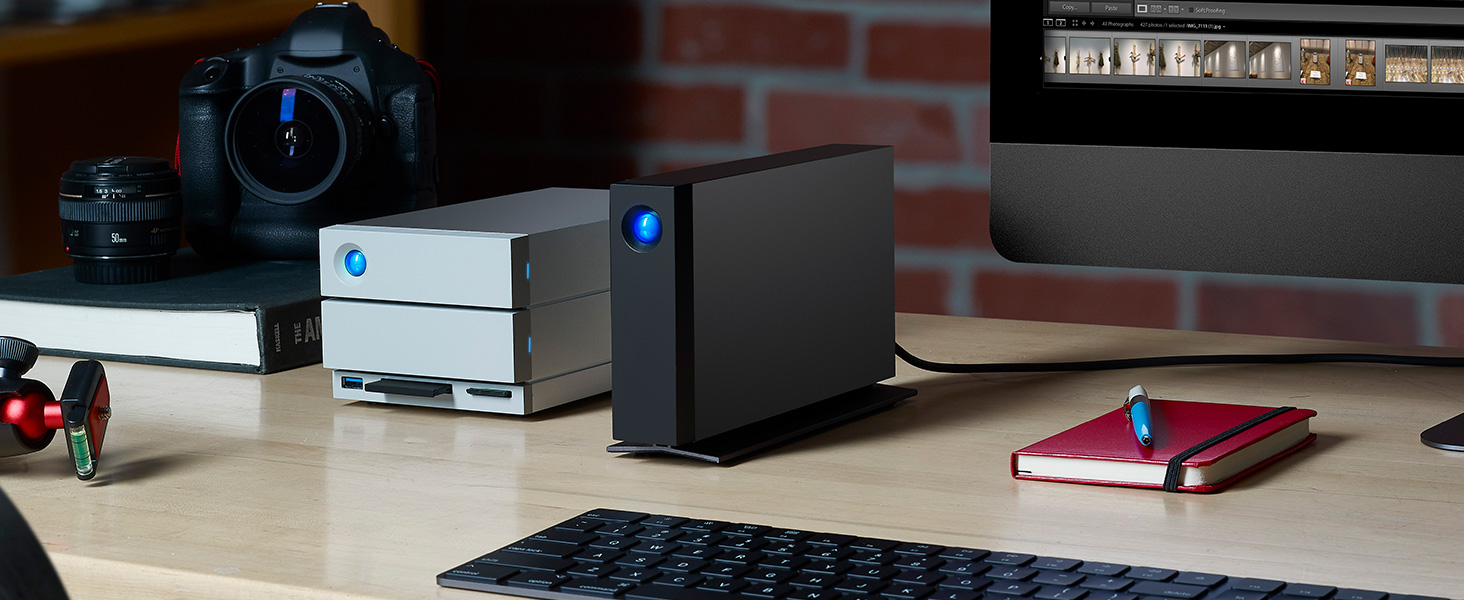
The LaCie d2 Professional 4TB is a high-capacity, USB-C external desktop hard drive designed for Mac and Windows users. Featuring fast 260 MB/s transfer speeds and an aluminum chassis for quiet, vibration-free operation, it supports seamless editing and archiving of large projects. It includes a one-month Adobe Creative Cloud All Apps membership and a 5-year warranty with Rescue Data Recovery services, making it a reliable choice for creative professionals seeking robust, cross-platform storage.




| ASIN | B07FDRK895 |
| Are Batteries Included | No |
| Batteries | 1 Lithium Ion batteries required. |
| Best Sellers Rank | 4,689 in Computers & Accessories ( See Top 100 in Computers & Accessories ) 32 in External Hard Drives 914 in Components & Replacement Parts |
| Brand | LaCie |
| Colour | d2 Professional |
| Computer Memory Type | DDR3L-1600 SDRAM |
| Customer Reviews | 4.4 4.4 out of 5 stars (1,737) |
| Date First Available | 12 July 2018 |
| Form Factor | Desktop |
| Guaranteed software updates until | unknown |
| Hard Disk Description | Mechanical Hard Disk |
| Hard Disk Rotational Speed | 1 RPM |
| Hard Drive Interface | USB-C |
| Hard Drive Size | 4000 GB |
| Hardware Platform | Mac, PC |
| Item Weight | 1.4 kg |
| Item model number | STHA4000800 |
| Lithium Battery Energy Content | 2 Kilowatt Hours |
| Lithium Battery Packaging | Batteries packed with equipment |
| Lithium Battery Weight | 2 Grams |
| Manufacturer | Lacie |
| Number Of Lithium Ion Cells | 5 |
| Number of Lithium Metal Cells | 5 |
| Number of USB 2.0 Ports | 1 |
| Power Source | 240 |
| Product Dimensions | 18.85 x 6 x 13 cm; 1.4 kg |
| Series | d2 Professional |
| Wattage | 3600 |
F**P
Works great
It is really good itself. Quiet. Does not get warm. Does not vibrate etc. It comes in with all possible plugs I could think of as well which can be easily changed which is AMAZING. The software is simple to understand and so far, worked well. It has 1 semi-con and one real con. Semi-con - It is really heavy for how small it is. Not that you wont be able to lift it but surprisingly heavy. REAL con is the BLUE LIGHT on the front. It is extremely strong and cannot be turned off. You either have to cover it, paint it over or disassemble the device and somehow remove the led. Not only its constantly ON but it also rapidly flashes every now and then and when PC/Laptop is off, it will be off BUT it will still do that occasional flashing for no reason. So far it worked without any problems and the storage is big so that is fine. It mostly just comes to that damn light. It has its own software but you cannot disable the light which is sort of silly. Would be little better if it was not for the BRIGHT BLUE colour of it...
G**0
Good but...
A good robust LaCie HD designed to last years but... be careful how you connect to a Mac Sequoia or earlier OS or any Mac for that matter. I purchased my first one December last year but a couple of weeks ago it failed to boot up with the Mac. Un-plugin and re plugin either the power cable of the port cable seemed to work but then after some time it would disappear from Disk Utility. Amazon very kindly replaced and the new one arrived overnight. Surprise surprise the new one behaved the same way! Rather than send that one back I began to jiggle around cables and ports as I have extension ports galore like most of us. Finally I hit on a combination that worked. In essence connect it directly to a port on the Mac itself. It doesn't like extension ports unlike all the other LaCie drives I have (6 in all) which seem happy to churn away on whatever port they are connected to. The power cable in the end would seem ok. Hope that helps.
S**Y
Fast and works well with M1 Apple Mac Mini
I've been looking for a SSD based storage box to replace my SAN for some time but the cost was just too high so I bought this instead as a stop gap. 10TB is reasonable amount of storage but there are two things which have surprised me. Firstly it works really well with Apple Mac Mini (and therefore probably all Macs) - I don't get those annoying errors saying the device wasn't ejected properly - regardless of if I reboot the Mac or use the sleep function, the drive is available and connected when the Mac comes to life, no errors or delays. Secondly the speed ! It's much faster than any other external hard drive I've had. My Mac Mini has a Thunderbolt 3/USB 4 port being an M1 Mac Mini and although this drive doesn't support USB4 or Thunderbolt connections, it does enable it to run at full 10Gbit/s of USB 3.2 gen 2, which is the same headline speed at 10Gbit Ethernet, which is not really directly comparable, but does mean the the interface is never going to be the limiting factor, the speed limiter will be the disk and Lacie have fitted a fast disk which is giving me well over 220 MBytes/s read and write mixed file sizes. This is impressive for a spinning disk. Given the speed, the price and the build quality which is great (and I can't hear a fan) this is very good value for money.
F**A
Great for Time Machine backups
Very solid construction. Fast transfer speeds. Great hdd for Time Machine with large video files to back up.
K**.
Storage
Quality and quick and quiet.
T**D
Good
I bought this to use as a Time Machine/Acronis backup for an Apple M1 iMac. Generally it works well and is fast. I have had problems with a previous LaCie d2 professional that was disconnecting but I have had no problems with this one. Perhaps a firmware update has solved this? Having said that I have found this drive constantly cycles between power up and standby when seemingly not being accessed which is annoying seeing as I need almost silence in order to work. I therefore have resolved this by turning it off and backing up manually as and when needed. I don't generate many files so regular backups not really needed as I also use iCloud. Additionally I dislike the supplied cable. It is rather stiff, so rather than sitting on the desk and flowing to the drive it bends and twists up and down all over the place and looks messy. Shame because the drive is nice and well thought out.
J**1
Hard drive issues
This drive is too slow when connected to a fast machine.
J**3
Thunderbolt 3 and USB-C External Hard Drive
The main reason I bought this drive was because it was Thunderbolt 3 and USB-C, which I needed for my new Mac purchase. It connects well and I have been very happy with speeds. I am not a tech expert, so I cannot be specific. The port on the back of the drive is USB-C, not Micro B. One thing you will notice about this drive is its weight, it weighs about 1.4kg, but that tells me it is physically durable, i.e. if I drop it, the drive will still work fine. The front does have a massive blue LED, which cannot be turned off, so I would suggest a suitable cover if it will bother you. If you are looking for an external drive that is more up-to-date than most on the market, then look no further than this one. I have owned mine for over three years, and has not gone wrong once.
A**F
Me llego rapidisimo, en 24h y muy bien empaquetado. Muy buen producto, rapido y fiable sobretodo si los comparo con mis anteriores HD de western digital de 5 tb que iban como una tortuga.
S**.
Exactly what I expected.
M**I
中古品ということで多少心配しておりましたが、思いのほか良い状態でした。早速フォーマットして使い始めようと思います。欲を言わせていただけるなら、電源やケーブル類は別の袋に入れて本体を擦らないようにしていただけると本体にキズもつかず良かったかなと思います。でも満足のいくお値段と品質でした。ありがとうございました。
E**.
Con la membresía de 30 días paga por si mismo la mitad de su valor.
O**A
muy rápido para transferir archivos y hasta el momento muy estable
Trustpilot
2 months ago
1 week ago